Anker 10-in-1 USB-C Docking Station with Smart Display
৳3,240
Good to know
- 7 days replacement warranty
- Cash on delivery available
- Ask on WhatsApp
Specifications
| Brand | Anker |
|---|---|
| Product Type | Desktop USB-C docking station with smart display |
| Finish | Iron Gray |
| Port Count | 10-in-1 |
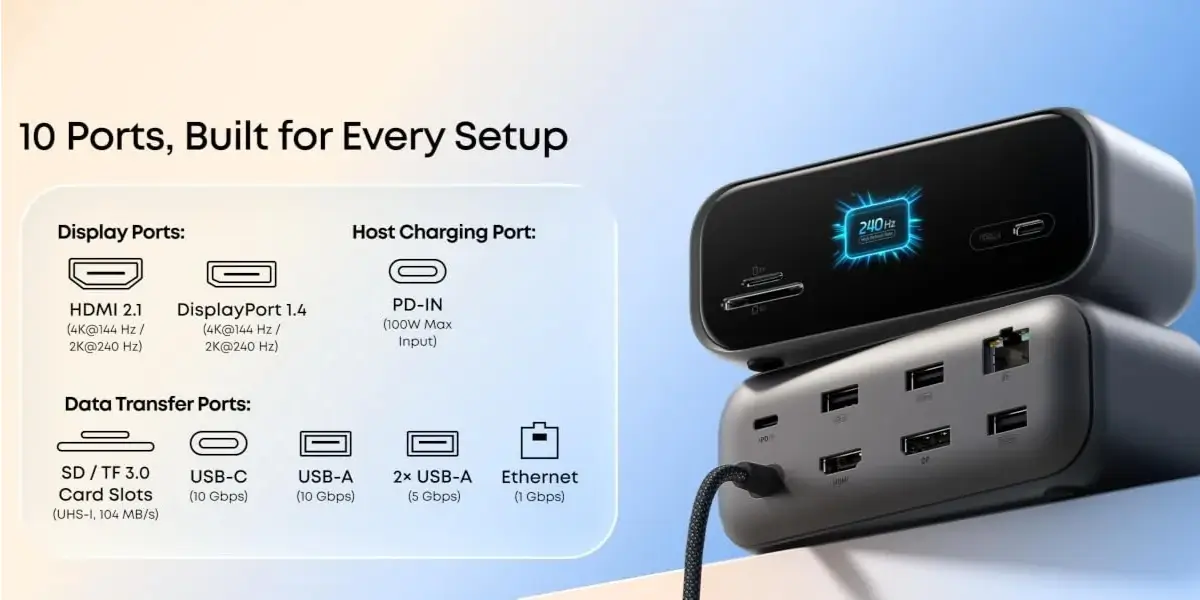
| Video Outputs | 1 x HDMI 2.1, 1 x DisplayPort 1.4 |
| Single Display Resolution | Up to 4K@144Hz or 2K@240Hz |
| Dual Display Resolution | Up to 2K@240Hz each (requires host USB-C port with DP 2.1 and DSC 3:1) |
| Pass-Through Charging | Up to 80W (charger not included; 65W or higher recommended) |
| Fast Data Ports | 1 x USB-C 10 Gbps, 1 x USB-A 10 Gbps |
| Standard Data Ports | 2 x USB-A 5 Gbps |
| Wired Network | Gigabit Ethernet |
| Card Readers | SD and microSD 3.0 |
| Host Cable | 2.3 ft built-in |
| Display Features | Port status, charging power, transfer speed, temperature, image slideshow, focus timer |
| Control Options | Web dashboard and mobile app |
| Stand Design | Compact upright body with magnetic base |
| Supported Systems | Windows 10/11, macOS (not Linux) |
| Display Behavior on macOS | Both monitors mirror the same content |
| Included Charger | No |
Description
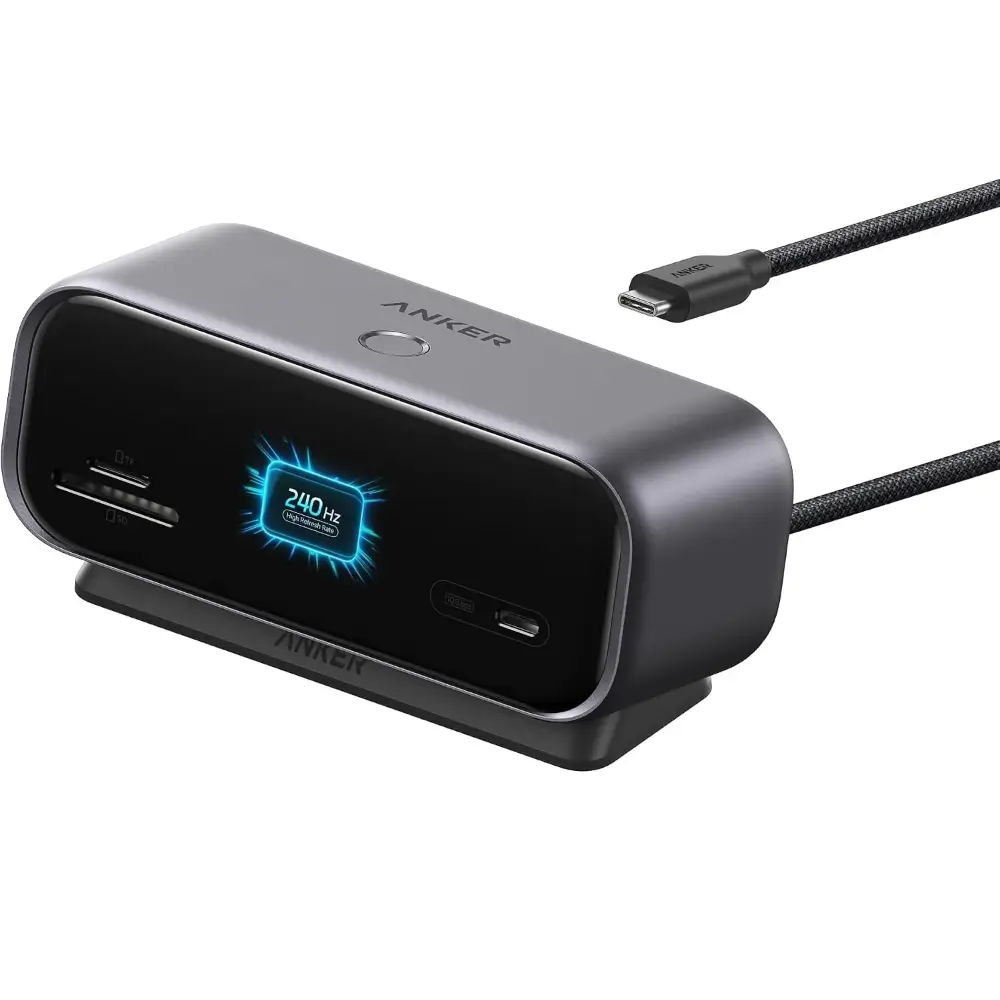
The Anker 10-in-1 USB-C docking station turns a single laptop port into a complete desk setup. It adds HDMI 2.1, DisplayPort 1.4, Gigabit Ethernet, card readers and fast USB ports, all in a compact upright body that stays out of your way. A built-in smart display shows live port status, charging power, transfer speed and temperature at a glance.
Whether you are editing video, gaming or working through a long day of spreadsheets, this Anker USB-C hub keeps your monitors, storage, network and charger connected through one 2.3 ft built-in cable. It works with Windows 10/11 and macOS laptops that have a full-function USB-C, USB4 or Thunderbolt 3/4/5 port.
Key Features
- 10-in-1 connectivity: HDMI 2.1, DisplayPort 1.4, a 10 Gbps USB-C port, a 10 Gbps USB-A port, two 5 Gbps USB-A ports, Gigabit Ethernet, and SD and microSD 3.0 slots. You can connect displays, drives, peripherals and a wired network without swapping adapters.
- Dual 2K@240Hz display output: Drive one monitor at up to 4K@144Hz or 2K@240Hz, or two monitors at 2K@240Hz each. Motion stays smooth for gaming, editing and streaming. Dual 2K@240Hz needs a host laptop USB-C port that supports DP 2.1 with DSC 3:1.
- 80W pass-through charging: Your laptop charges through the dock from your own USB-C charger (a 100W charger is recommended for the full 80W). That means one cable runs to the laptop and your battery stays topped up. A charger is not included, and a 65W or higher charger is advised.
- Smart built-in display: It shows port status, charging power, data speed and device temperature in real time. You can also upload your own images for a slideshow or double-press to start the focus timer, so the dock is useful as well as tidy.
- Rear-facing port layout: About 80% of the ports face the back, so cables route behind the dock and down. The front of your desk stays clear of the clutter that flat hubs tend to cause.
- Magnetic base and 2.3 ft built-in cable: The compact upright design saves desk space, and the magnetic base lets you set a comfortable viewing angle. The attached cable gives you flexible placement without a loose cable to lose.
- Web dashboard and app control: Customize the display, check port status and adjust the 25-minute focus timer from the web dashboard. The app handles photo slideshows and firmware updates, so setup stays simple.
Why Choose the Anker 10-in-1 USB-C Docking Station with Smart Display
If your laptop only has a few ports, this USB-C docking station replaces a tangle of adapters with one neat unit. You plug in a single cable and get dual-monitor output, wired internet, card readers and fast data ports. It also keeps your laptop charged while you work.
The smart display is what sets it apart from a plain Anker USB-C hub. You can check at a glance whether a drive is running at full speed or how much power is flowing, without opening any software. The rear-facing ports and upright shape also keep your desk looking clean.
Keep in mind that on macOS both external monitors show the same (mirrored) content, so Windows laptops get the full dual-display experience. The dock is not compatible with Linux.
Best Use Cases
- Home office and remote work: Connect two monitors, Ethernet and peripherals through a single cable.
- Video editing and content creation: Use high-refresh displays and the SD/microSD slots for quick card transfers.
- Gaming and streaming: Run smooth 2K@240Hz output on supported laptops.
- Students and professionals: Plug in once at your desk and carry your laptop away with one cable removed.

Compatibility
- Works with laptops whose USB-C port supports Power Delivery, DisplayPort 1.2/1.4/2.1, and USB4 or Thunderbolt 3/4/5, including Dell, HP, Lenovo and MacBook models.
- Supports Windows 10/11 and macOS.
- On macOS, both external monitors show identical content.
- Not compatible with Linux.
- Video output is available only through HDMI and DisplayPort.
Package Includes
- Anker Desktop USB-C Hub with 2.3 ft built-in cable
- Magnetic base
- Safety sheet with QR code for the user manual
Warranty
7 days replacement warranty
Read the warranty policyReviews
Frequently asked questions
Can this Anker docking station run two monitors?
Yes. On Windows it supports two displays at up to 2K@240Hz each through HDMI and DisplayPort, if your laptop's USB-C port supports DP 2.1 with DSC 3:1. On macOS, both monitors mirror the same content.
Does the Anker USB-C hub include a charger?
No. The 80W pass-through charging uses your own USB-C charger. A 65W or higher charger is recommended, and 100W is best for the full 80W.
Will it work with my MacBook?
Yes, if the MacBook has a full-function USB-C, USB4 or Thunderbolt port. Both external monitors will display the same content on macOS.
Does it work with Linux?
No. The dock is not compatible with Linux.
Anker Store
More in-stock picks from this brand

Anker A8355 5-in-1 USB-C Hub Adapter with 4K HDMI Port
৳2,200

Anker 332 5-in-1 USB-C Hub with 4K HDMI Display Output
৳2,700
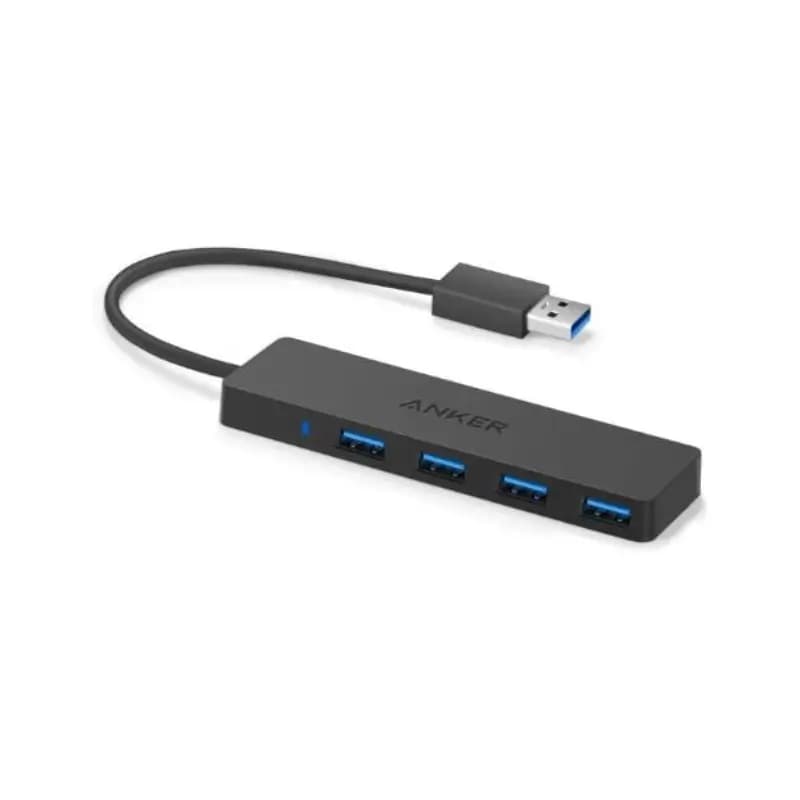
Anker Ultra Slim 4-Port USB 3.0 High-Speed Data Hub Splitter for Laptops
৳1,285
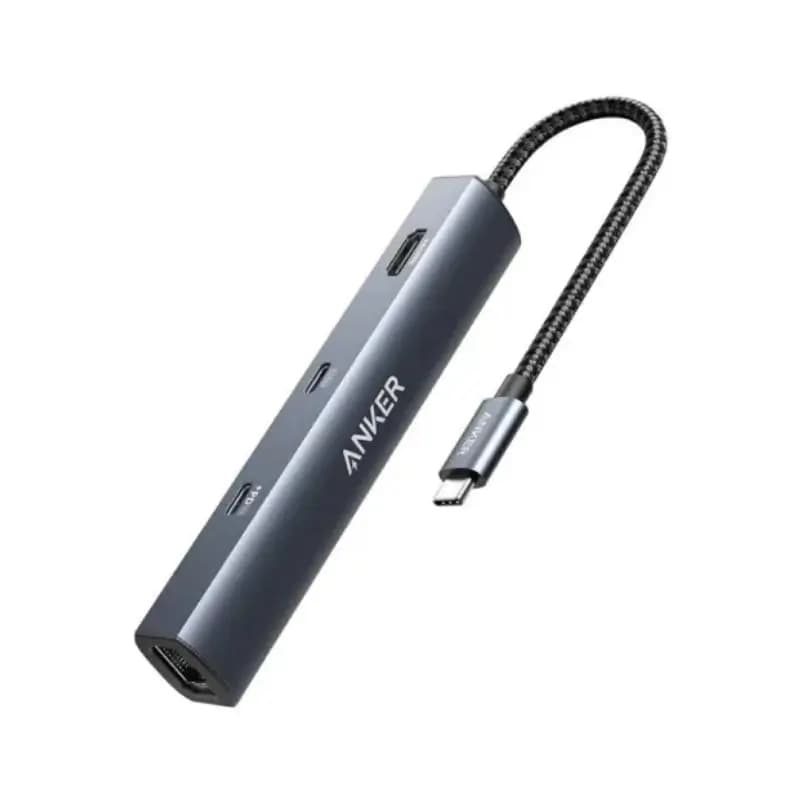
Anker 543 6-in-1 Slim USB-C Hub with 4K HDMI, 65W PD and Ethernet
৳4,170
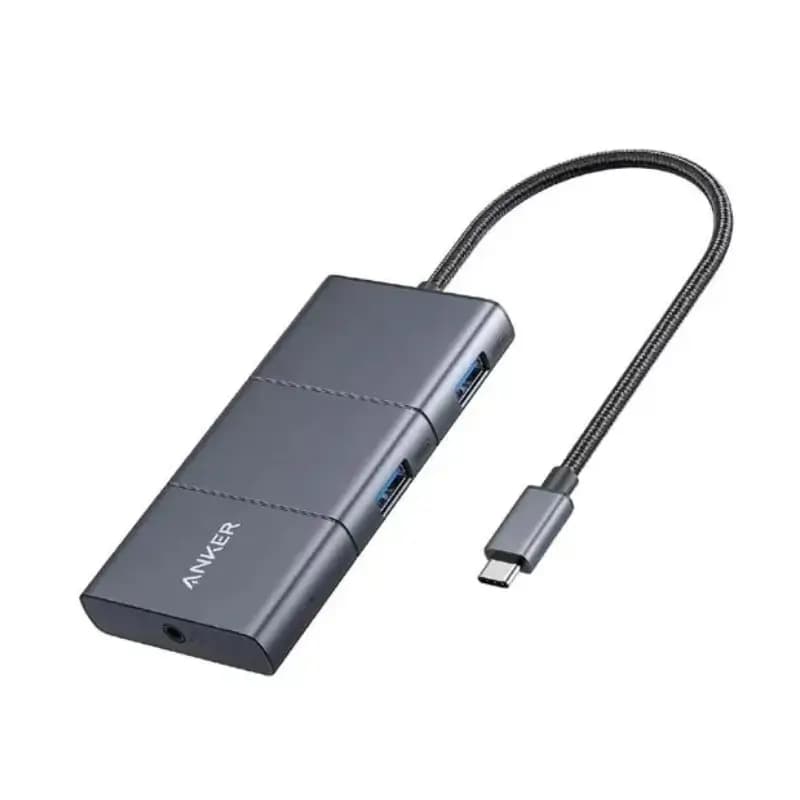
Anker PowerExpand A8366 6-in-1 USB-C Hub with 4K HDMI
৳4,415
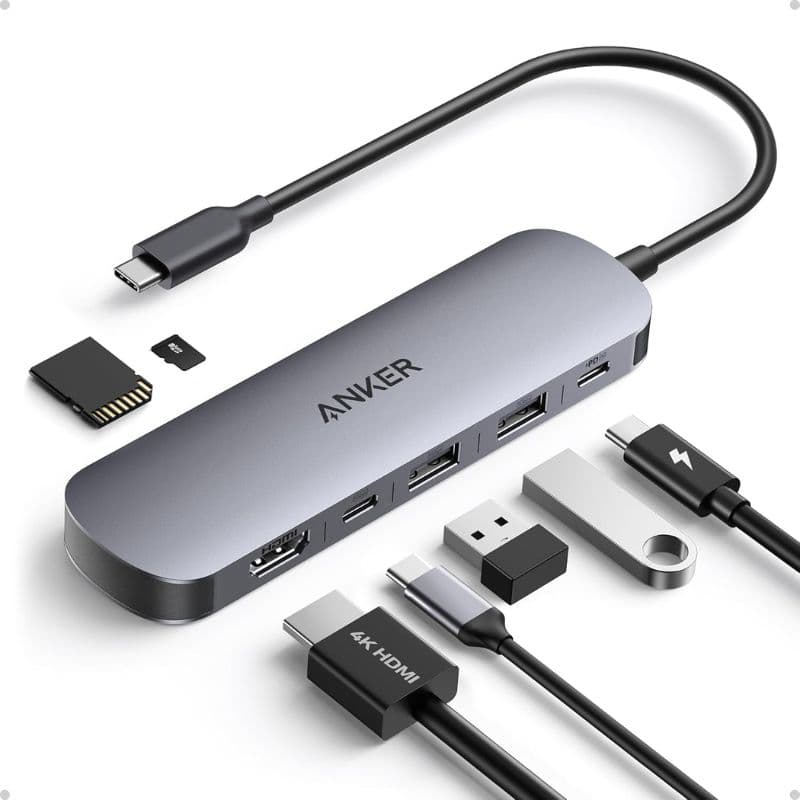
Anker Nano A83D2 USB-C Hub (7-in-1, 4K HDMI)
৳2,580
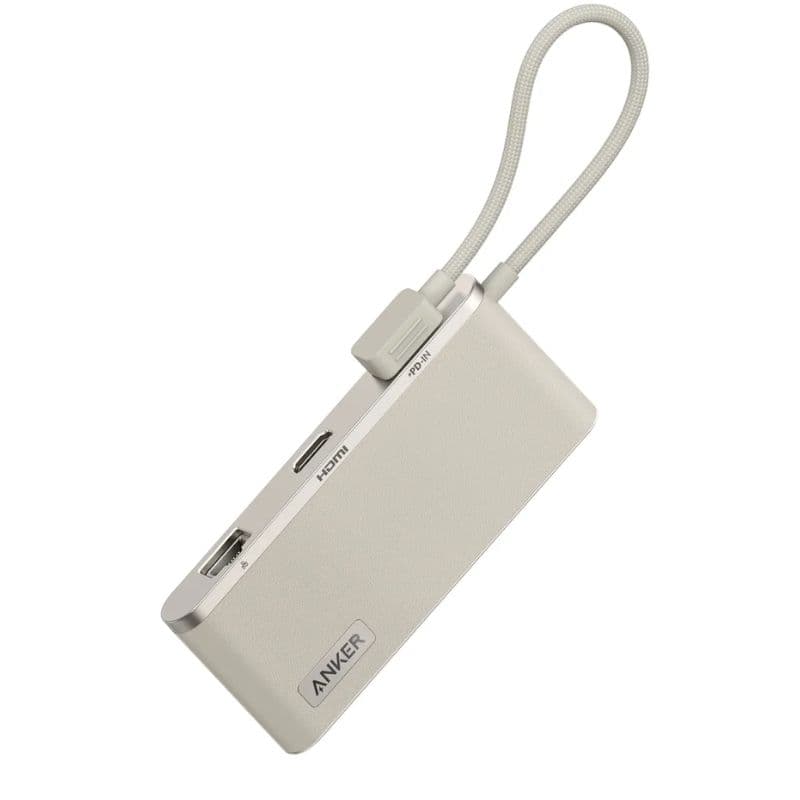
Anker 633 / 655 USB C Hub 8-in-1 (a8382)
৳5,399
Anker USB-C Nano Hub 7 in 1 4K HDMI (A83D2)
৳4,400