Focusrite Vocaster Two Studio 2-Person Podcasting Kit
BDT 31,590
Quantity
Starting a podcast with a co-host shouldn't mean juggling separate mics, mismatched headphones, and confusing software. The Focusrite Vocaster Two Studio solves that in one box — a complete 2-person podcasting kit built around an audio interface with genuinely broadcast-quality sound.
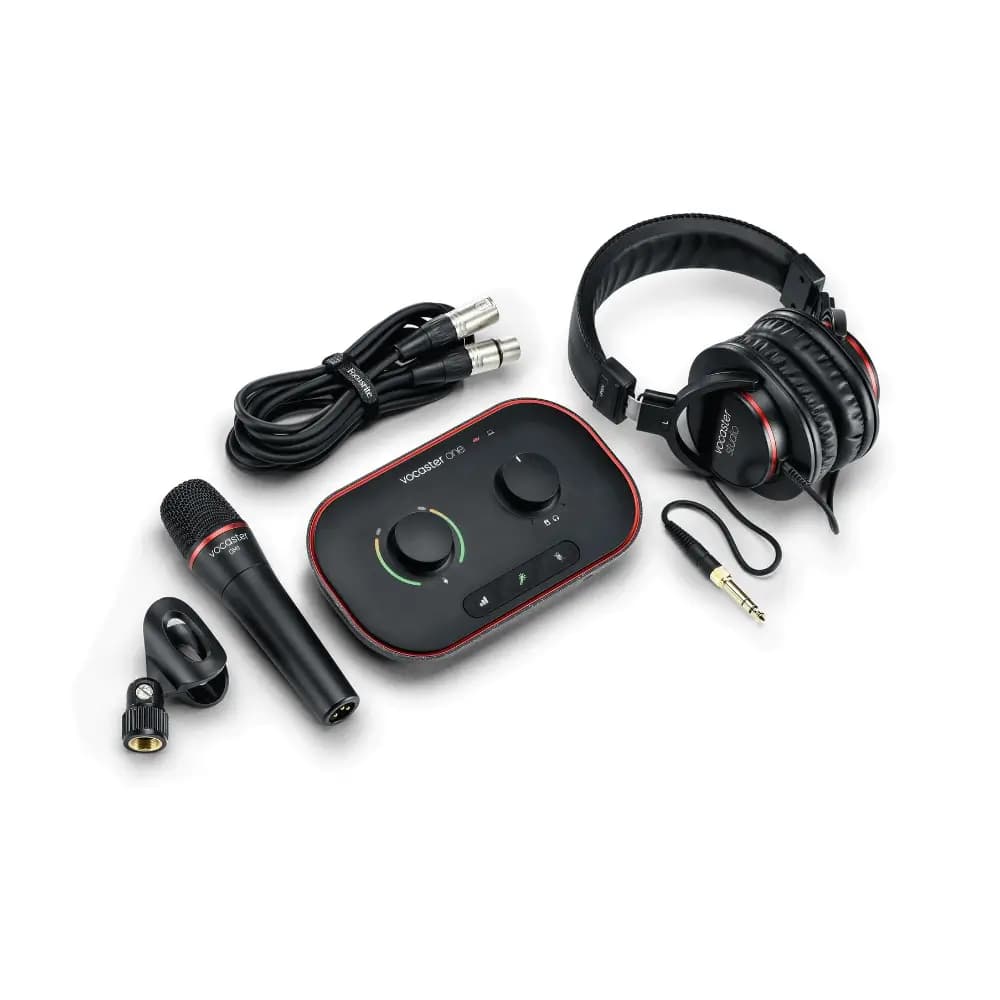
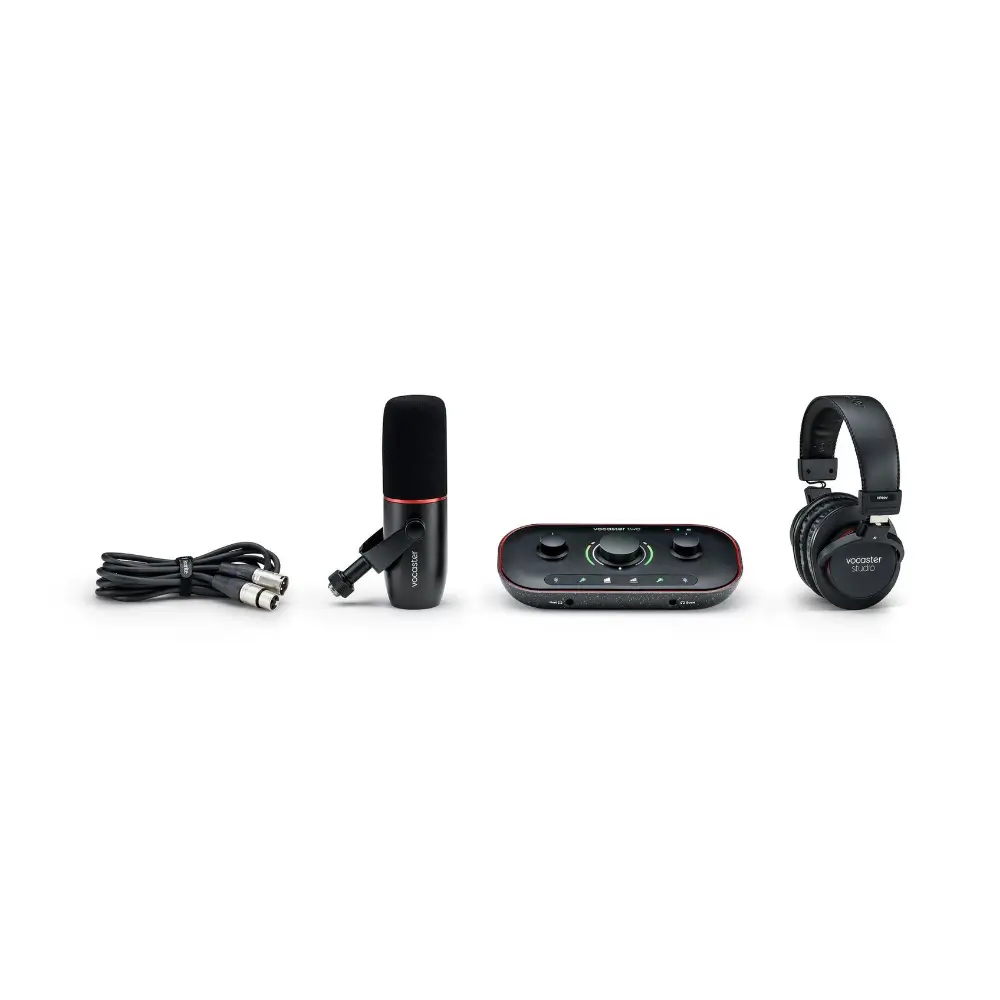
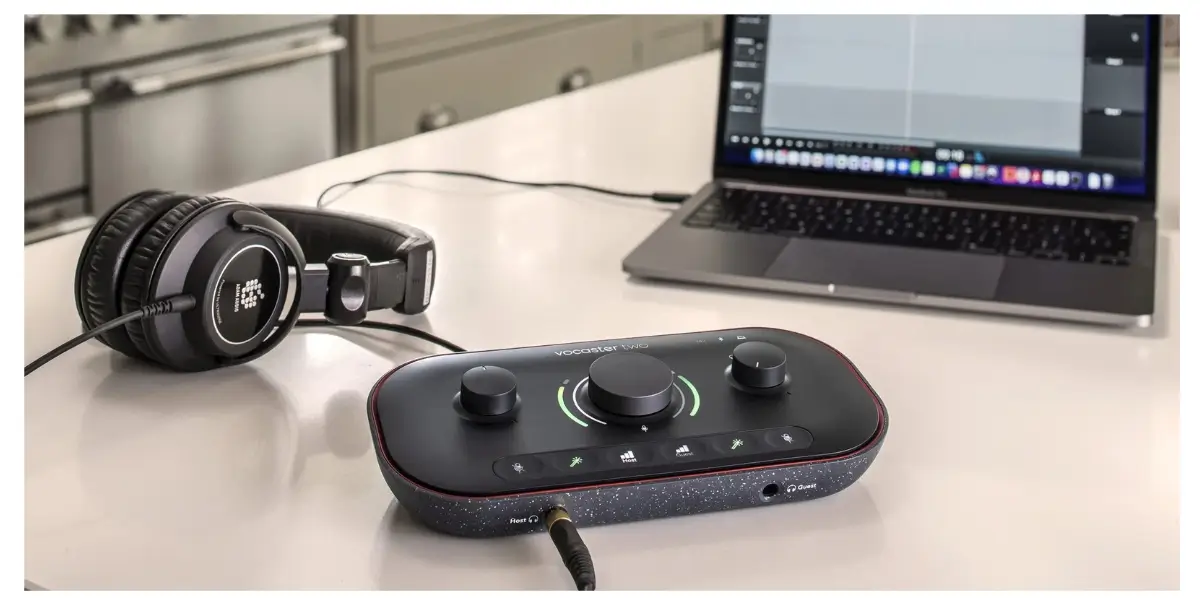
Inside, you get everything two presenters need to record together from day one: the Vocaster Two interface, a Vocaster DM14v dynamic microphone, HP60v closed-back studio headphones, and all the cables to connect them. One-touch Auto Gain sets your levels instantly, so even first-time hosts sound polished from episode one.
Whether you're recording a weekly interview show, a two-host commentary podcast, or bringing in a remote guest over the phone, this Focusrite podcasting kit is designed to make the technical side disappear — so the conversation is all that matters.
Key Features
Broadcast-quality mic input with over 70dB of gain — Vocaster's preamps are built to get clean, professional-sounding audio from almost any microphone, so you never need an extra gain booster or outboard preamp.
Auto Gain — Press the button, say a few words, and Vocaster sets your level automatically. New hosts get a broadcast-ready sound without touching a single knob.
Enhance presets — Choose from three podcaster-tuned voice presets to instantly sharpen clarity and presence, giving your voice a more polished, radio-ready character.
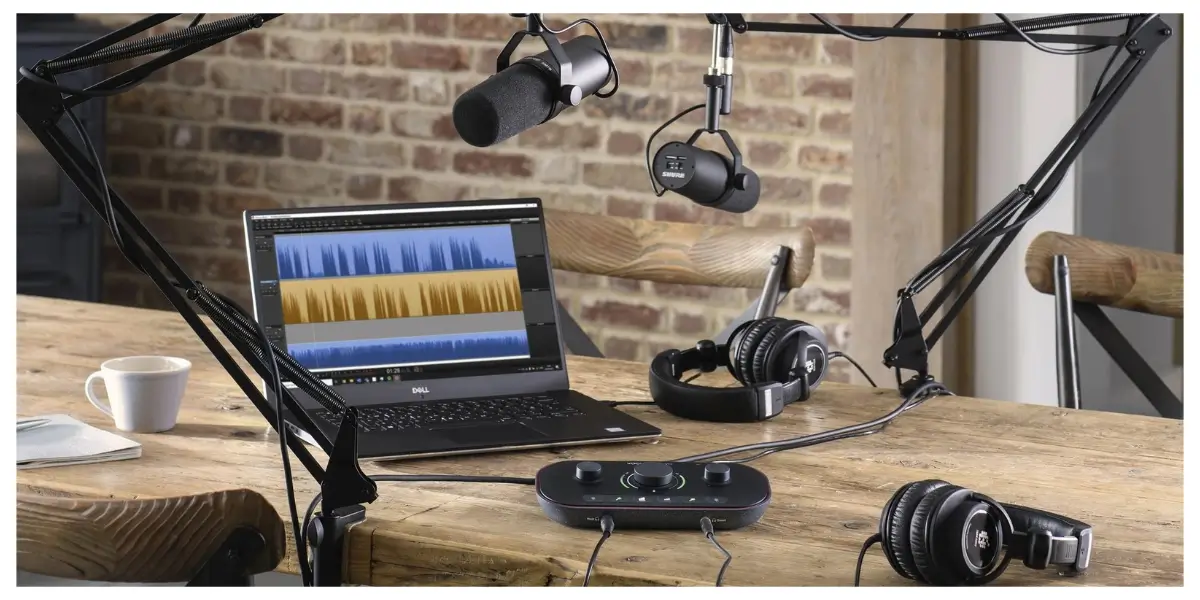
Dual mic and headphone setup — Each host gets their own microphone input and independent headphone output with a personal Show Mix, so both people can monitor their own levels without disturbing the other.
Premium bundled mic and headphones — The included DM14v dynamic microphone comes with a built-in windshield and shock mount to cut handling noise and plosives, while the HP60v closed-back headphones let each host hear exactly how the show will sound to listeners.
One-touch Mute — Instantly cut a channel to handle coughs, interruptions, or background noise without breaking the flow of recording.
Bluetooth and phone connectivity — Bring a remote guest into the conversation over Bluetooth or a single TRRS cable, or play music and audio clips from a phone straight into the mix.
Camera output — Feed Vocaster's clean audio directly into a camera with one TRS cable, giving vlog and video-podcast content studio-grade sound.
Stereo Loopback — Pull in computer audio for intros, outros, sound effects, or Zoom calls and blend it directly into the recording.
Guided Easy Start setup — Focusrite's Easy Start walks new users through installation and configuration, so the kit can go from unboxing to recording in minutes.
Included software bundle — Six months of Hindenburg PRO editing software and six months of Acast Influencer are bundled in, giving new podcasters a head start on production and distribution.
Vocaster Hub control software — Manage levels, apply Enhance presets, route phone and computer audio, and monitor your Show Mix from one simple app.
Why Choose the Focusrite Vocaster Two Studio
For two people starting a podcast together, the biggest hurdle is usually gear complexity — figuring out which mic to buy, how to connect headphones for both hosts, and how to avoid a muddy, uneven recording. This kit removes that guesswork by pairing a purpose-built interface with a matched microphone and headphones that are already tuned to work together.
Auto Gain and the Enhance presets mean neither host needs audio engineering experience to sound professional. The dual-headphone, dual-Show Mix design also means each presenter can adjust their own monitoring without affecting what the other hears — something many single-host interfaces simply can't do.
Add in Bluetooth and TRRS phone connectivity for remote guests, a camera output for video podcasts, and bundled editing and distribution software, and the Vocaster Two Studio functions less like a single product and more like a full podcast production studio in a box — ideal for hosts who want to launch quickly without sacrificing sound quality.
Best Use Cases
Two-host podcasts — Independent mic inputs and headphone outputs built specifically for co-hosted shows.
Interview and guest shows — Bluetooth and TRRS phone input make it easy to bring remote guests into the conversation.
Vlogging and video podcasts — Camera output delivers clean, broadcast-quality audio straight to your camera.
New and beginner podcasters — Auto Gain and Easy Start remove the technical learning curve.
Technical Specifications
Category | Details |
|---|---|
Included Components | Vocaster Two interface, Vocaster DM14v broadcast mic, Vocaster HP60v closed-back headphones, XLR-to-XLR mic cable, USB-C to USB-A cable |
Mic Inputs | 2 |
Preamp Gain Range | Up to 70dB |
Mic Input Frequency Range | 20Hz – 20kHz |
Headphone Outputs | 2 |
Headphone Frequency Range | 20Hz – 20kHz |
Speaker Output Frequency Range | 20Hz – 20kHz |
Phone Connectivity | Stereo in/out via 3.5mm TRRS cable (sold separately) |
Camera Connectivity | Stereo out via 3.5mm TRS cable (sold separately) |
Wireless Standard | Bluetooth 5.0 |
Power Requirement | Requires a 900mA USB port |
Windows Support | Intel, AMD, and Arm64 processors |
macOS Support | Compatible with macOS |
Compatibility
Operating Systems: Windows (Intel, AMD, and Arm64 processors) and macOS
Devices: Smartphones via Bluetooth 5.0 or 3.5mm TRRS cable; cameras via 3.5mm TRS cable
Software: Vocaster Hub control app; bundled Hindenburg PRO (6 months) and Acast Influencer (6 months)
Package Includes
Vocaster Two audio interface
Vocaster DM14v broadcast microphone
Vocaster HP60v closed-back studio headphones
XLR to XLR microphone cable
USB-C to USB-A cable
Frequently asked questions
Is the Focusrite Vocaster Two Studio suitable for two hosts recording at the same time?
Yes. It has two mic inputs and two headphone outputs, each with its own independent Show Mix, so both presenters can record and monitor simultaneously.
Do I need any prior audio experience to use this podcasting kit?
No. Auto Gain sets your mic level automatically, and Focusrite's Easy Start tool guides you through the full setup process step by step.
Can I record a phone call or bring in a remote guest?
Yes. You can connect a phone via Bluetooth 5.0 or a 3.5mm TRRS cable to capture calls or play audio directly into your recording.
Does it work with a camera for video podcasts or vlogging?
Yes. A single 3.5mm TRS cable sends Vocaster's audio directly to a compatible camera for clean, synced sound on video content.
Focusrite Store
More in-stock picks from this brand