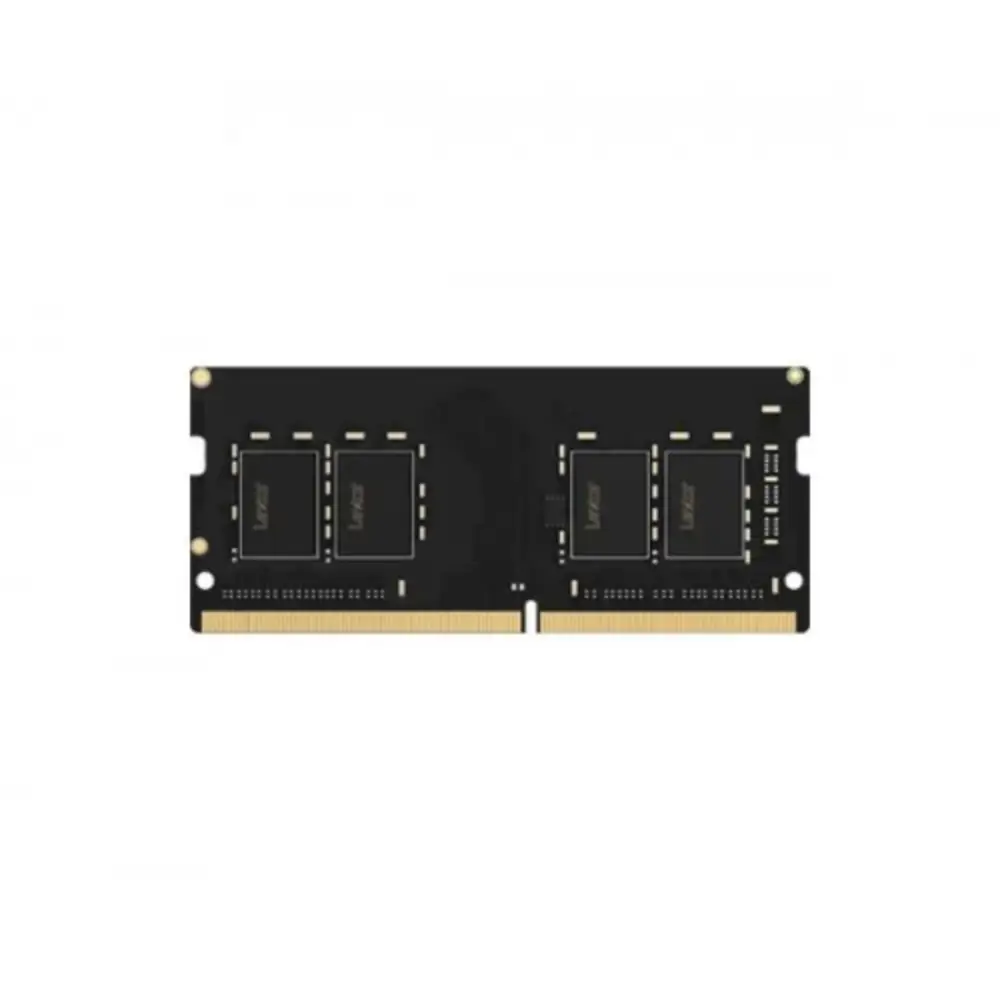
Lexar 4GB DDR4 3200MHz SODIMM Laptop RAM Memory
BDT 3,480
Quantity
Running multiple browser tabs, office applications, and basic background tasks on an entry-level or older laptop often leads to stuttering and slow app switching. Installing an additional memory module resolves that bottleneck immediately, giving your system the breathing room it needs to operate smoothly without relying heavily on slow virtual memory swap files.
The Lexar 4GB DDR4 3200MHz SODIMM memory module offers an easy, cost-effective plug-and-play upgrade for compatible notebooks. Operating at high-speed DDR4-3200 transfer rates with standard low DDR4 working voltage, it boosts daily responsiveness, reduces startup delays, and helps your existing laptop keep pace with modern everyday software.
Key Features of Lexar DDR4 SODIMM RAM
3200MHz Operating Frequency: Delivers fast data transfer rates to keep applications responsive and reduce load times across routine tasks.
Standard 260-Pin SODIMM: Fits universally into modern Windows laptops, compact mini-PCs, and all-in-one desktops supporting DDR4 notebook memory.
Low Voltage Efficiency: Operates at standard 1.2V, drawing minimal power to preserve battery runtime while running cooler under sustained loads.
Seamless Backward Compatibility: Automatically clocks down to 2933MHz, 2666MHz, or 2400MHz depending on your laptop processor and motherboard limits.
Plug and Play Installation: Requires no BIOS tweaking or software setup; insert into an open SODIMM slot and your operating system detects it immediately.
Why Choose This Lexar Laptop RAM
Choosing a 4GB module is typically the most budget-conscious path to expanding an existing single-channel setup into dual-channel mode. Combining this stick with a pre-installed 4GB module gives you an 8GB dual-channel configuration, significantly boosting integrated graphics throughput and handling multitasking far better than a single-stick setup ever could.
However, if your laptop currently has only one memory slot or you frequently work with video editing, large data spreadsheets, or heavy gaming, stepping up to an 8GB or 16GB module is a wiser long-term choice. This 4GB module is built squarely for budget revivals, office workstations, web browsing machines, and student laptops.
Best Use Cases
Expanding total system memory in dual-slot budget laptops.
Enabling dual-channel performance alongside an existing 4GB module.
Speeding up basic office machines running Word, Excel, and Google Docs.
Upgrading compact mini-PCs or NUC systems that use SODIMM slots.
Technical Specifications of Lexar DDR4 Laptop RAM
Brand | Lexar |
Memory Type | DDR4 SODIMM |
Capacity | 4GB |
Speed | 3200MHz |
Form Factor | 260-Pin SODIMM |
Voltage | 1.2V |
Application | Laptops / Notebooks / Mini PCs |
Compatibility
Compatible with Windows laptops, mini PCs, and all-in-one systems featuring standard 260-pin DDR4 SODIMM slots. Supports systems running DDR4 speeds from 2400MHz up to 3200MHz.
Package Includes
1 x Lexar 4GB DDR4 3200MHz SODIMM Laptop RAM Module in anti-static blister packaging.
Warranty & Support
Comes with official manufacturer warranty support. Please ensure your laptop has an accessible DDR4 SODIMM slot before purchase.
Frequently asked questions
Can I use this RAM in my laptop if it only supports 2666MHz?
Yes. DDR4 RAM is backward compatible and will automatically downclock to run at your laptop's maximum supported frequency, such as 2666MHz or 2400MHz.
Will this fit in a standard desktop computer?
No. This is a compact 260-pin SODIMM module designed for laptops, mini-PCs, and select all-in-one PCs, not standard desktop motherboards requiring full-sized DIMMs.
Can I pair this 4GB stick with my laptop's existing 8GB RAM?
Yes, it will work in an asymmetric dual-channel setup (flex mode), but pairing it with another 4GB module of similar speed yields the most stable symmetric dual-channel performance.
Do I need to install any drivers after installing the RAM?
No drivers or software configuration are required. Your system BIOS and operating system will recognize the added memory automatically upon startup.
Lexar Store
More in-stock picks from this brand


