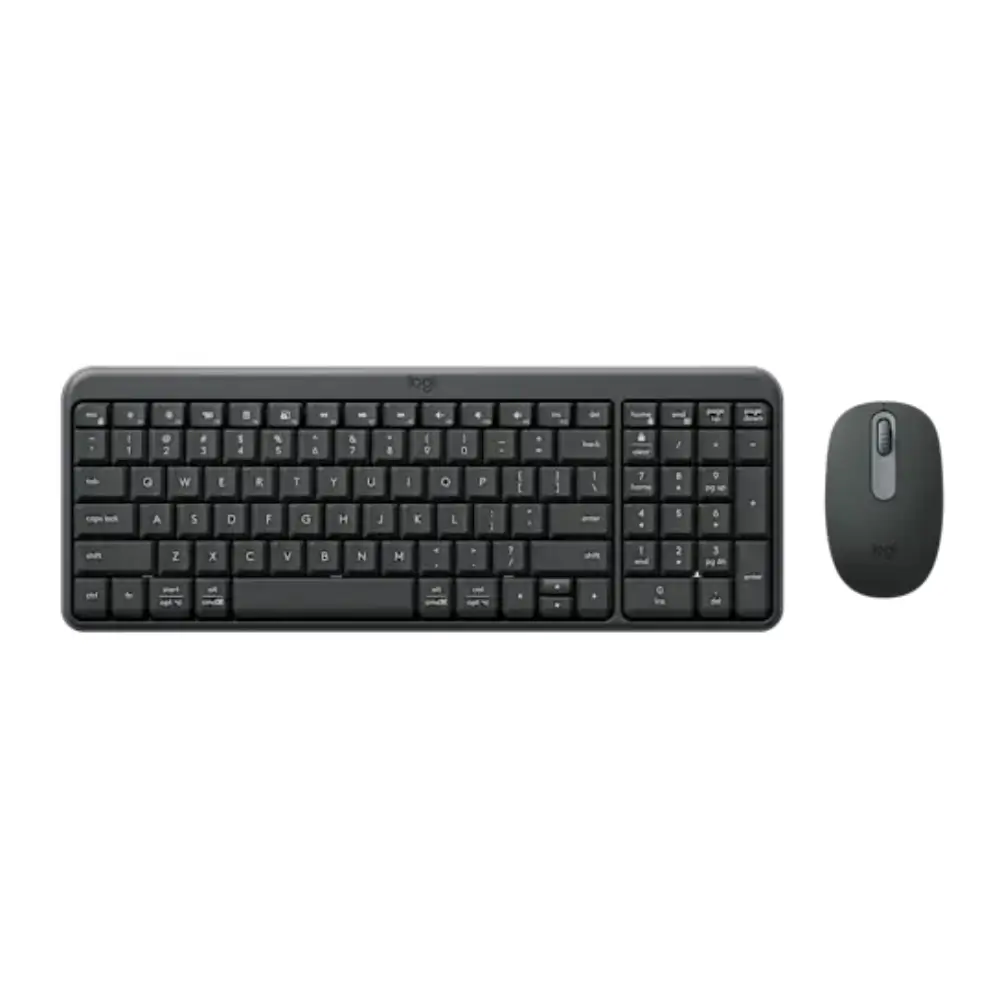
Logitech MK250 Bluetooth Keyboard Mouse Combo with Bangla Layout
৳2,650
Good to know
- 1 Year Warranty
- Cash on delivery available
- Ask on WhatsApp
Specifications
| Model | MK250 |
|---|---|
| Type | Wireless keyboard and mouse combo |
| Connectivity | Bluetooth Low Energy |
| Pairing Method | Long press the On/Off power button |
| Wireless Range | 10 m (keyboard and mouse) |
| Keyboard Layout | Compact with number pad; Multi-OS printed keys |
| Keyboard Typing Angle | 7° using tilt legs |
| Keyboard Dimensions | 369.9 mm (W) x 136.9 mm (H) x 22.8 mm (D) |
| Keyboard Weight | 380 g |
| Keyboard Battery | 2 x AAA alkaline (included) |
| Mouse Sensor | Optical tracking, 1,000 DPI |
| Mouse Buttons | 3 (left click, right click, scroll wheel with middle click) |
| Scroll Wheel | 2D mechanical, line-by-line scrolling |
| Mouse Dimensions | 60 mm (W) x 100 mm (H) x 38 mm (D) |
| Mouse Weight | 76 g |
| Mouse Battery | 1 x AA alkaline (included) |
| Battery Life | Up to 12 months (keyboard and mouse) |
| Indicator | Connectivity LED |
| Recycled Content | Minimum 64% recycled materials in plastic parts |
| Warranty | 1-year limited hardware warranty |
Description
Looking for a reliable Logitech keyboard mouse combo that connects wirelessly and keeps working for months? The Logitech MK250 Bluetooth Keyboard Mouse Combo gives you a compact keyboard with a number pad and a matching mouse, both paired over Bluetooth Low Energy. Setup is simple, and with a 10 m wireless range you can work comfortably from your desk.
It is built for everyday typing and browsing at home, in the office, or for study. Both devices run on included batteries and are rated for up to 12 months of battery life, so you spend less time swapping batteries and more time getting things done.
Key Features
- Bluetooth Low Energy connection: Pair directly with your device by long-pressing the On/Off buttons. No dongle is needed, so your USB port stays free.
- Up to 12 months battery life: The keyboard (2 x AAA) and mouse (1 x AA) both ship with batteries, so you can start using them right away and avoid frequent replacements.
- 10 m wireless range: Keep a stable connection while sitting back from your screen or presenting from a short distance.
- Compact keyboard with number pad: You get a full set of numeric keys in a space-saving body, which suits data entry, accounting work, and general office tasks.
- Multi-OS printed layout: The keys are printed for multiple operating systems, so switching between Windows, macOS, and ChromeOS is less confusing.
- 7° tilt legs: Raise the keyboard to a comfortable typing angle for longer sessions.
- Smooth optical tracking at 1,000 DPI: The mouse moves precisely for everyday work such as browsing, documents, and spreadsheets.
- 2D mechanical scroll wheel with middle click: Scroll line by line through long pages and use the wheel as a third button.
- Connectivity LED: A status light on each device makes it easy to see when pairing or connecting.
- Made with recycled plastic: The plastic parts use a minimum of 64% recycled materials, a good choice if sustainability matters to you.
Why Choose This Logitech MK250 Bluetooth Keyboard Mouse Combo
The MK250 keeps things simple. It is a wireless, full-featured set from a trusted brand, and it connects over Bluetooth without a USB receiver. If you search for a dependable Logitech keyboard mouse combo for daily work, this set covers the essentials without extra complexity.
The number pad, tilt legs, and long battery life make it practical for everyday use, while the compact layout saves desk space. The color-matched keyboard and mouse also look neat on any workspace.
You also get a 1-year limited hardware warranty from Logitech, which adds confidence to your purchase.
Best Use Cases
- Home office: Comfortable all-day typing and cursor control.
- Students: Easy Bluetooth setup for laptops and study desks.
- Office and data entry: The number pad speeds up numeric work.
- Laptop users: A full-size typing and mouse experience without taking up a USB port.

Compatibility
- Windows 10, Windows 11 or later
- macOS 12 or later
- ChromeOS
- Requires a device with Bluetooth Low Energy support
Warranty
1 Year Warranty
Read the warranty policyReviews
Frequently asked questions
Does the Logitech MK250 connect with Bluetooth?
Yes. Both the keyboard and mouse pair over Bluetooth Low Energy, so your device needs Bluetooth support.
Which operating systems work with the MK250 Bluetooth keyboard mouse combo?
It works with Windows 10, Windows 11 or later, macOS 12 or later, and ChromeOS.
How long does the battery last?
Logitech rates both the keyboard and mouse for up to 12 months of battery life. A 2 x AAA battery set for the keyboard and a 1 x AA battery for the mouse are included.
What is the wireless range?
The keyboard and mouse both work up to 10 m from your device.
Logitech Store
More in-stock picks from this brand

Logitech MK295 Silent Wireless Keyboard Mouse Combo
৳3,500

Logitech MK270R Wireless Keyboard and Mouse Combo Set
৳2,800

Logitech MK250 Bluetooth Wireless Keyboard Mouse Combo
৳2,650
Logitech MK215 Wireless Keyboard & Mouse Combo
৳1,915
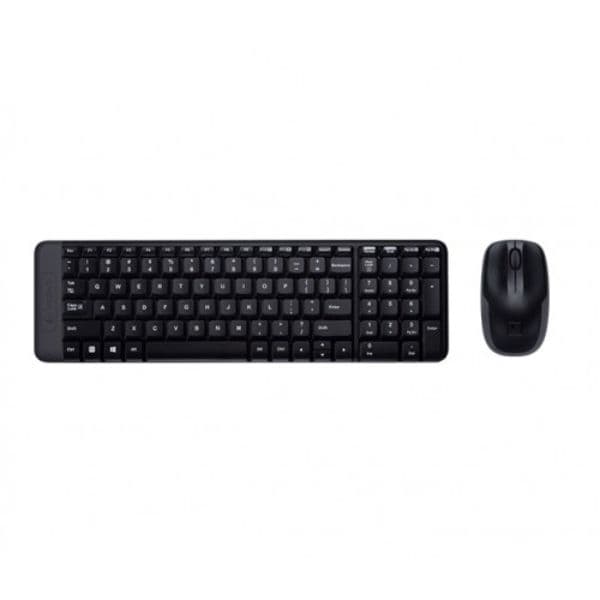
Logitech MK220 Wireless Combo Keyboard
৳1,965
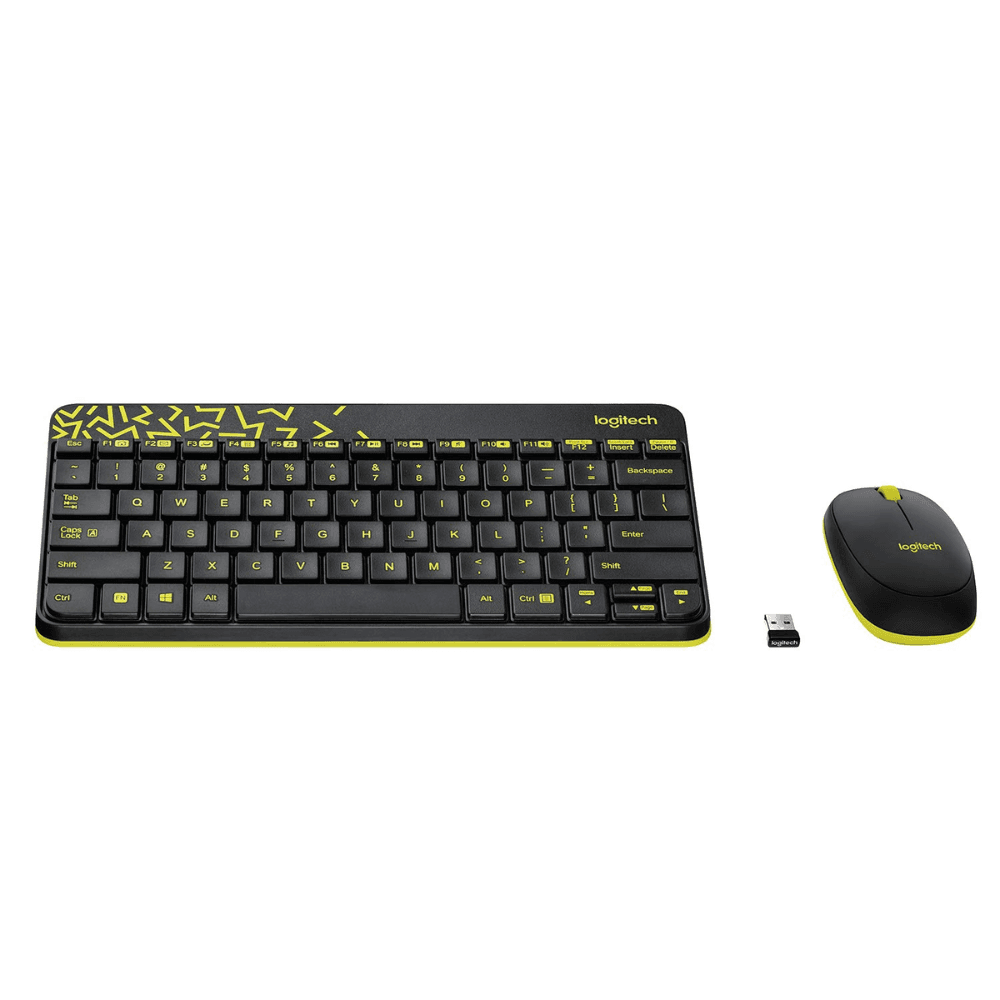
Logitech MK240 Wireless Keyboard and Mouse Combo
৳2,450
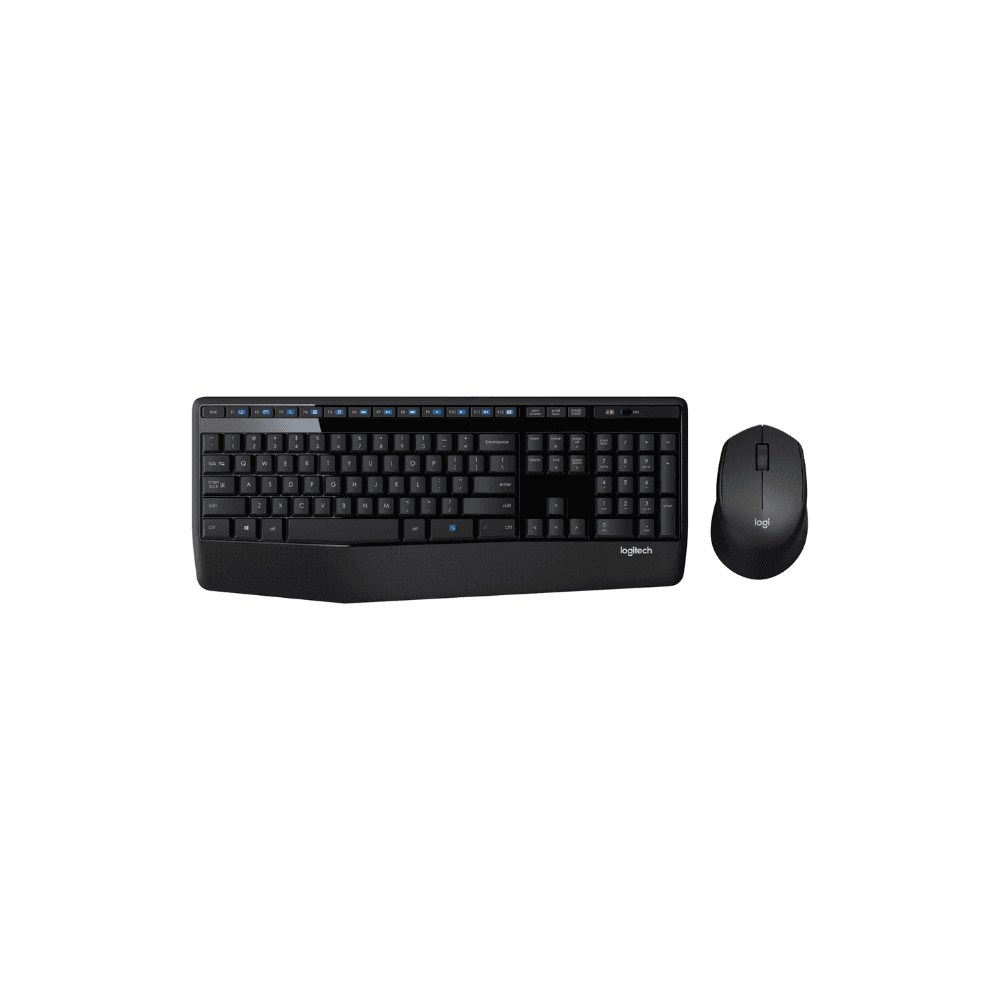
Logitech MK345 Wireless Combo Keyboard
৳3,494
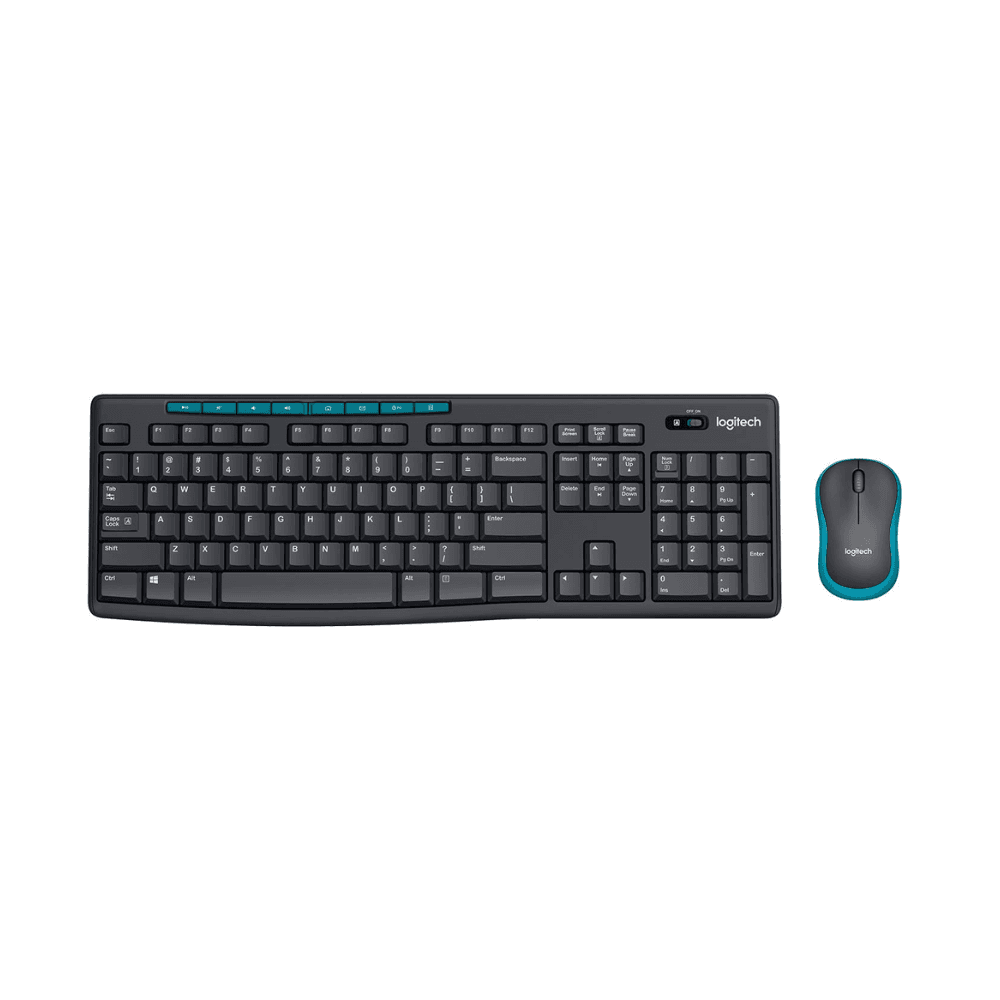
Logitech MK275 Wireless Combo Keyboard
৳2,645