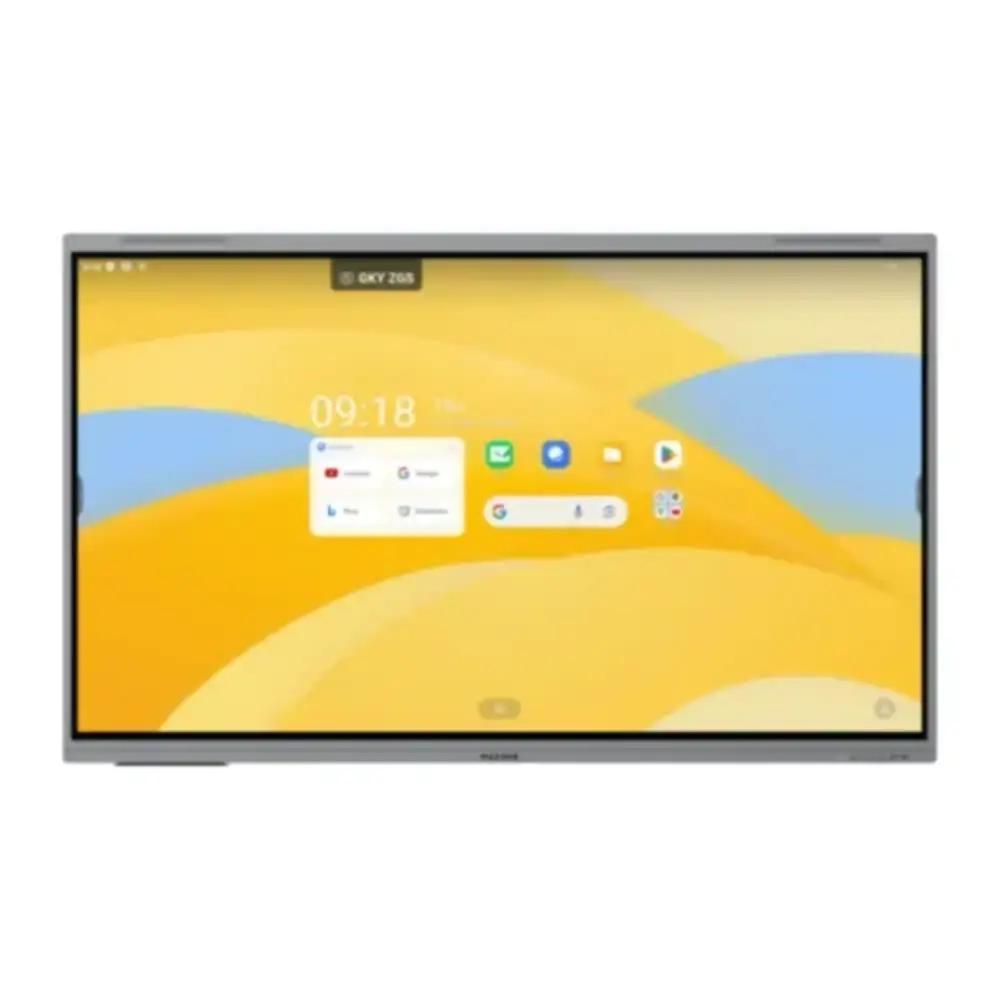
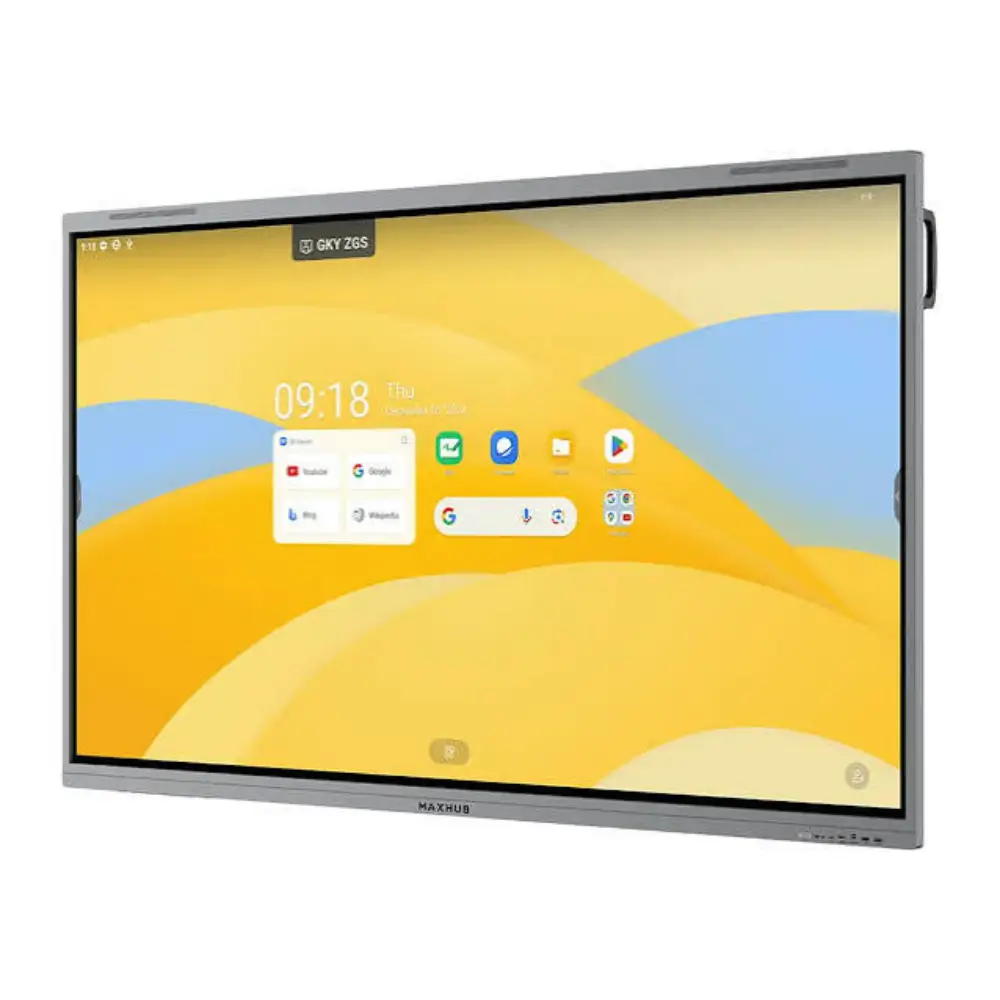
Maxhub E6530 65" 4K Interactive Flat Panel Display with Android 14 EDLA
BDT 199,990
Quantity
The Maxhub E6530 is a 65-inch 4K interactive flat panel display that brings sharp visuals and responsive 40-point touch together in one ready-to-use unit. With Android 14 EDLA, 8GB RAM and 128GB storage built in, you can teach, present and collaborate without connecting an external computer.
It is a practical choice for classrooms, training rooms and meeting spaces. Teachers can write directly on the screen, and teams can share ideas on a bright, clear display that is easy to see from across the room.
If you are searching for a Maxhub interactive flat panel in Bangladesh, the E6530 offers a strong mix of display quality, touch performance, audio and connectivity, backed by a 3-year warranty.
Key Features
65" 4K UHD Display (3840 x 2160): Shows text, images and video in fine detail, so content stays readable for people seated far from the screen.
400 nits Typical, 450 nits Max Brightness: Keeps the picture clear in bright classrooms and meeting rooms.
40-Point Infrared Touch with ±1.5mm Accuracy: Lets several people write, draw and interact at once with near-zero latency.
Android 14 EDLA with Octa-Core CPU: Runs apps and presentations smoothly with its A72×4 + A53×4 processor (2.2GHz) and Mali G52 MC3 GPU.
8GB RAM and 128GB Storage: Gives you room for apps, files and teaching material, with fast multitasking.
TÜV Flicker Free and Low Blue Light: Reduces eye strain during long lessons and meetings.
Built-in Note 5: Provides built-in note-taking so you can write and annotate directly on the panel.
SkyWave Sound System (2.2 Channel): Fills the room with clear audio, with speaker output of 2×8W + 2×18W and 88 dB sound pressure level.
Wi-Fi 6 and Bluetooth 5.2: Supports fast wireless connection for screen sharing and accessories using the Wi-Fi module (SI07B).
OPS Module Slot: Lets you add a compatible OPS module when you need a Windows computer inside the panel.
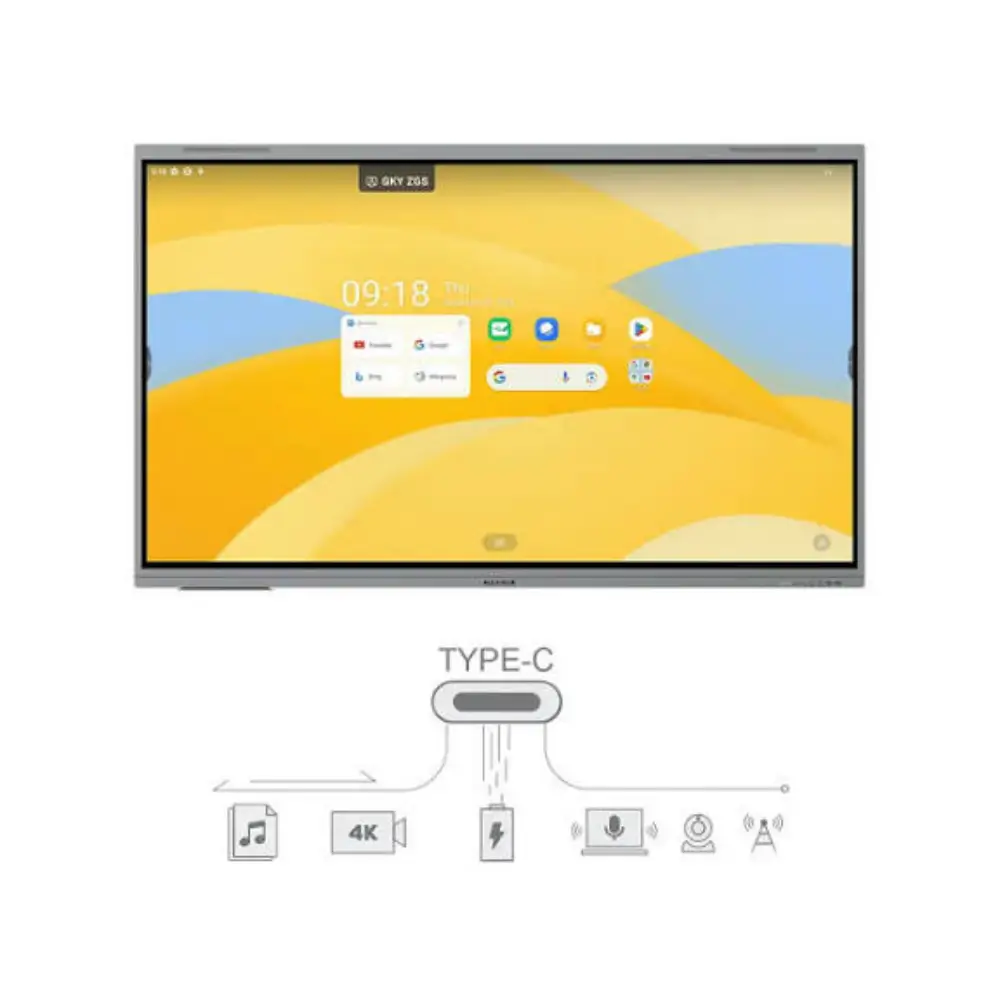
Wide Port Selection: HDMI, DP, VGA, USB, USB Type-C, RJ45, RS232, SPDIF and TF card ports let you connect laptops, cameras, projectors and other devices.
Why Choose This Interactive Flat Panel Display
The Maxhub E6530 replaces a projector, whiteboard and separate PC with one interactive flat panel display. That means a cleaner setup, faster start-up and less time spent on cables and connections.
The 4K screen, 10-bit colour (1.07 billion colours) and 5,000:1 typical contrast ratio help presentations and videos look sharp and natural. A 6.5ms response time keeps motion and writing smooth.
Many buyers compare options when looking for a Maxhub interactive flat panel, and the E6530 stands out for its multi-touch support, built-in Android 14 system and the option to add an OPS module. The 3-year warranty adds confidence for schools, offices and training centers.
Technical Specifications
Specification | Details |
|---|---|
Model | E6530 |
Type | Interactive Flat Panel Display |
Screen Size | 65" |
Resolution | 4K Ultra HD, 3840 x 2160 |
Aspect Ratio | 16:9 |
Brightness | 400 nits (typ.), 450 nits (max.) |
Contrast Ratio | 5,000:1 (typ.), 50,000:1 (dynamic) |
Display Colors | 1.07B (10-bit) |
Response Time | 6.5ms |
Eye Care | TÜV Flicker Free, TÜV Low Blue Light |
Touch | 40 points, infrared recognition, near-zero latency, ±1.5mm accuracy |
Operating System | Android 14.0 EDLA |
CPU | A72×4 + A53×4 octa-core, 2.2GHz |
GPU | Mali G52 MC3 |
RAM / ROM | 8GB / 128GB |
Audio | SkyWave Sound System, 2.2 channel, 2×8W + 2×18W output (2×12W + 2×25W max), 88 dB (1W, 1m) |
HDMI | HDMI IN × 3, HDMI OUT × 1 |
Other Video Ports | VGA IN × 1, DP IN × 1 |
USB | USB 2.0 × 1, USB 3.0 × 4, USB Type-C × 2 |
Network | RJ45 IN × 1, RJ45 OUT × 1 |
Audio Ports | AUDIO IN × 1, AUDIO OUT × 1, SPDIF × 1 |
Other Ports | RS232 × 1, TF Card × 1, Touch × 2 |
Expansion | OPS module slot × 1, Wi-Fi module slot × 1 |
Wireless | Wi-Fi 6 (802.11 a/b/g/n/ac/ax, 2.4GHz/5GHz) via SI07B module, Bluetooth 5.2 |
Dimensions | 1490 × 917 × 100 mm (L × H × D) |
Weight | 37.40 kg |
Power | 100-240V~ 50/60 Hz 3.5A |
Power Requirement | 130W |
Standby Power | ≤ 0.5W |
Warranty | 3 Years |
Best Use Cases
Classrooms and Schools: Teach interactively with touch, annotation and multimedia content.
Corporate Meeting Rooms: Present, brainstorm and share screens with your team.
Training Centers: Run workshops and demonstrations with several people touching the screen at once.
Conference and Collaboration Spaces: Connect laptops and wireless devices for hybrid meetings.


