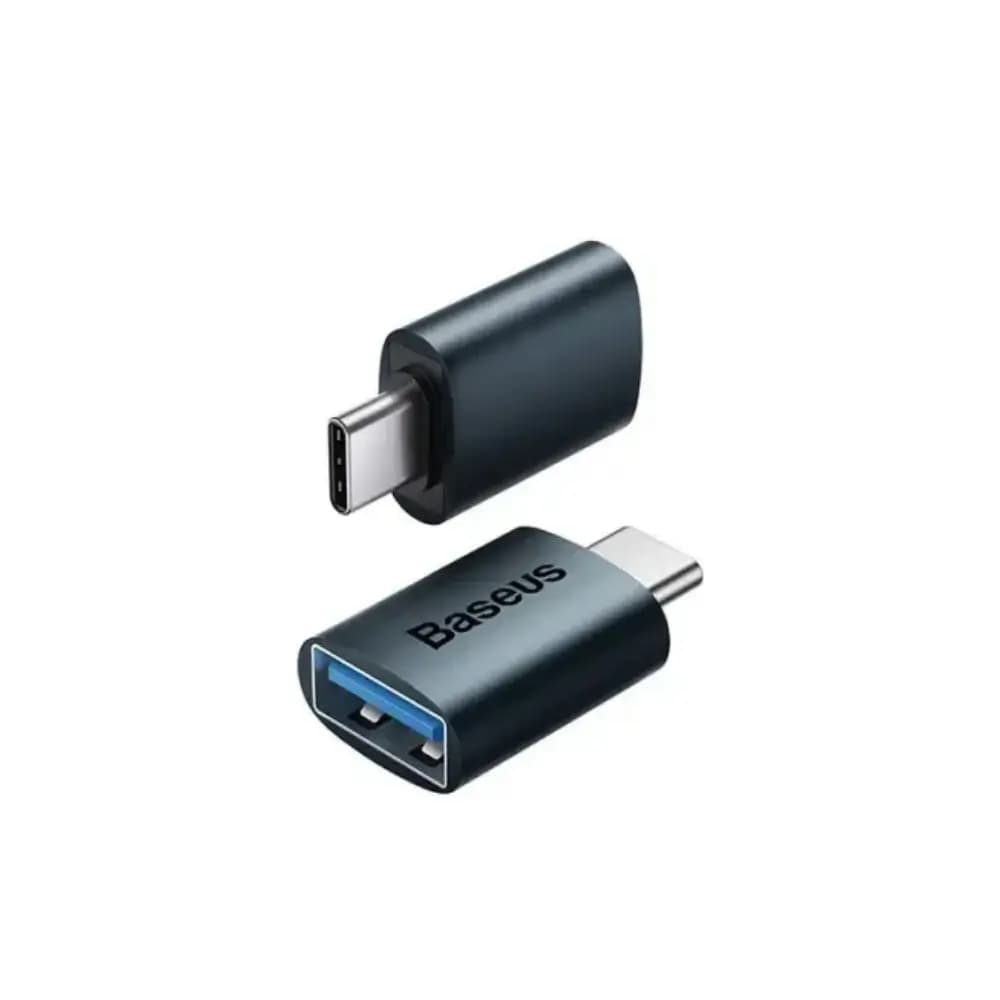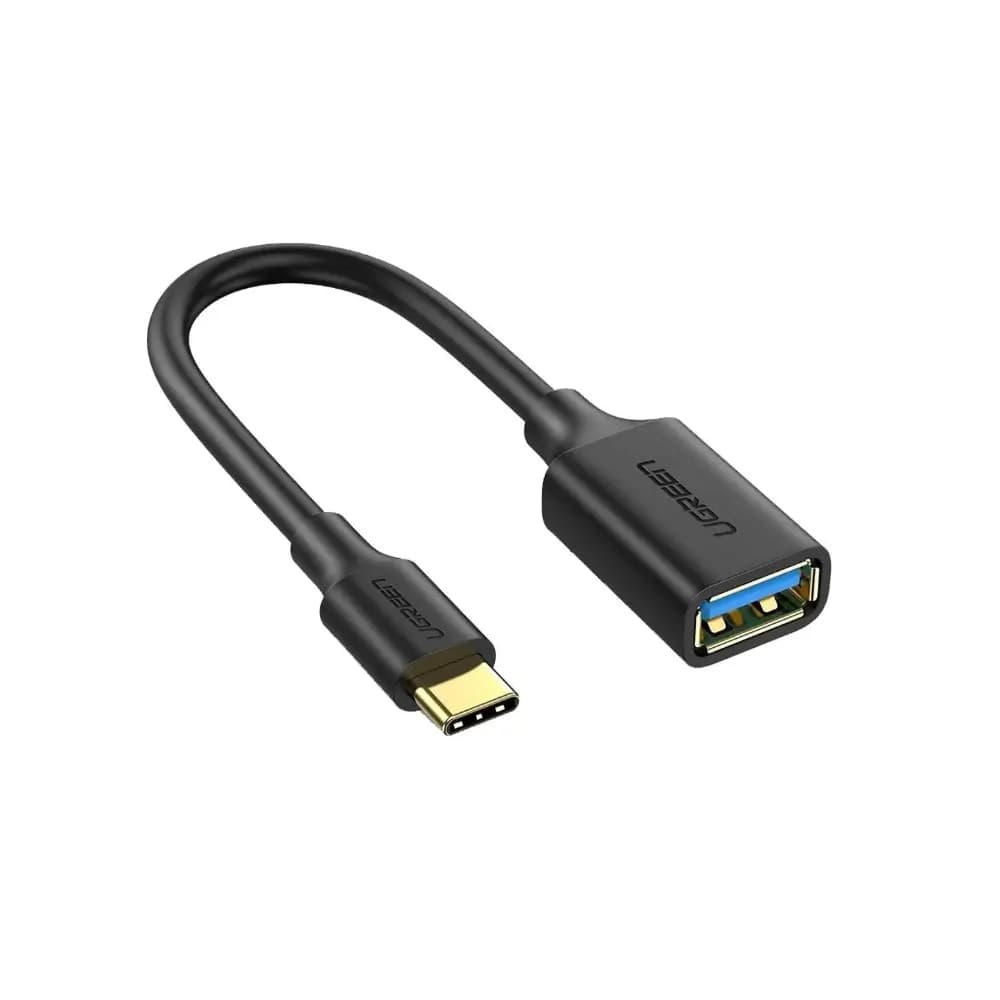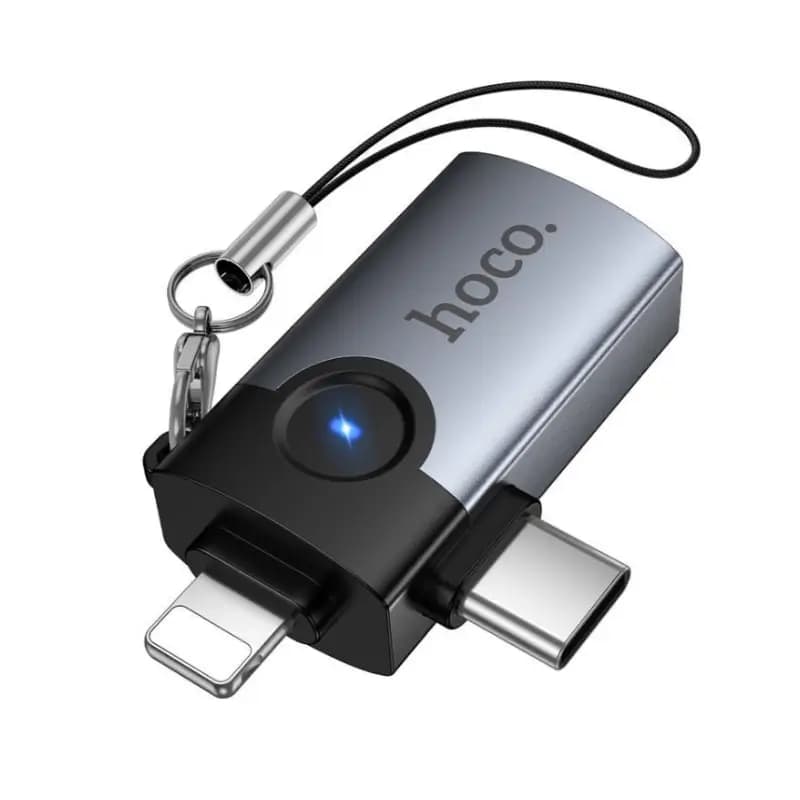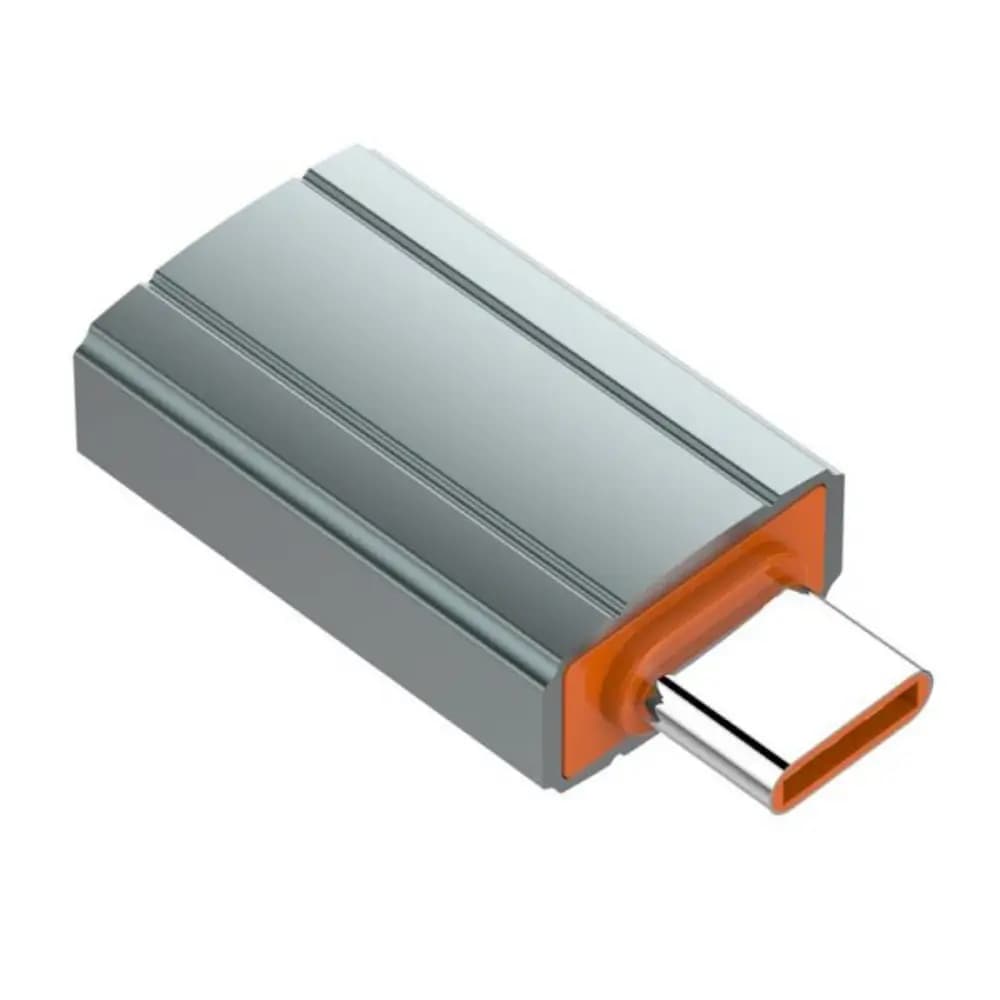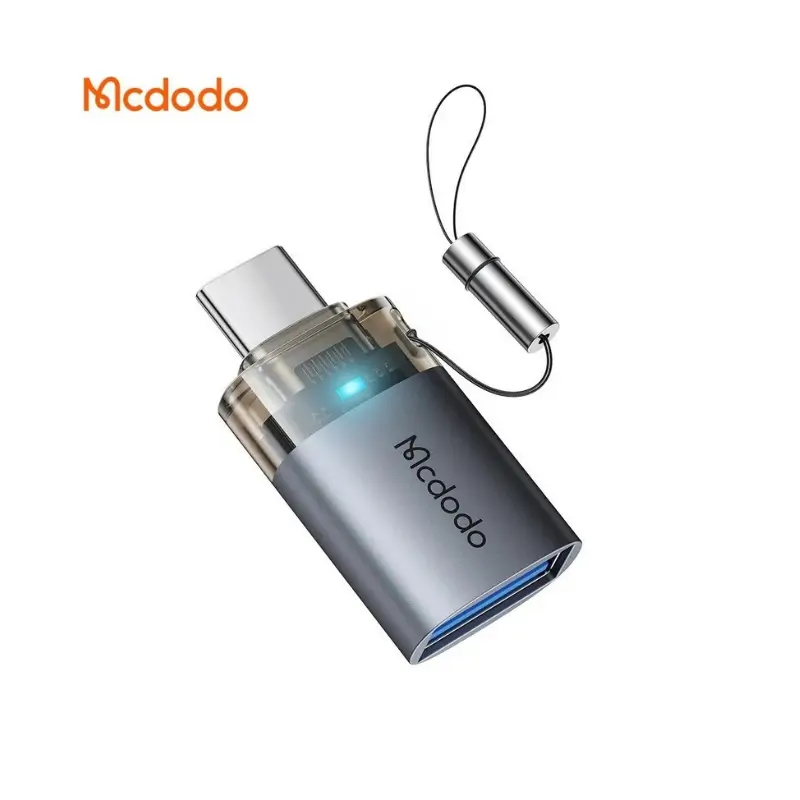

Mcdodo OT-740 USB-C OTG Adapter for Smartphones & Tablets
BDT 540
Quantity
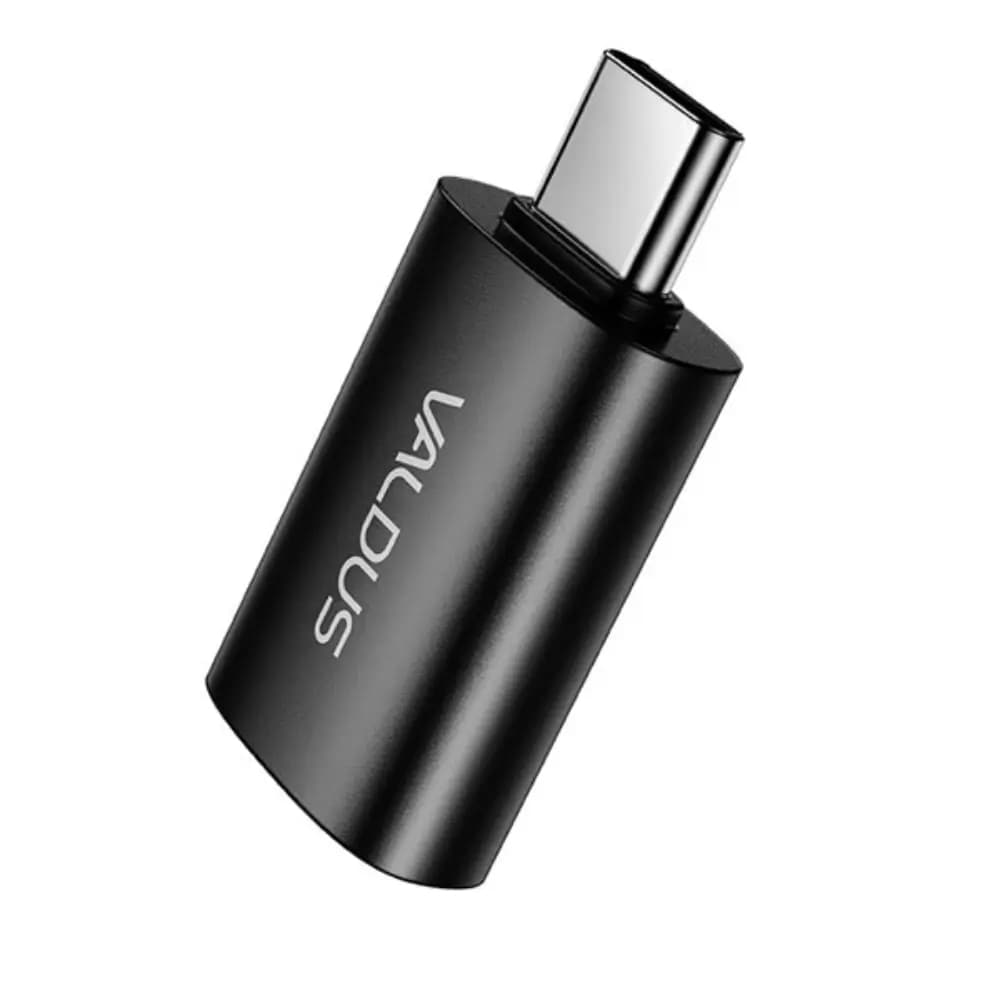
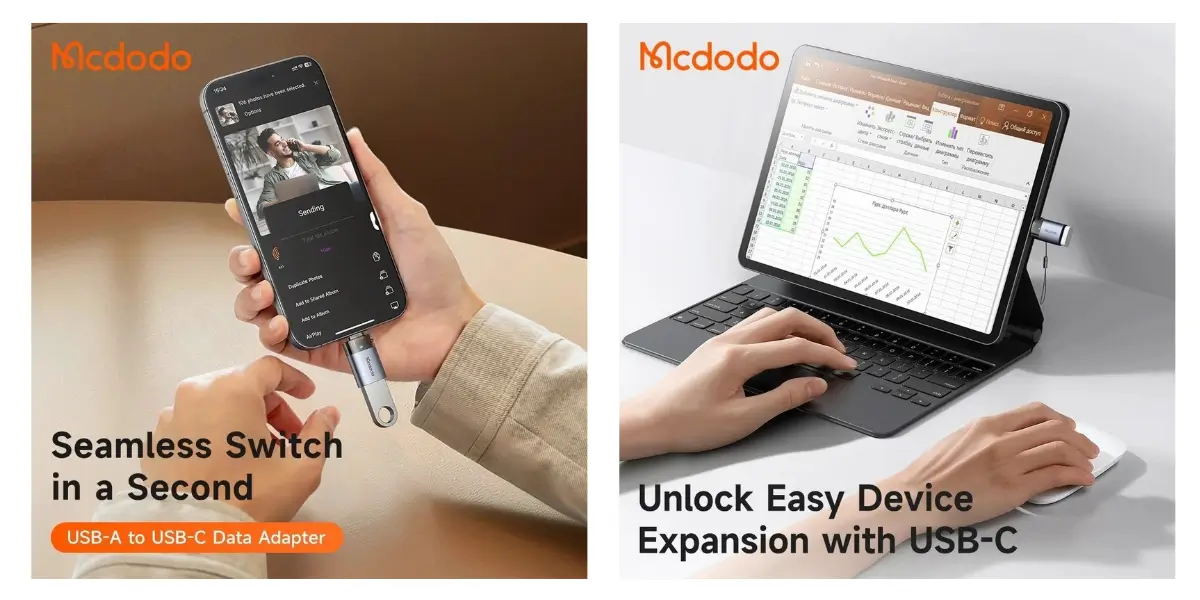
Need to plug a flash drive, mouse, or card reader into a phone or laptop that only has USB-C? The Mcdodo OT-740 USB-C OTG adapter bridges that gap instantly, turning any USB-C port into a full-size USB-A connection without cables or drivers.
Built from premium aluminum alloy, this OTG adapter isn't just another cheap dongle — it's a durable, pocket-ready accessory for anyone who regularly moves files, connects a keyboard, or backs up photos on the go. Whether you're at a coffee shop transferring files from a USB stick to your MacBook or connecting a game controller to your Android tablet, the OT-740 handles it in seconds.
For anyone comparing OTG adapters, Mcdodo's category of USB accessories is known for combining everyday reliability with genuine build quality, and the OT-740 continues that reputation with true 5Gbps transfer speeds and a compact metallic finish.
Key Features
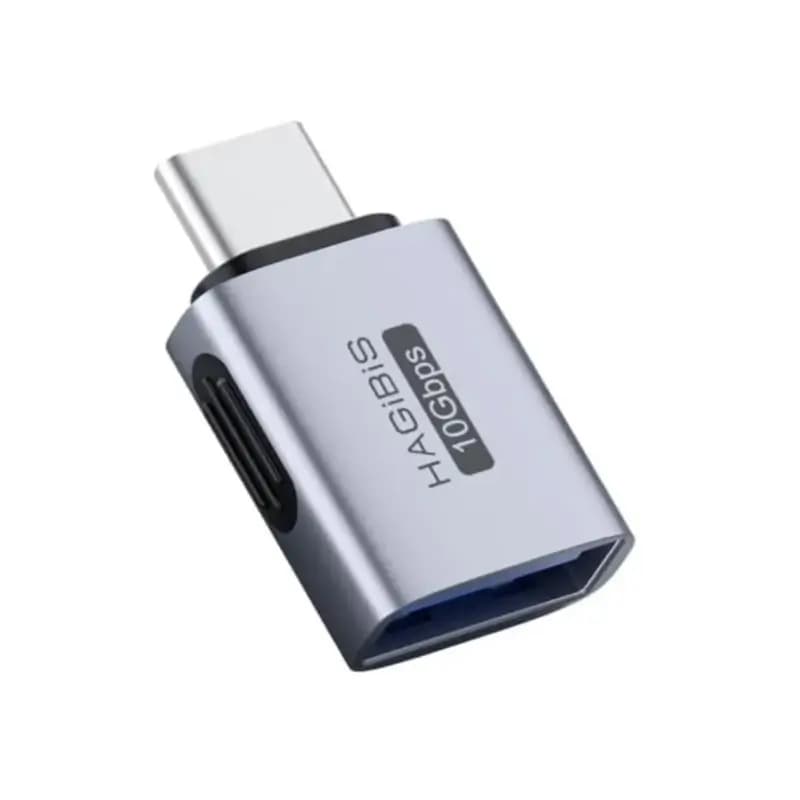
USB-A 3.0 to USB-C Interface – Female USB-A port meets a USB-C male connector, so you can plug in existing USB-A accessories (drives, mice, keyboards) directly into any modern USB-C device.
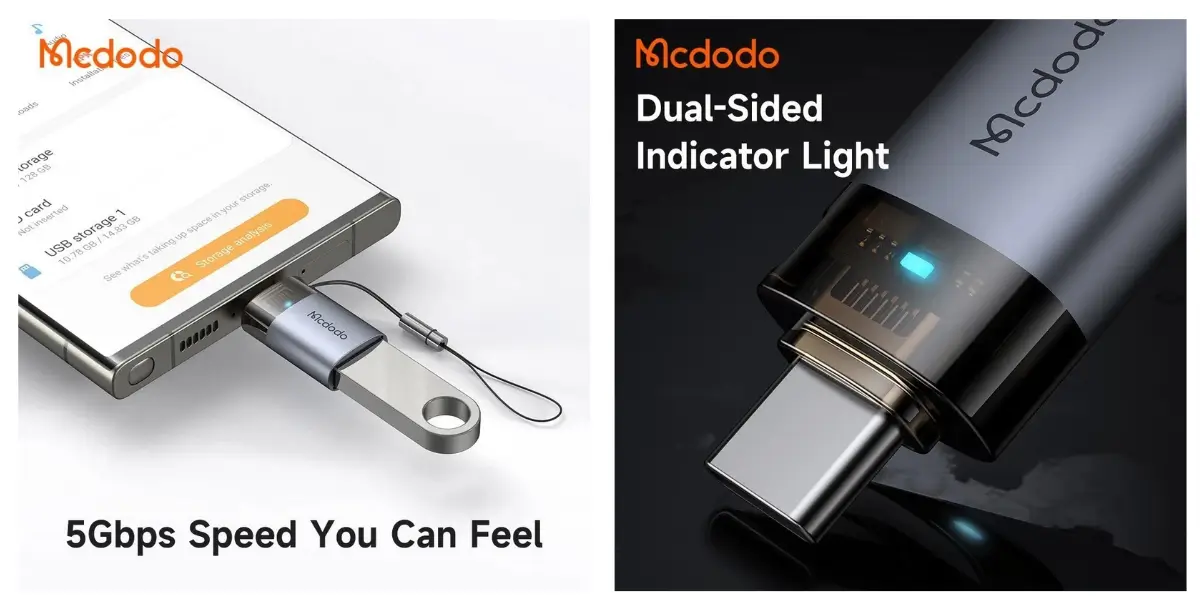
Up to 5Gbps Data Transfer – Move large files, photos, and videos quickly instead of waiting through slow, capped-speed transfers.
Premium Aluminum Alloy Body – Resists daily wear, drops, and heat buildup better than plastic adapters, so it holds up in a bag or pocket over time.
Soft LED Status Indicator – A subtle light confirms an active connection, so you're not left guessing whether the adapter is working.
Ultra-Compact Design (32.7 x 16.1 x 8.8mm, 5g) – Small and light enough to clip onto a keychain or leave permanently in your laptop bag.
True Plug & Play – No apps, drivers, or setup required — connect and go.
Why Choose This Product
The Mcdodo OT-740 USB-C OTG adapter earns its place in your bag by solving a problem almost everyone with a modern phone or laptop eventually runs into: incompatible ports. Instead of replacing your USB-A accessories or buying new cables, this adapter lets you keep using what you already own.
It's built for real, everyday situations — presenting from a USB stick in a meeting, offloading camera photos to a tablet, or connecting a wired mouse to a USB-C laptop when a wireless one isn't handy. The aluminum shell means it won't crack or wear out the way many low-cost adapters do, and the 5Gbps speed keeps large transfers from becoming a waiting game.
For anyone who owns multiple devices with mismatched ports, keeping a Mcdodo OT-740 on hand removes one small but constant frustration from daily tech use.
Best Use Cases
Office – Connect USB drives, printers, or wired peripherals to USB-C laptops
Travel – Lightweight backup for transferring photos and files on the move
Students – Quickly move files between USB drives and USB-C tablets or laptops
Photography – Offload camera SD card readers or USB drives to a phone or tablet
Technical Specifications
Specification | Details |
|---|---|
Brand | Mcdodo |
Model | OT-740 |
Product Type | USB-A to USB-C OTG Adapter |
Interface | USB-A 3.0 Female to USB-C Male |
Data Transfer Speed | Up to 5Gbps |
Connector Type | USB Type-C |
Indicator Light | Soft LED Status Indicator |
Material | Premium Aluminum Alloy |
Functions | Data Transfer & Peripheral Connectivity |
Dimensions | 32.7 x 16.1 x 8.8 mm |
Weight | 5g |
Color | Metallic Finish |
Special Features | OTG Support, Compact Design, Plug & Play |
Technical Specifications
Compatibility
Works with smartphones, tablets, laptops, and MacBooks that feature a USB-C port, allowing you to connect standard USB-A peripherals without extra cables or adapters.
Frequently asked questions
Does the Mcdodo OT-740 work with MacBooks and Android phones?
Yes. The OT-740 is compatible with any device that has a USB-C port, including MacBooks, Android smartphones, tablets, and USB-C laptops.
How fast is the data transfer on this OTG adapter?
It supports data transfer speeds of up to 5Gbps, making it noticeably faster than standard USB 2.0 adapters when moving large files.
Can I connect a USB flash drive or mouse directly to my phone?
Yes. Plug your USB-A flash drive, mouse, keyboard, or card reader into the adapter's USB-A port, then connect the USB-C end to your phone or tablet.
What does the LED indicator do?
The soft LED light shows when the adapter has an active connection, giving a quick visual confirmation that it's working correctly.
Mcdodo Store
More in-stock picks from this brand

Mcdodo AT-418 Napa Pro Find My Smart Passport Holder
৳2,040
Mcdodo Napa Pro AT-3840 Find My Locator Keychain Tracker
৳1,540
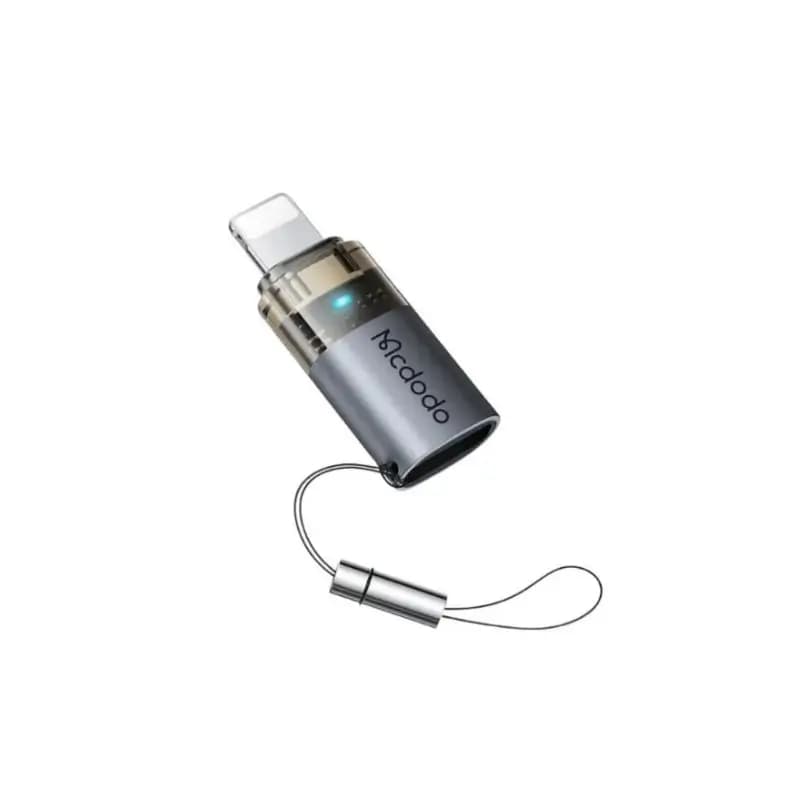
Mcdodo OT-763 36W PD Type-C To Lightning Fast Charging Adapter
৳590
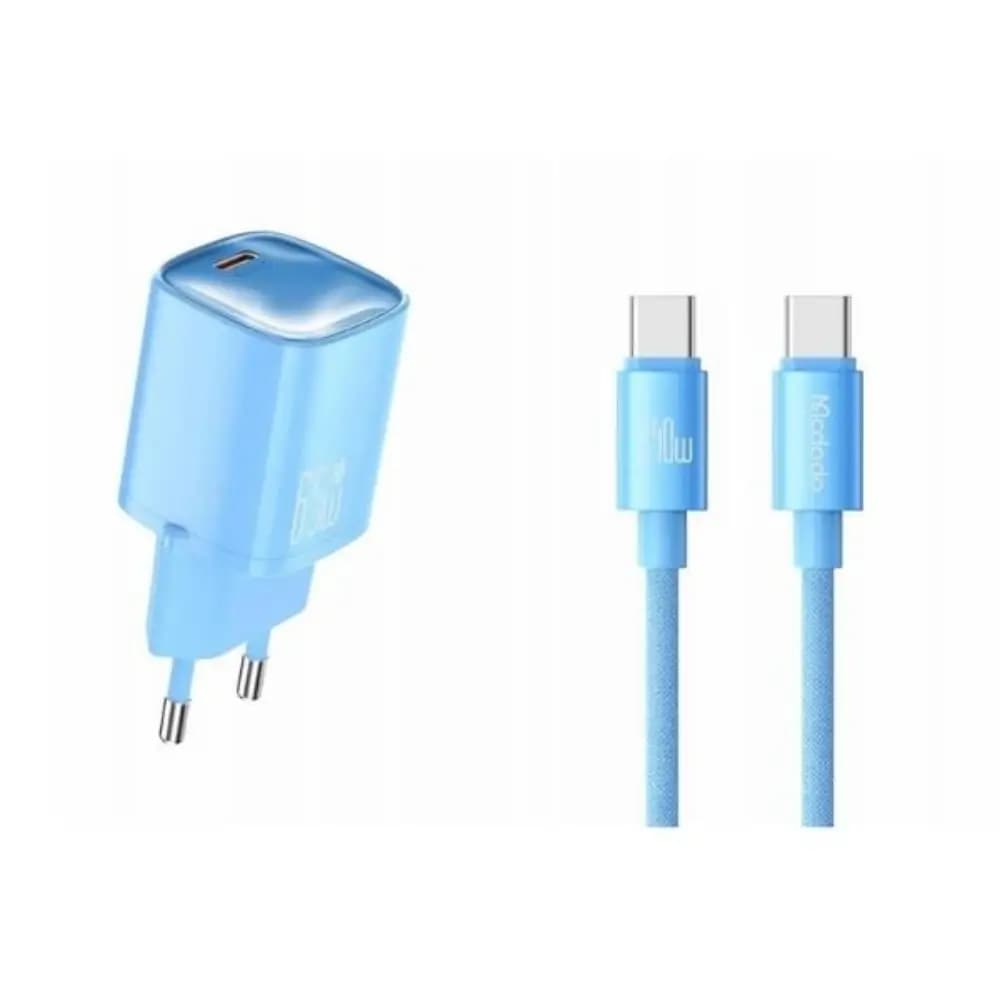
Mcdodo Nano 65W GaN Fast Charger with 240W USB-C Cable
৳1,980
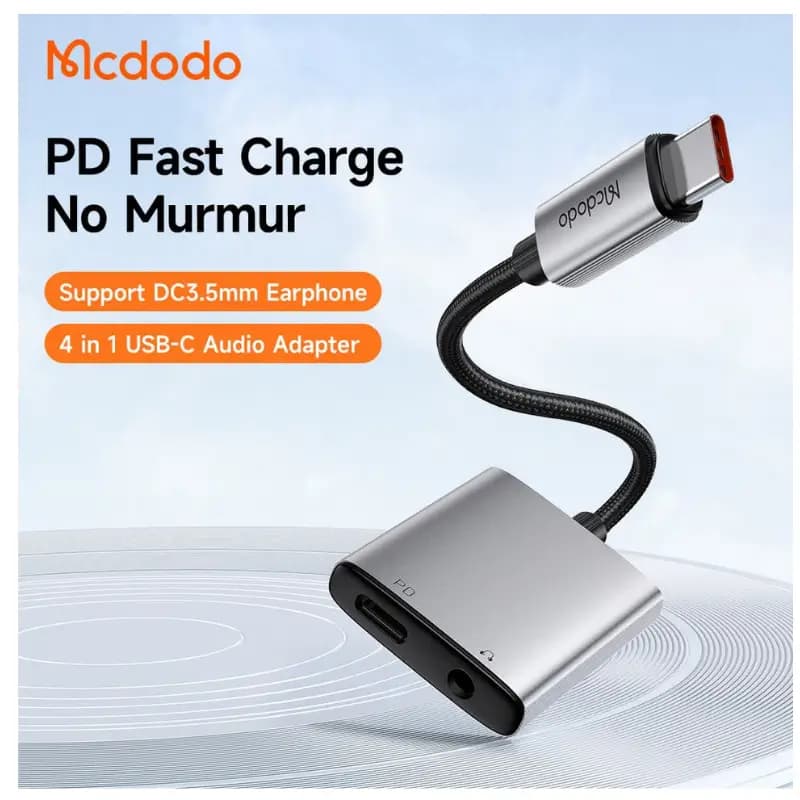
Mcdodo CA-337 USB-C to Dual USB-C & 3.5mm Audio Adapter with 60W PD Charging
৳1,190
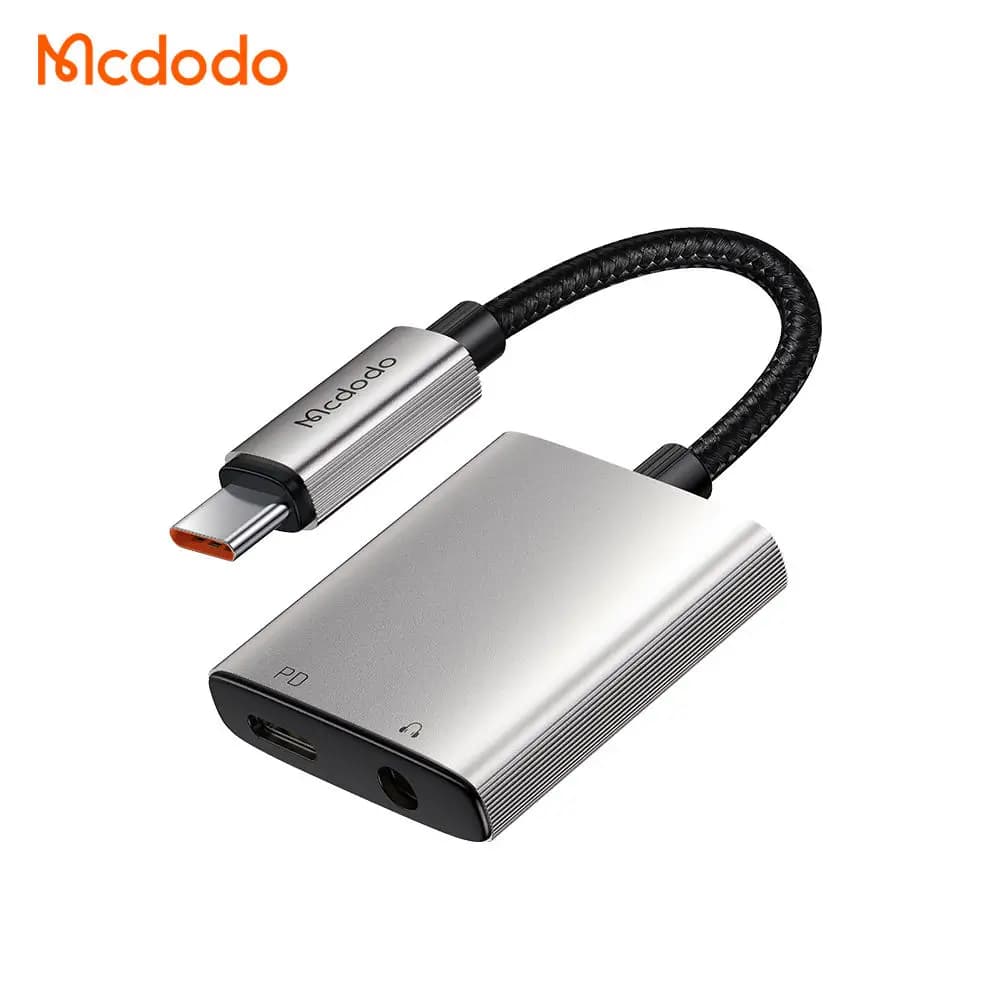
Mcdodo CA-505 2-in-1 USB-C to 3.5mm Audio Adapter with 60W PD Charging & Hi-Res Sound
৳1,690
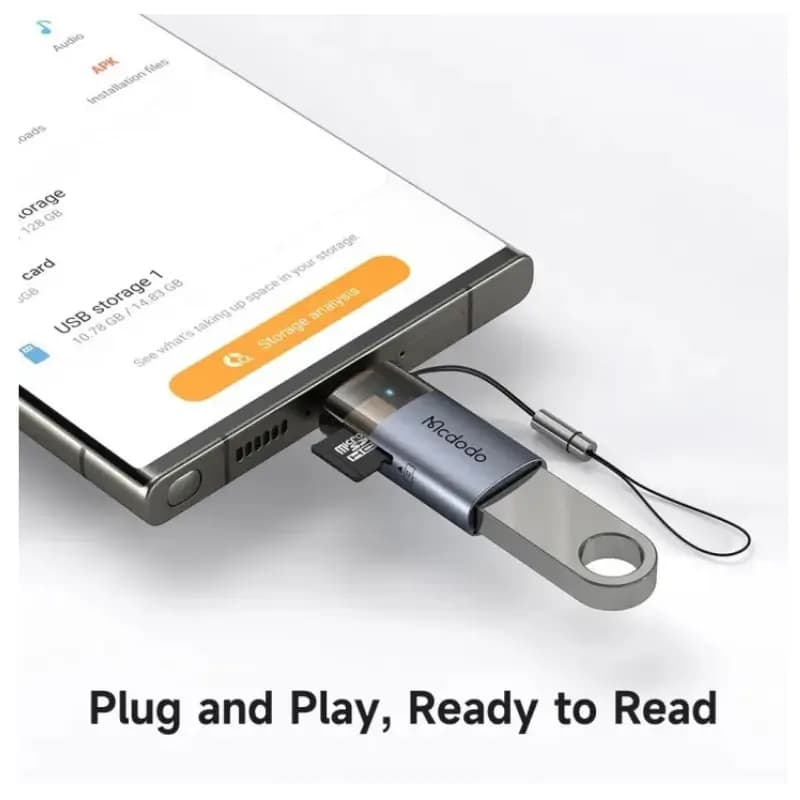
Mcdodo OT-760 USB-C OTG Adapter with TF Card Reader
৳580
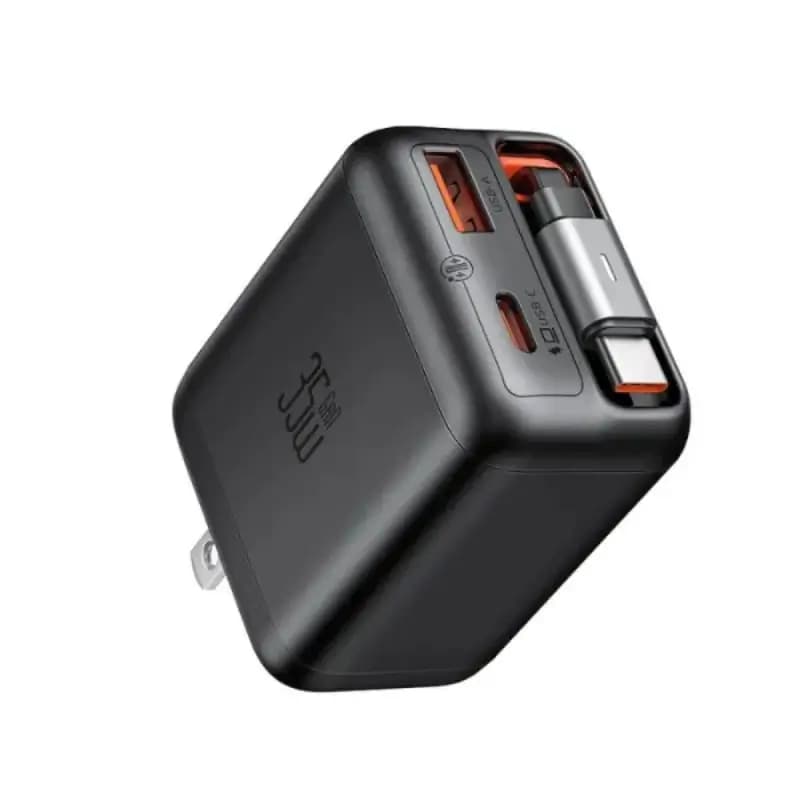
Mcdodo 35W GaN Fast Charger FreeGo Series with Built-In Cable Design
৳1,889