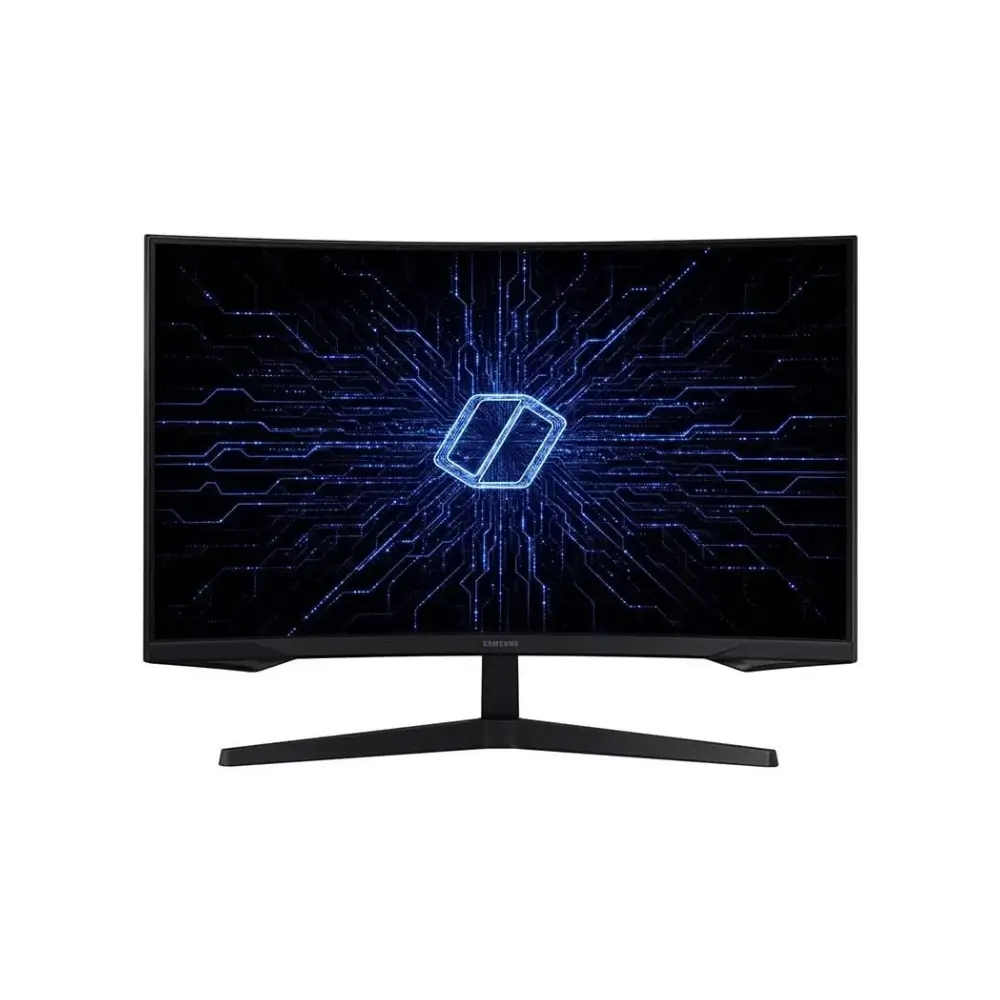
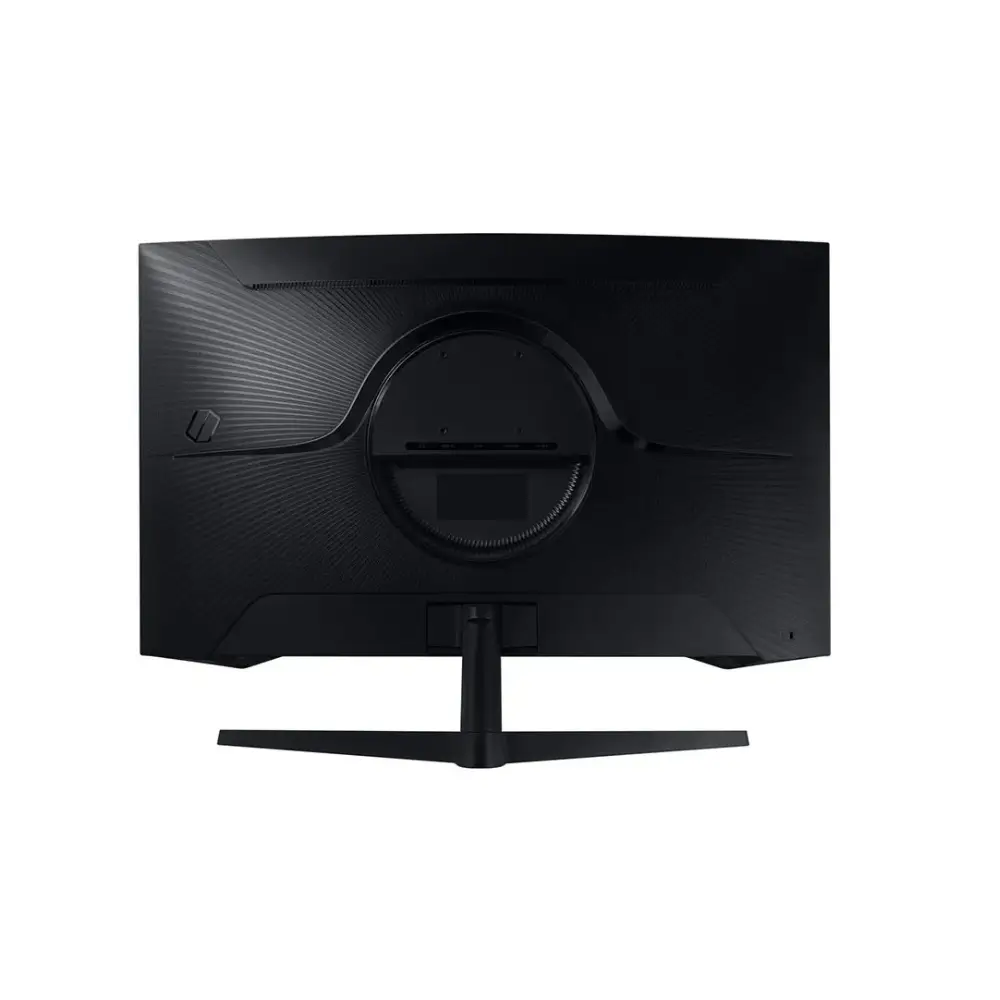
Samsung Odyssey G5 LS27CG550EWX Curved Gaming Monitor 165Hz
BDT 33,490
Quantity
The Samsung Odyssey G5 is a 27-inch curved gaming monitor that pairs sharp QHD resolution with a fast 165Hz refresh rate. Fast action stays smooth and clear, whether you play shooters, racing games or open-world titles.
Its 1000R curve wraps the screen around your field of view, so games feel more immersive and long sessions are easier on the eyes. AMD FreeSync and a flicker-free panel help keep the picture steady, even when your frame rate shifts.
If you are comparing a Samsung gaming monitor for a home setup, esports practice or everyday work, the Odyssey G5 LS27CG550EWX covers all three. It is available now at Geary BD in Bangladesh.
Key Features
27-inch QHD (2,560 x 1,440) resolution: Sharper detail than Full HD, so game worlds, text and creative work look crisper on the same screen size.
165Hz refresh rate: Motion looks fluid and responsive, which helps most in fast shooters and racing games.
1ms (MPRT) response time: Reduces motion blur so quick movements stay easier to follow.
1000R curved VA panel: The curve draws you into the screen and offers deep contrast for a rich, cinematic look.
AMD FreeSync with G-Sync support: Cuts screen tearing and stutter for a smoother experience on supported graphics cards.
Flicker-free and low blue light: Helps reduce eye strain during long gaming or work sessions.
HDR10 support: Adds more lifting of highlights and shadows in compatible HDR content.
HDMI 2.0 and DisplayPort 1.4: Connects easily to PCs and consoles, with DisplayPort as the best route for high refresh rates.
VESA 75 x 75 mount compatibility: Lets you move the monitor onto a wall mount or monitor arm to free up desk space.
Why Choose the Samsung Odyssey G5 Curved Gaming Monitor?
The Samsung Odyssey G5 hits a useful middle ground between sharpness and speed. QHD gives you noticeably more detail than a 1080p screen, while the 165Hz refresh rate keeps gameplay responsive. For many gamers, that is the sweet spot for a modern PC.
The 1000R curvature makes a 27-inch screen feel larger and more immersive, and the wide 178° viewing angles keep colors consistent from the sides. Because it is a Samsung monitor, you also get a familiar, well-known brand with a 3-year warranty, which adds peace of mind when you are buying a display you will use daily.
It also works beyond games. QHD space makes multitasking easier, and the flicker-free, low-blue-light display suits long study or work sessions.
Best Use Cases
Competitive and casual PC gaming
Console gaming through HDMI
Home office and multitasking
Students and content browsing
Movie and series watching on a curved display
Technical Specifications
Specification | Details |
|---|---|
Model | LS27CG550EWX |
Screen Size | 27 inches |
Panel Type | VA (LED backlit) |
Resolution | QHD, 2,560 x 1,440 |
Aspect Ratio | 16:9 |
Refresh Rate | 165Hz |
Response Time | 1ms (MPRT) |
Curvature | 1000R |
Brightness | 300 cd/m² typical, 200 cd/m² minimum |
Contrast Ratio | 1,000:1 (typical) |
Color Support | Up to 16.7 million colors |
Viewing Angle | 178° horizontal / 178° vertical |
HDR | HDR10 |
Adaptive Sync | AMD FreeSync, G-Sync support |
Eye Comfort | Flicker-free, low blue light mode |
Video Ports | 1 x HDMI 2.0, 1 x DisplayPort 1.4 |
HDCP | 2.2 |
Built-in Speakers | Not included |
Stand Tilt | -2° to 18° |
VESA Mount | 75 x 75 mm |
Dimensions with Stand (W x H x D) | 616.6 x 477.4 x 272.6 mm |
Dimensions without Stand (W x H x D) | 614.6 x 382.8 x 120.0 mm |
Weight with Stand | 4.1 kg |
Weight without Stand | 3.7 kg |
Power | External adapter, AC 100-240V |
Color | Black |
Warranty | 3 years |
Frequently asked questions
What resolution and refresh rate does the Samsung Odyssey G5 offer?
It offers QHD (2,560 x 1,440) resolution at up to 165Hz, which suits both sharp visuals and smooth gameplay.
Is the Samsung Odyssey G5 a good curved gaming monitor for FPS games?
Yes. The 165Hz refresh rate and 1ms (MPRT) response time help keep fast movement clear and responsive in shooters.
Does it support FreeSync and G-Sync?
It supports AMD FreeSync, and the specification also lists G-Sync support. Both help reduce tearing and stutter on compatible graphics cards.
Which port should I use for 165Hz?
DisplayPort 1.4 is the recommended connection for full QHD high-refresh gaming. HDMI 2.0 is still useful for consoles and general use, but its bandwidth can limit the maximum refresh rate at QHD.
Samsung Store
More in-stock picks from this brand

Samsung 43U8000F 43-Inch Crystal 4K UHD Smart LED TV
৳45,999

Samsung 43F6000F 43 Inch Full HD Smart TV with Tizen
৳42,999

Samsung 43U8510H 43-Inch 4K Smart TV with Crystal Processor
৳49,700

Samsung 43U8000H 43 Inch 4K UHD Smart TV Crystal Processor
৳42,999

Samsung 32H5000F 32 Inch HD Smart LED TV with Wi-Fi 5
৳29,999

Samsung Odyssey G5 LS32CG550EWX Curved Gaming Monitor
৳46,950

Samsung 43Q65D 43-Inch QLED 4K Smart TV with Tizen OS
৳58,450

Samsung 8GB DDR4 3200MHz SODIMM Laptop RAM
৳6,940


