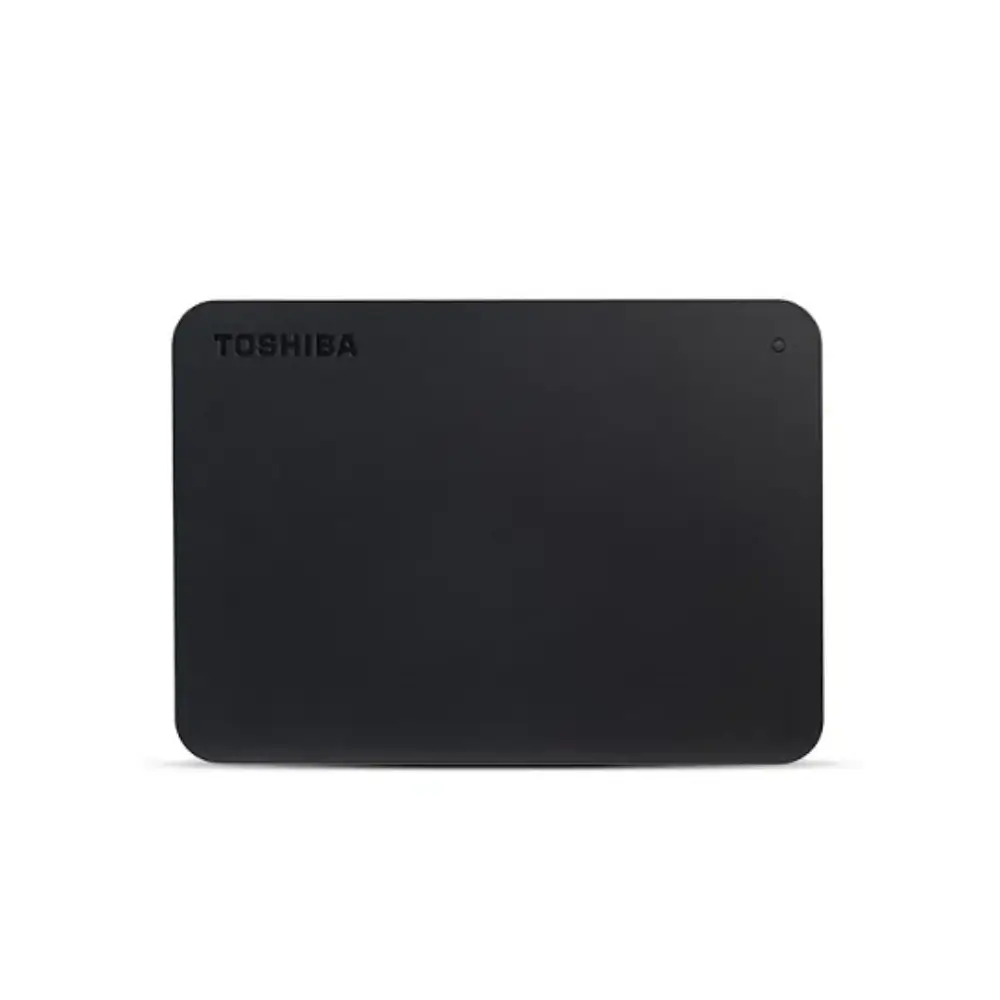
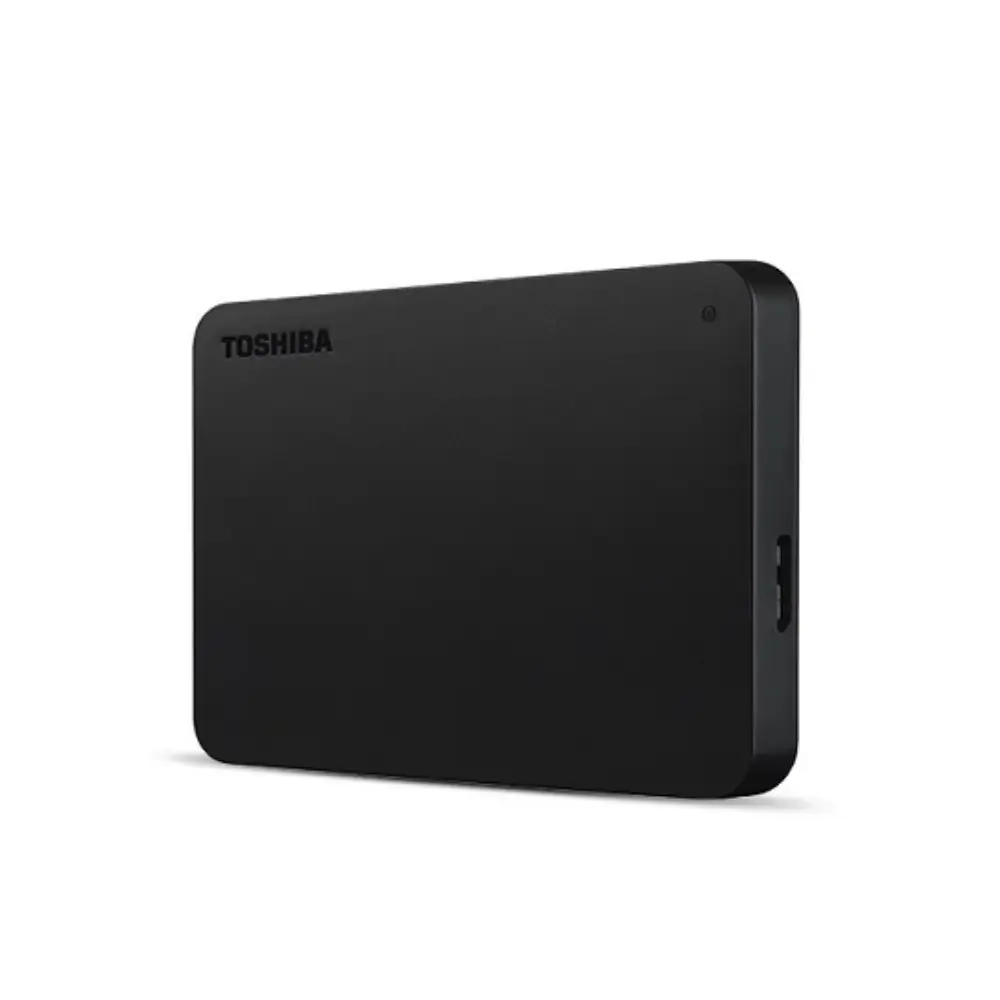
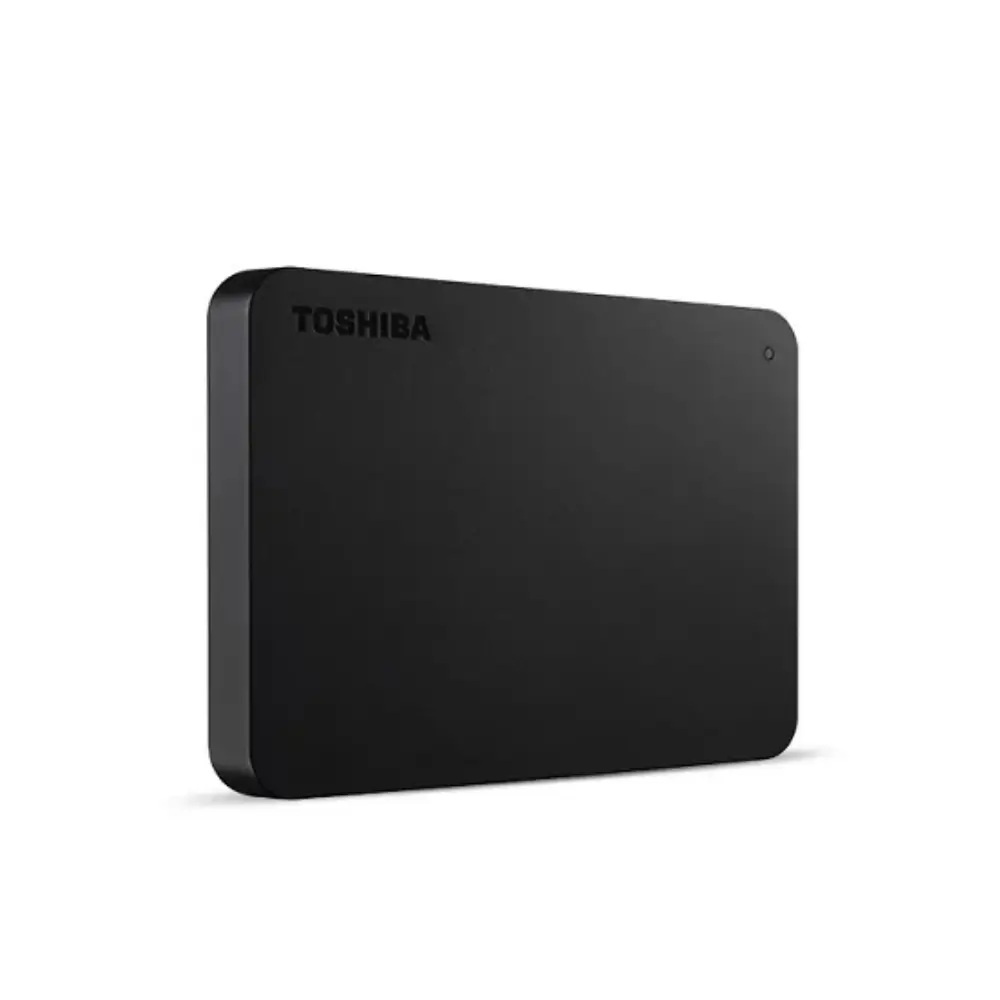
Toshiba Canvio Basics 2TB External HDD with USB 3.0
BDT 15,670
Quantity
Running out of onboard laptop storage often forces painful compromises between deleting personal archives and offloading everyday work assets. The Toshiba Canvio Basics 2TB External Hard Disk provides a simple, plug-and-play solution that lets you clear out bloated system drives without depending on slow cloud syncs or recurring subscription fees.
Built around a reliable 2.5-inch platter drive and high-speed USB 3.0 interface, this portable drive requires no third-party software configuration out of the box. You simply plug the provided cable into your machine and drag over heavy video files, complete system backups, or media libraries instantly.
Key Features of Toshiba Canvio Basics 2TB
High Capacity: 2TB of storage offers ample space for thousands of raw photos, 4K videos, document archives, and complete system restore points.
SuperSpeed USB 3.0: Delivers rapid transfer rates to cut down wait times while remaining backwards compatible with legacy USB 2.0 ports.
Plug-and-Play Simplicity: Pre-formatted with NTFS for Windows, allowing immediate file transfers without driver setup or external power adapters.
Internal Shock Sensor: Protects internal platters and data integrity during accidental drops, bumps, or transit vibrations.
Matte Finish Casing: Resists greasy fingerprints, smudges, and minor scratches during daily desk use and commute in a laptop bag.
Why Choose This Toshiba Canvio Basics HDD
Mechanical external drives naturally cannot match NVMe portable SSDs in raw transfer speeds. However, when your primary requirement is cost-effective capacity per gigabyte, mechanical storage remains unbeatable. The Canvio Basics focuses entirely on utility—omitting complex hardware encryption engines or companion bloatware that frequently conflicts across operating system updates.
Its bus-powered architecture pulls power straight from the host device's USB port, eliminating bulky wall adapters. While Mac users will need to reformat to exFAT or APFS for full read/write functionality, the straightforward hardware layout ensures steady, long-term reliability for day-to-day data archiving.
Best Use Cases
Creating secondary offline backups of operating systems and vital documents.
Expanding media storage for smart TVs and gaming consoles.
Archiving large photo libraries and project files for photographers and editors.
Freeing up internal SSD space on entry-level laptops without hardware upgrades.
Toshiba Canvio Basics Technical Specifications
Specification | Details |
|---|---|
Model | Canvio Basics |
Capacity | 2TB |
Interface | USB 3.0 (USB 2.0 compatible) |
Drive Type | 2.5-inch Hard Disk Drive (HDD) |
Default File System | NTFS (Windows) |
Power | USB Bus-Powered (max. 900mA) |
Compatibility
Pre-formatted for Microsoft Windows 11, 10, and 8.1 out of the box. Can be reformatted to exFAT or APFS to enable full read and write capability on macOS systems.
Package Includes
1x Toshiba Canvio Basics 2TB External Hard Drive, 1x USB 3.0 Type-A to Micro-B Cable, and 1x Quick Start Guide.
Warranty & Support
Includes an official brand warranty against manufacturing defects. Physical damage, water ingress, and unauthorized tampering are not covered.
Frequently asked questions
Can I use this Toshiba 2TB hard drive on a Mac?
Yes, but you must reformat the drive to exFAT or APFS first using Disk Utility, as it comes pre-formatted in NTFS for Windows.
Does it need an external power adapter to work?
No. The drive is fully bus-powered through the included USB cable connected directly to your computer or compatible device.
Can I connect this drive to a smart TV to watch movies?
Yes, provided your TV's USB port supplies at least 5V/900mA and supports the file format installed on the hard drive.
Is an internet connection or software installation required?
No software or internet connection is needed; it operates as a standard plug-and-play mass storage device on Windows machines.
Toshiba Store
More in-stock picks from this brand

Toshiba e-Studio 2523A A3 Multifunction Digital Photocopier
৳49,000

Toshiba MR-3032 RADF Automatic Document Feeder
৳25,000

Toshiba e-Studio 2021AC A3 Multifunctional Color Photocopier
৳107,700

Toshiba e-Studio 2323AMW Multifunction Monochrome Photocopier
৳55,950

Toshiba e-Studio 2523AD Duplex Multifunction Photocopier
৳52,990

Toshiba MR-3033C Automatic Document Feeder RADF
৳48,450
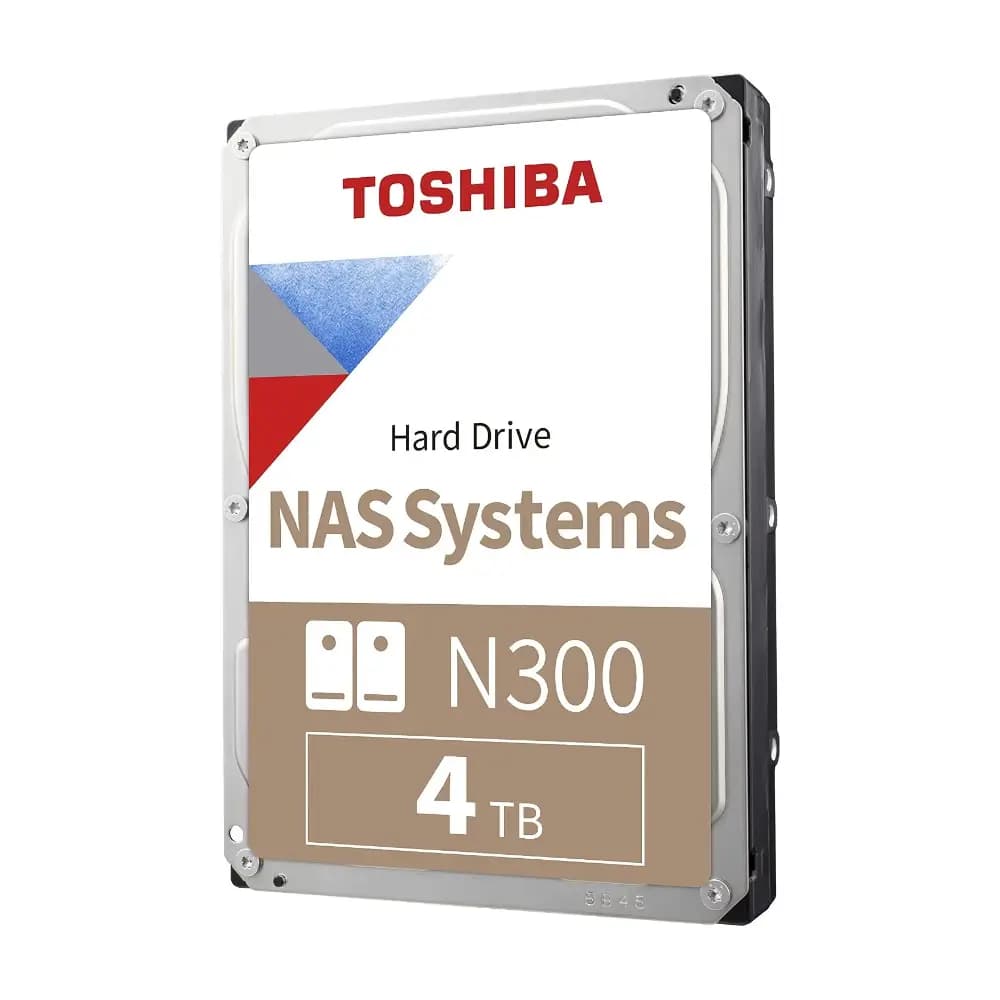
Toshiba N300 4TB 3.5-Inch 7200RPM NAS Hard Drive
৳35,450
Toshiba X300 Performance 4TB 3.5-Inch 7200RPM Hard Drive
৳34,450