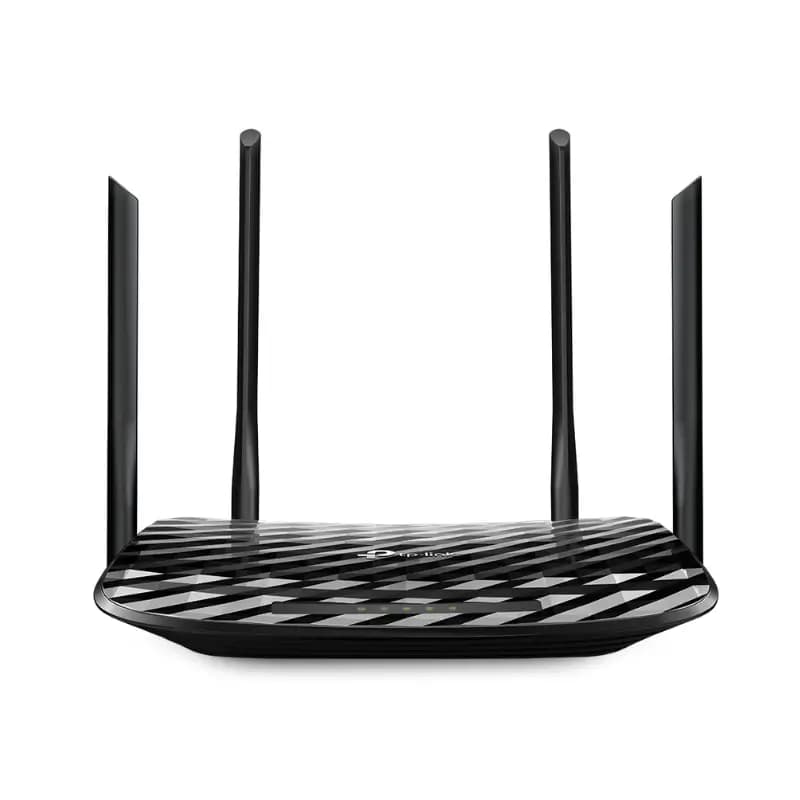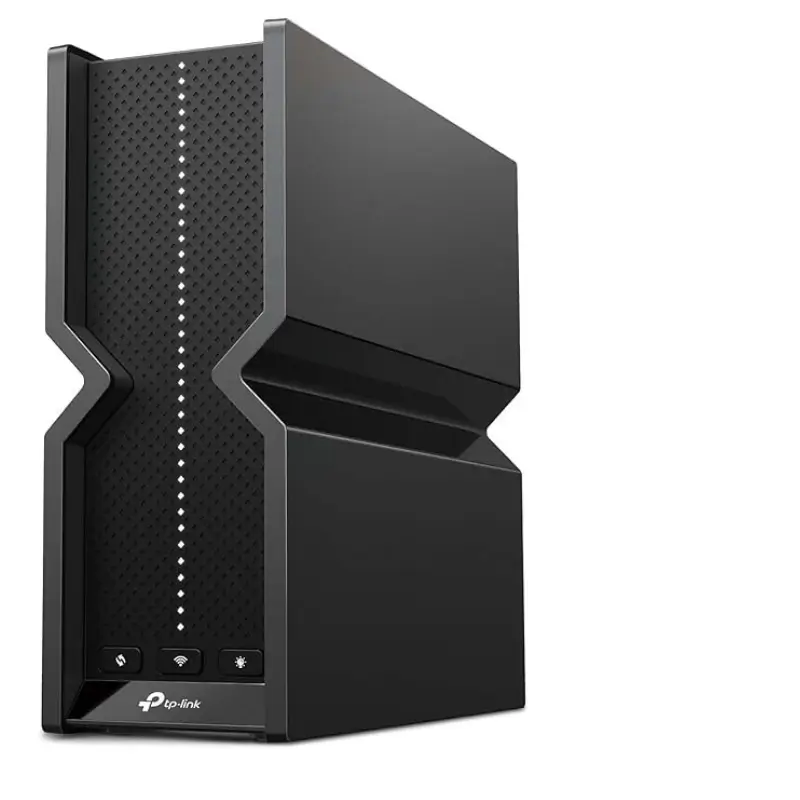
TP-Link Archer BE550 BE9300 Tri-Band WiFi 7 Gaming Router
BDT 25,350
Quantity
TP-Link Archer BE550 BE9300 Tri-Band WiFi 7 Router
If your home network is struggling to keep up with 4K streaming, competitive gaming, and a growing list of smart devices, the TP-Link Archer BE550 Tri-Band WiFi 7 Router is built to solve exactly that problem. Powered by next-generation WiFi 7 technology, it delivers combined speeds of up to 9300 Mbps across three bands, giving every device in your home the bandwidth it needs without fighting for a connection.
What sets this WiFi 7 router apart is how it performs under real-world conditions — multiple people streaming, gaming, and video calling at once. With Multi-Link Operation, 4K-QAM, and wide 320 MHz channels, the Archer BE550 keeps latency low and throughput high, even during peak household usage.
Whether you're upgrading from an older router or building a smart home network from scratch, this router is designed to be fast to set up, easy to manage, and reliable enough to run in the background without a second thought.
Key Features
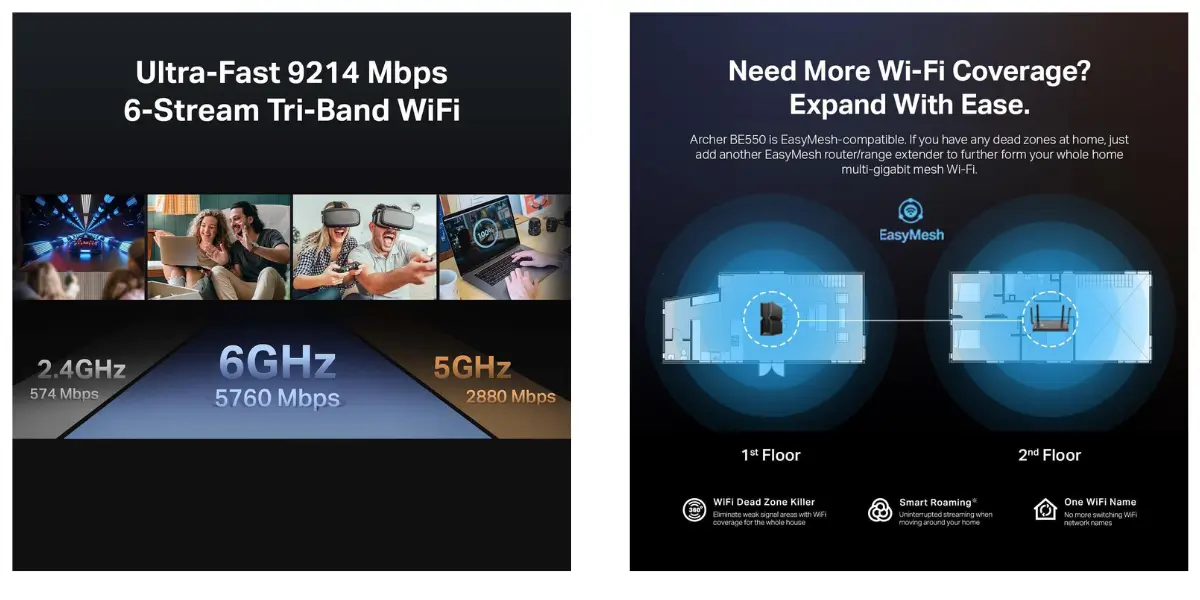
BE9300 Tri-Band WiFi 7 Speeds: Combined speeds of up to 5760 Mbps on the 6 GHz band, 2880 Mbps on 5 GHz, and 574 Mbps on 2.4 GHz — so bandwidth-heavy tasks like 4K/8K streaming and large downloads run smoothly, even with many devices connected.
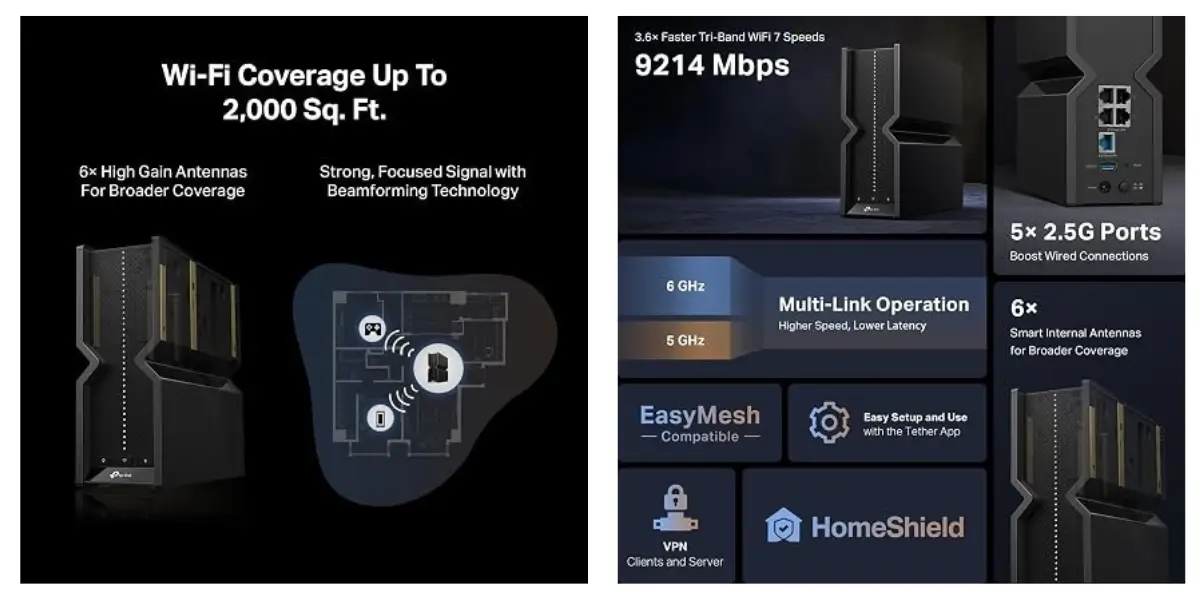
Multi-Link Operation & 4K-QAM: Combines multiple bands for a single device and packs more data into every signal, resulting in noticeably lower latency for gaming and video calls.
EasyMesh Compatibility: Expand coverage by pairing with EasyMesh-compatible routers, extenders, or powerline adapters, eliminating dead zones in larger homes without buying a whole new system.
Full 2.5G WAN & LAN Ports: One 2.5G WAN port and four 2.5G LAN ports mean wired devices like gaming PCs, consoles, and NAS drives get full-speed, future-proof connections.
Six Antennas with Beamforming: Strategically positioned antennas focus the signal directly toward connected devices, improving range, stability, and reducing dropped connections.
TP-Link HomeShield Protection: Built-in network security, real-time IoT protection, and parental controls help keep your family and connected devices safer online.
Private IoT Network with WPA3: Keep smart home devices on a separate, encrypted network so a compromised smart plug or camera can't put your main network at risk.
VPN Client & Server Support: Connect your whole home to a VPN at the router level, or host your own VPN server — no need to install software on individual devices.
Tether App Setup: Get online in minutes using TP-Link's free Tether app for Android and iOS, with guided setup and remote management.
Why Choose the TP-Link Archer BE550 Tri-Band WiFi 7 Router
The Archer BE550 is built for households that expect more from their internet — multiple 4K streams, ultra-fast downloads, low-latency gaming, and a growing number of connected devices, all running at the same time without slowdowns. Its combination of WiFi 7 speeds, wired 2.5G ports, and mesh expandability makes it a practical upgrade whether you're future-proofing a new home network or replacing a router that can no longer keep up. On top of performance, HomeShield security and a dedicated IoT network give you peace of mind that your devices — and your data — stay protected.
Best Use Cases
Gaming: Low latency and Multi-Link Operation support competitive online play.
Home Streaming & Entertainment: Handles multiple simultaneous 4K/8K streams without buffering.
Smart Home Setups: A dedicated IoT network keeps smart devices secure and organized.
Remote Work: Stable, high-speed connections for video calls and large file transfers.
Large or Multi-Story Homes: EasyMesh support extends coverage and removes dead zones.
Technical Specifications
Specification | Details |
|---|---|
Brand | TP-Link |
Model | Archer BE550 |
Type | Tri-Band WiFi 7 Router |
Frequency Band | Tri-Band (2.4 GHz / 5 GHz / 6 GHz) |
Max Speed | Up to 9300 Mbps combined (5760 + 2880 + 574 Mbps) |
WAN Port | 1 x 2.5G WAN |
LAN Ports | 4 x 2.5G LAN |
Antennas | 6 external antennas with Beamforming |
Special Features | Access Point Mode, Guest Mode, QoS, Remote Access, WPS |
Security | WPA3, TP-Link HomeShield, Private IoT Network |
Mesh Support | TP-Link EasyMesh |
VPN | VPN Client & Server Support |
Management | TP-Link Tether App (Android & iOS) |
Compatibility
Compatible devices: gaming consoles, personal computers, smart TVs, smartphones, tablets
Works with Amazon Alexa and Google Assistant-enabled devices
Backward compatible with all previous WiFi generations
Works with any internet service provider (a separate modem is required for most providers)
Frequently Asked Questions
Does the Archer BE550 work with my existing internet provider?
Yes. It's compatible with any internet service provider, though a separate modem is required for most connections since this is a router, not a modem-router combo.
Is this router good for gaming?
Yes. With Multi-Link Operation, low latency, and full 2.5G wired ports, it's well suited for competitive and online gaming.
Can I extend the WiFi coverage to other rooms?
Yes. The Archer BE550 supports TP-Link EasyMesh, letting you add compatible extenders or routers for whole-home coverage.
Does it support older WiFi devices?
Yes. It's fully backward compatible with WiFi 6, WiFi 5, and earlier WiFi standards.
How secure is this router for smart home devices?
It includes TP-Link HomeShield for real-time threat protection and lets you create a separate, WPA3-encrypted network specifically for IoT devices.
What ports does the Archer BE550 have?
It includes one 2.5G WAN port and four 2.5G LAN ports for high-speed wired connections.
Is setup difficult?
No. Setup takes just a few minutes using the free TP-Link Tether app on Android or iOS.
What is the warranty on this router?
Warranty terms vary by seller and region — please check with your retailer for specific warranty coverage in Bangladesh.
TP-Link Store
More in-stock picks from this brand

TP-Link Tapo C212 3MP Pan & Tilt Wi-Fi Security Camera
৳2,222

TP-Link VIGI NVR1008H 8 Channel Network Video Recorder
৳6,490

TP-Link VIGI C340I 4MP Outdoor Bullet IP Camera with PoE
৳2,660

TP-Link VIGI C420I 2MP PoE IP Camera with 30m Night Vision
৳2,790

TP-Link VIGI C430I 3MP IR Turret IP Camera with PoE
৳2,380
TP-Link Archer AX15 AX1500 Wi-Fi 6 Gigabit Router
৳5,880
TP-Link Archer C86 AC1900 Dual-Band Router With MU-MIMO
৳3,940

TP-Link Deco X50 AX3000 Mesh WiFi 6 System with AI-Driven Coverage
৳7,460