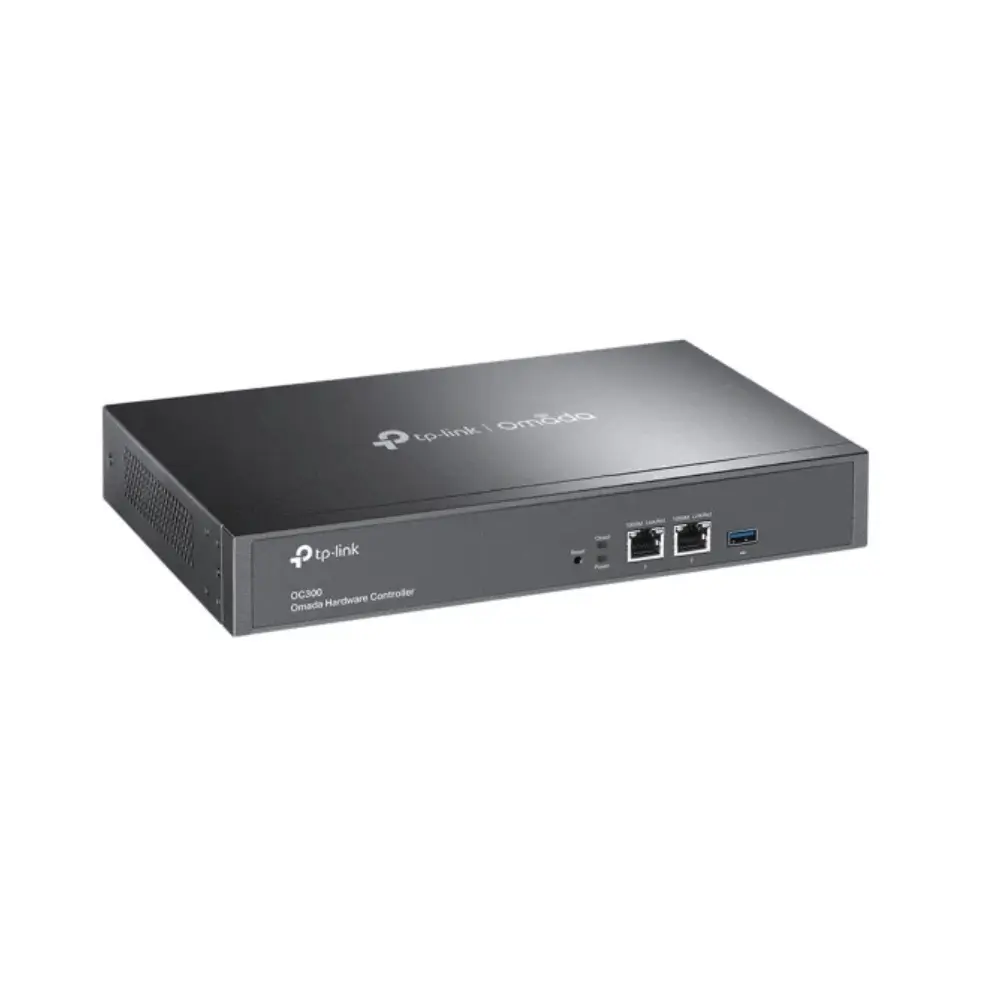
TP-Link OC300 Omada Hardware Controller with Cloud Access
৳49,990
Good to know
- 7 days replacement warranty
- Cash on delivery available
- Ask on WhatsApp
Specifications
| Model | OC300 |
|---|---|
| Type | Omada hardware controller |
| Ethernet Ports | 2 × 10/100/1000 Mbps |
| USB Port | 1 × USB 3.0 |
| Power Input | 100–240 V AC, 50/60 Hz, 0.6 A |
| Dimensions (W × D × H) | 294 × 180 × 44 mm (11.6 × 7.1 × 1.7 in) |
| Supported Access Points | Up to 500 |
| Supported Routers | Up to 100 |
| Supported Switches | Up to 100 (the limit drops by 5 for each DeltaStream GPON OLT added) |
| Supported GPON OLTs | Up to 5 selected DeltaStream models |
| Omada App | Yes |
| Cloud Access | Yes |
| L3 Management | Yes |
| Multi-site Management | Yes |
| Management Tools | Automatic device discovery, batch configuration, batch firmware upgrading, intelligent network monitoring, abnormal event warnings, unified configuration, reboot schedule, captive portal configuration |
| Certification | CE, FCC |
| Operating Temperature | 0–50 °C (32–122 °F) |
| Storage Temperature | -40–70 °C (-40–158 °F) |
| Operating Humidity | 10–90% RH, non-condensing |
| Storage Humidity | 5–90% RH, non-condensing |
Description
The TP-Link OC300 Omada Hardware Controller brings every Omada access point, router and switch in your network under one dashboard. Instead of configuring each device separately, you can monitor, configure and update everything from a single place.
As a dedicated TP-Link Omada controller, the OC300 runs on-premises, so your network management stays local, stable and secure. When you are away from the office, free cloud access through the Omada app or Web UI lets you check in from anywhere.
It suits offices, shops, hotels, campuses and any business that is growing its Wi-Fi and wired network and wants simple, centralized control.
Key Features
- Centralized management at scale: Manage up to 500 Omada access points, 100 Omada routers, up to 100 Omada switches and up to 5 supported DeltaStream GPON OLTs. This means one controller can handle a large network without extra management tools.
- Free cloud access: Monitor and manage your network from the Omada app or Web UI at any time. You can respond to issues without being on site.
- On-premises management: Control your devices locally for better security and stability. Your network does not depend on an outside service to stay manageable.
- Industry-leading hardware design: A powerful chipset and durable metal casing give the controller a reliable base. The USB 3.0 port supports automatic backup, and the two Gigabit ports keep management traffic fast.
- Easy network monitoring: The dashboard shows real-time network status and traffic distribution. You can spot problems quickly without digging through menus.
- Real-time network topology: See how devices are connected at a glance. IT admins can troubleshoot faster because they can trace a fault visually.
- Easier network maintenance: The WiFi heatmap simulator, visual network reports and batch and multi-site management reduce routine admin work across many locations.
- Practical management tools: Automatic device discovery, batch configuration, batch firmware upgrading, unified configuration, reboot schedules, abnormal event warnings and captive portal configuration. Together they save time on setup, updates and guest Wi-Fi.
- L3 management and rackmount kit: L3 management supports larger network layouts, and the included rackmount kit lets you install the unit neatly in a rack.
Why Choose TP-Link OC300 Omada Hardware Controller
If you run more than a handful of Omada devices, an Omada hardware controller removes much of the repetitive work. With the OC300, new devices are discovered automatically, settings are applied in batches and firmware updates can be rolled out together. Your network stays consistent as it grows.
Many buyers search for a TP-Link Omada controller because they want local control without giving up remote access. The OC300 offers both: on-premises management for stability and free cloud access for convenience.
It also handles multi-site management, so one admin can oversee several branches or locations from the same dashboard. The metal casing, USB 3.0 backup port and rackmount kit make it a dependable choice for permanent installation.
Best Use Cases
- Multi-site businesses: Manage branch networks from one controller.
- Offices and campuses: Keep large Wi-Fi networks consistent with batch configuration and firmware updates.
- Hotels, cafes and public venues: Set up guest Wi-Fi with captive portal configuration.
- IT admins and network integrators: Use the topology view and event warnings to troubleshoot quickly.
Compatibility
- Works with supported Omada access points, routers, switches and selected DeltaStream GPON OLTs. TP-Link publishes the full list of supported Omada models on its website.
- Can be accessed from computers running Microsoft Windows 10, 8, 7, Vista or XP, macOS, NetWare, UNIX or Linux.
- Management is available through the Omada app and the Web UI.
Package Includes
- Omada Hardware Controller OC300
- Quick Installation Guide
- Ethernet Cable
- Power Cord
- Rackmount Kit
Warranty
7 days replacement warranty
Read the warranty policyReviews
Frequently asked questions
What is the TP-Link OC300?
It is an Omada hardware controller that lets you manage Omada access points, routers and switches from one dashboard.
How many devices can the OC300 manage?
It supports up to 500 access points, 100 routers and 100 switches, plus up to 5 selected DeltaStream GPON OLTs. Each OLT added reduces the supported switch count by 5.
Can I manage the OC300 remotely?
Yes. Free cloud access through the Omada app or Web UI lets you monitor and manage your network from anywhere.
Does the OC300 support multi-site management?
Yes. It supports multi-site and batch management, so you can oversee several locations from one controller.
TP-Link Store
More in-stock picks from this brand
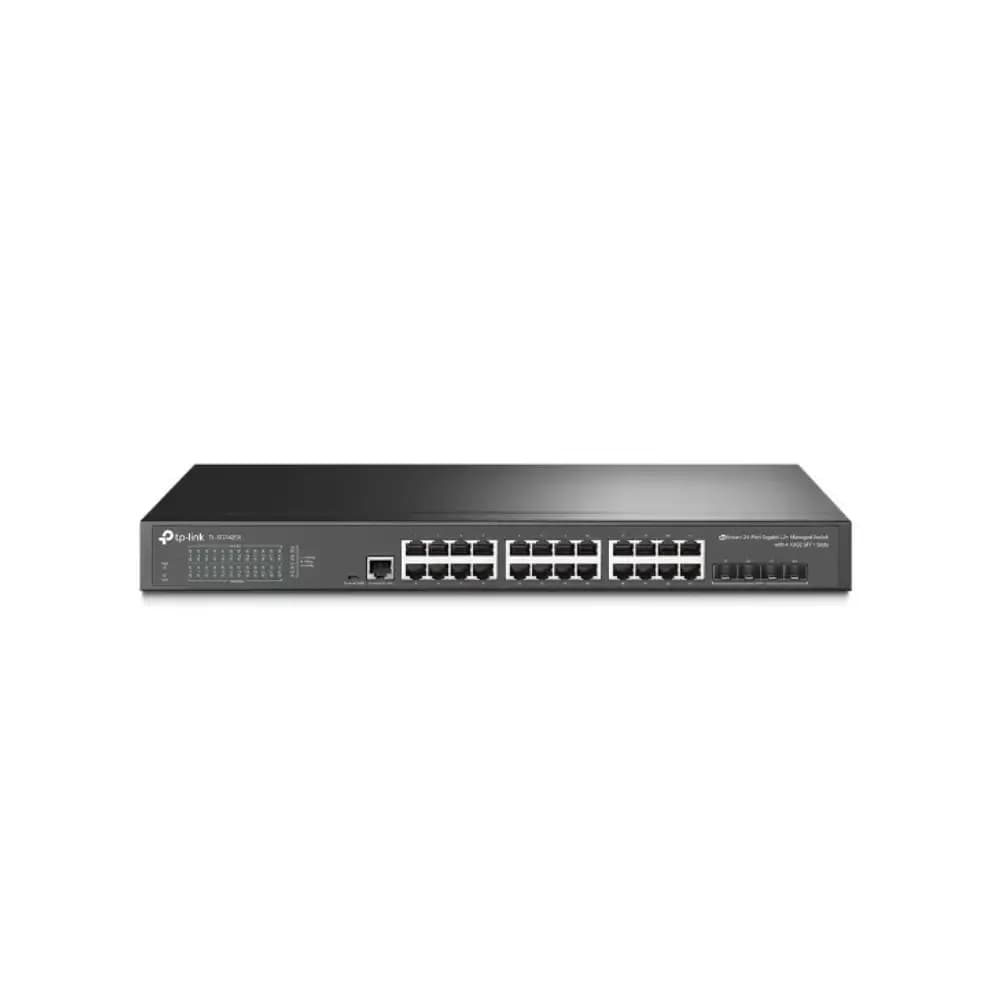
TP-Link TL-SG3428X 24-Port Gigabit L2+ Managed Switch
৳39,990
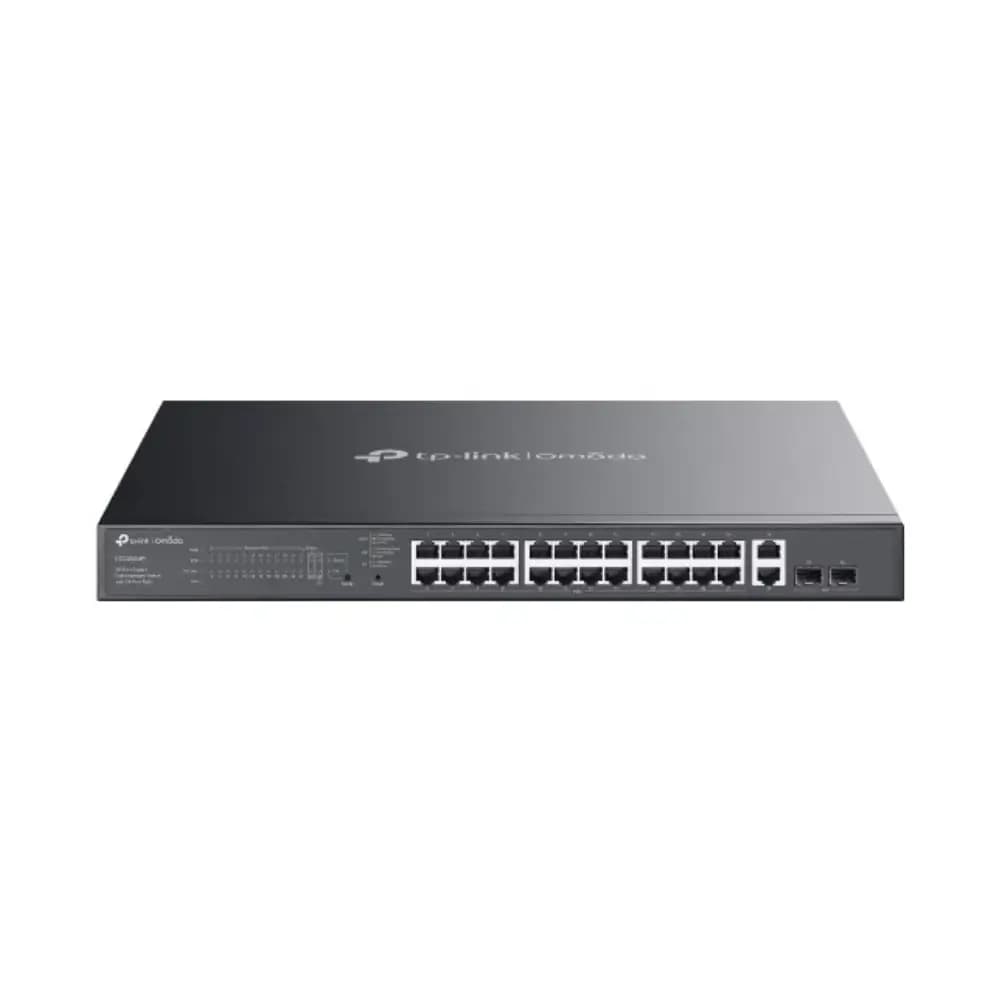
TP-Link Omada ES228GMP 28-Port Gigabit PoE+ Switch
৳36,990
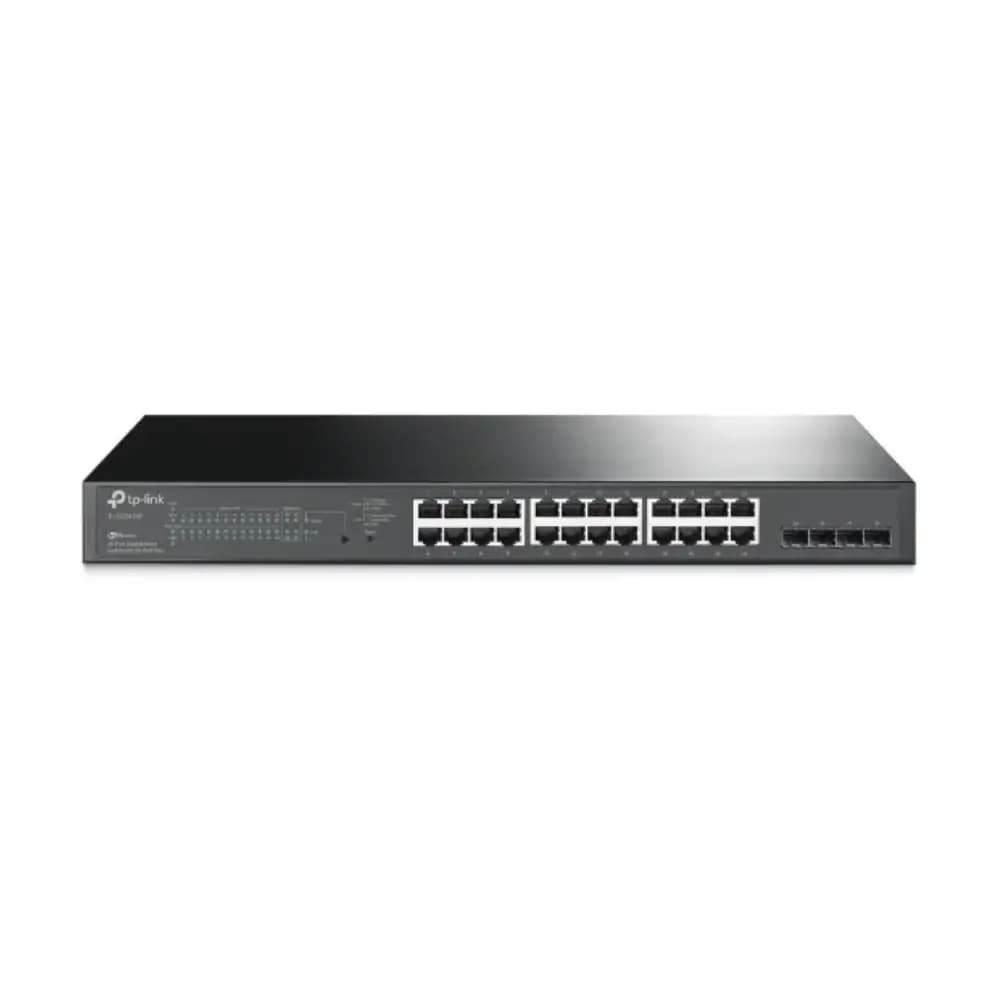
TP-Link TL-SG2428P 24-Port PoE+ Gigabit Smart Switch
৳37,990
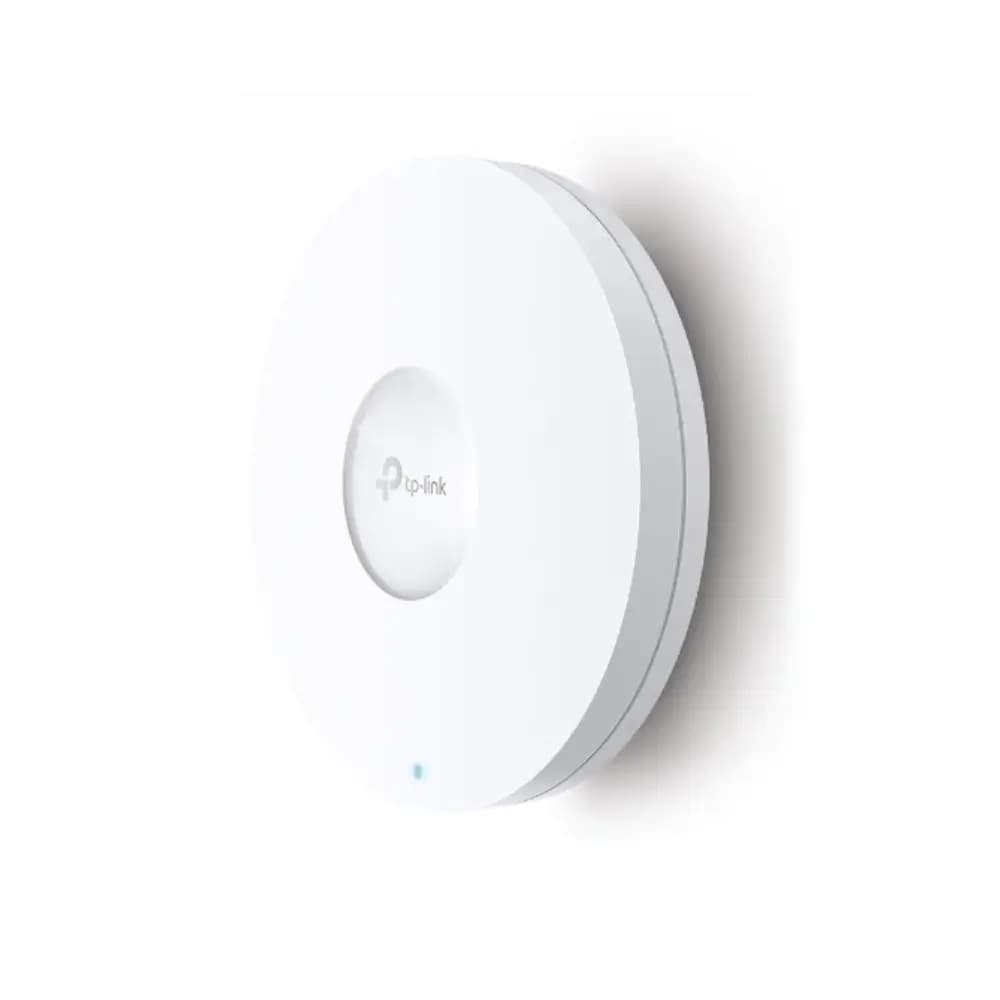
TP-Link EAP660 HD Wi-Fi 6 Ceiling Mount Access Point
৳35,990
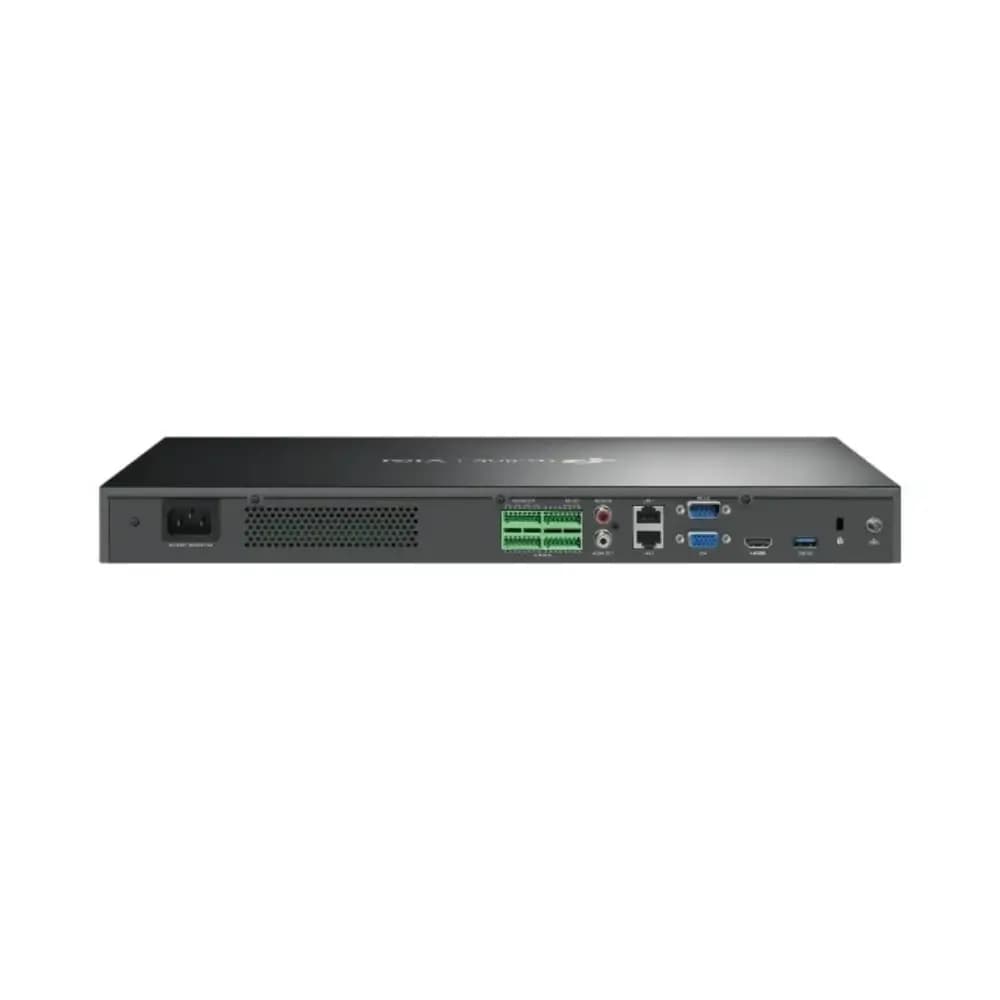
TP-Link VIGI NVR4032H 32 Channel Network Video Recorder
৳32,450
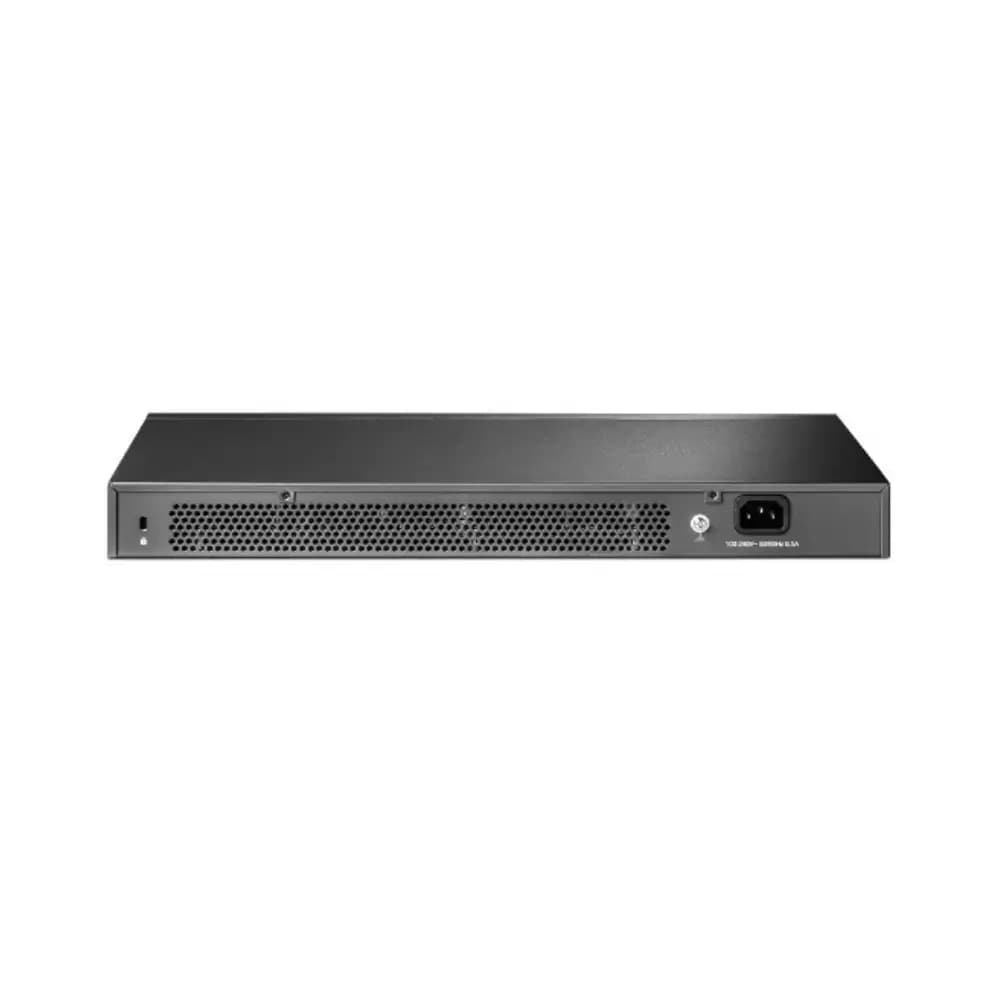
TP-Link TL-SG3428 24-Port Gigabit L2+ Managed Switch
৳27,990
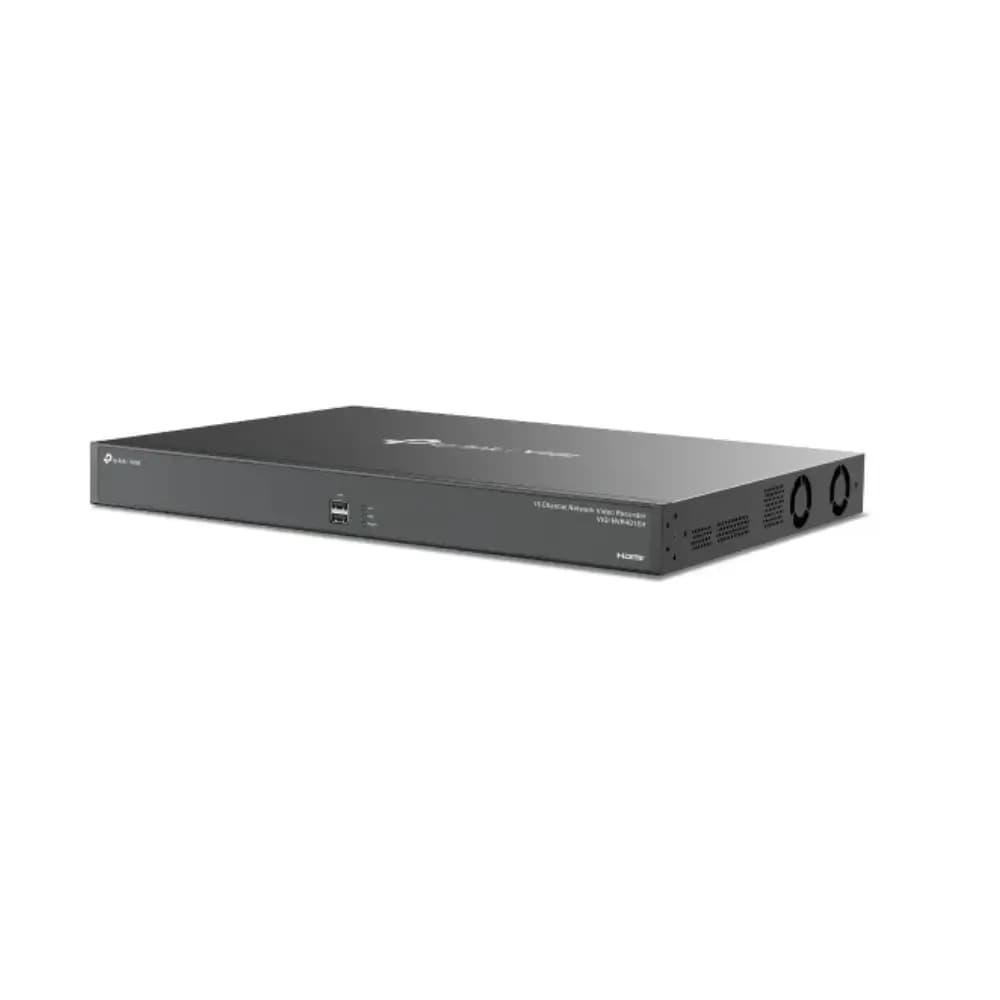
TP-Link VIGI NVR4016H 16-Channel Network Video Recorder
৳26,950
TP-Link EAP650-Outdoor IP68 Weatherproof WiFi 6 Access Point
৳26,990


