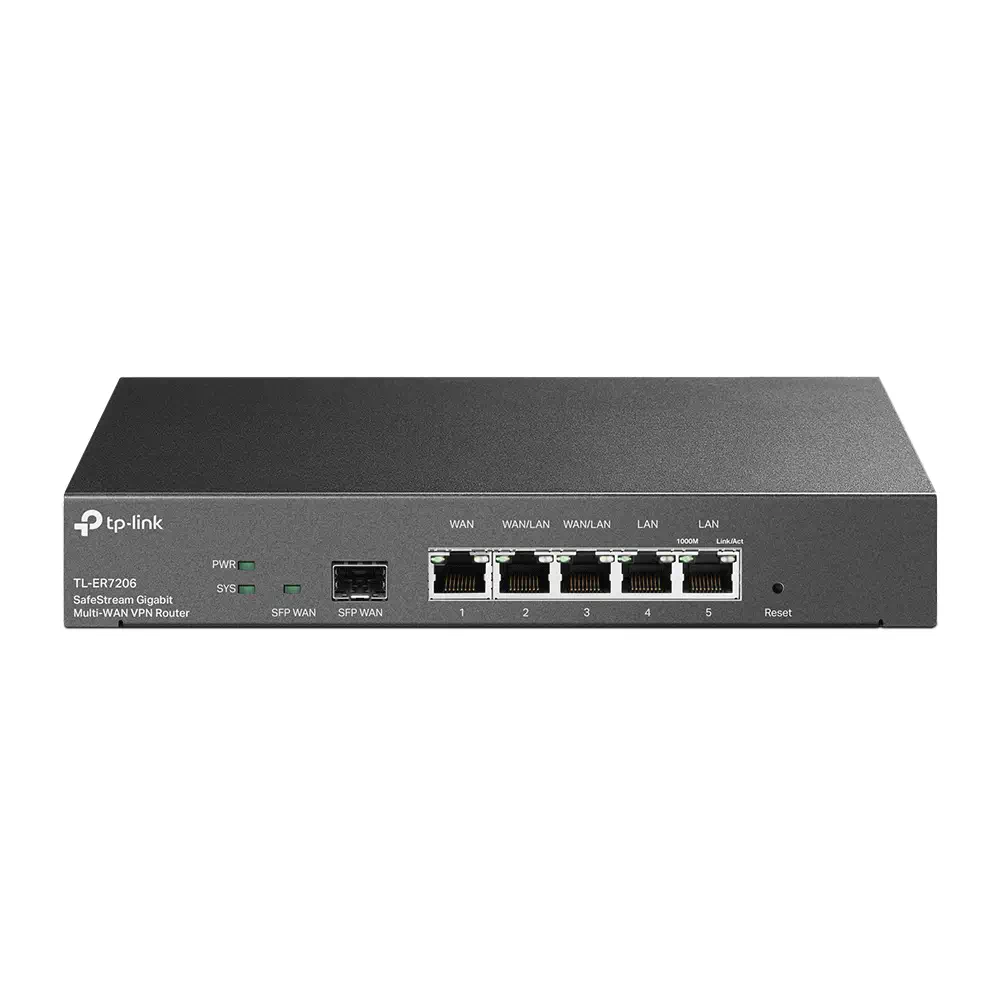
TP-Link TL-ER7206 SafeStream Gigabit VPN Router
৳15,790
Good to know
- 7 days replacement warranty
- Cash on delivery available
- Ask on WhatsApp
Specifications
| Model | TL-ER7206 |
|---|---|
| Type | SafeStream Gigabit Multi-WAN VPN Router |
| Ports | 1 Fixed Gigabit SFP WAN Port; 1 Fixed Gigabit RJ45 WAN Port; 2 Fixed Gigabit RJ45 LAN Ports; 2 Changeable Gigabit RJ45 WAN/LAN Ports |
| WAN Connection Types | Static/Dynamic IP, PPPoE, PPTP, L2TP |
| Network Standards | IEEE 802.3, 802.3u, 802.3ab, 802.3z, 802.3x, 802.1q |
| Protocols | TCP/IP, DHCP, ICMP, NAT, PPPoE, NTP, HTTP, HTTPS, DNS, IPSec, PPTP, L2TP, OpenVPN, SNMP |
| VPN Capacity | Up to 100 LAN-to-LAN IPSec, 50 OpenVPN, 50 L2TP and 50 PPTP connections |
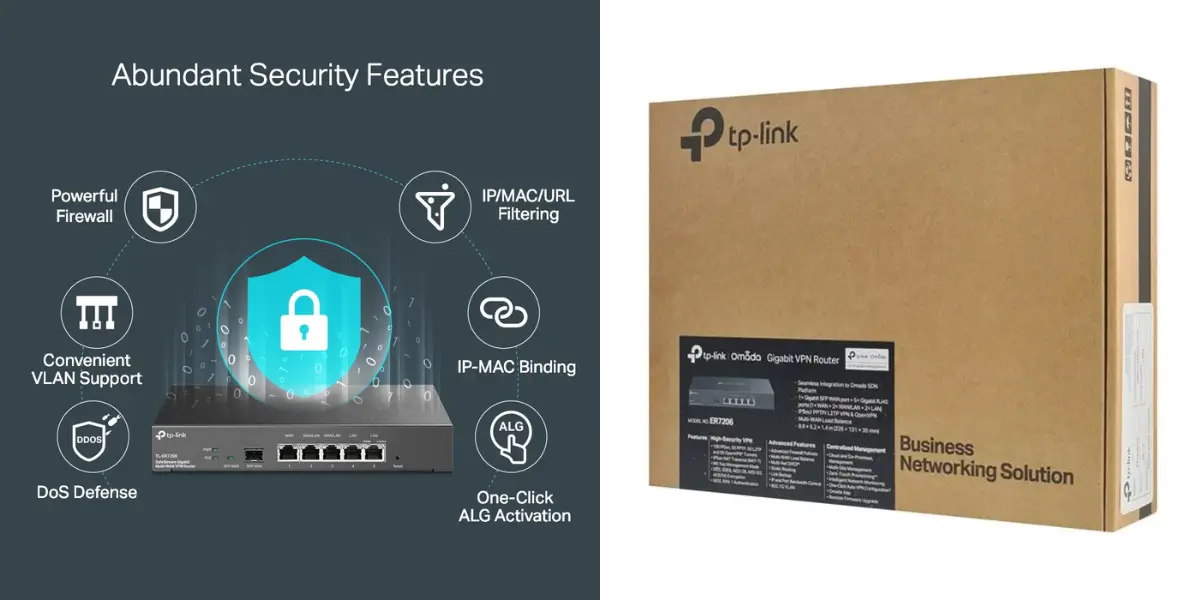
| Security | TCP/UDP/ICMP flood defense; block TCP scan (Stealth FIN/Xmas/Null); block ping from WAN |
| Filtering | Web group filtering, URL filtering, web security |
| ARP Inspection | Sending GARP packets, ARP scanning, IP-MAC binding |
| Access Control | Source/destination IP-based access control |
| Button | Reset Button |
| Operating System Support | Microsoft Windows 98SE, NT, 2000, XP, Vista, 7/8/8.1/10; MAC OS; NetWare; UNIX; Linux |
| Power | 100-240 V~ 50/60 Hz |
| Dimensions | 226 × 131 × 35 mm (8.9 × 5.2 × 1.4 in) |
| Color | Black |
| Warranty | 2 Years |
Description
The TP-Link TL-ER7206 is a Gigabit Multi-WAN VPN router that lets a business run several internet connections from one secure gateway. With up to four WAN ports and load balancing, it spreads traffic across your lines to make better use of your bandwidth.
It is built for offices, shops and branch sites that need dependable connectivity, safe remote access and control over how staff use the internet. You can link multiple sites with IPSec, OpenVPN, L2TP and PPTP VPN, and set it up from your phone with the free Omada app.
If you are searching for a TP-Link router for a small or medium business network, the TL-ER7206 combines multi-WAN flexibility, VPN support and access management in a compact device.
Key Features
- Up to 4 Gigabit WAN ports: One fixed SFP WAN port, one fixed RJ45 WAN port and two changeable WAN/LAN ports let you connect several internet lines. You get backup options and more total bandwidth from a single device.
- Multi-WAN load balancing: Data streams are shared according to the bandwidth of each WAN port. Multi-line broadband is used efficiently, so no single connection is overloaded.
- Flexible Gigabit port layout: The router has 1 SFP WAN, 1 RJ45 WAN, 2 fixed RJ45 LAN and 2 changeable RJ45 WAN/LAN ports. You can adapt it to the number of lines and wired devices on your site.
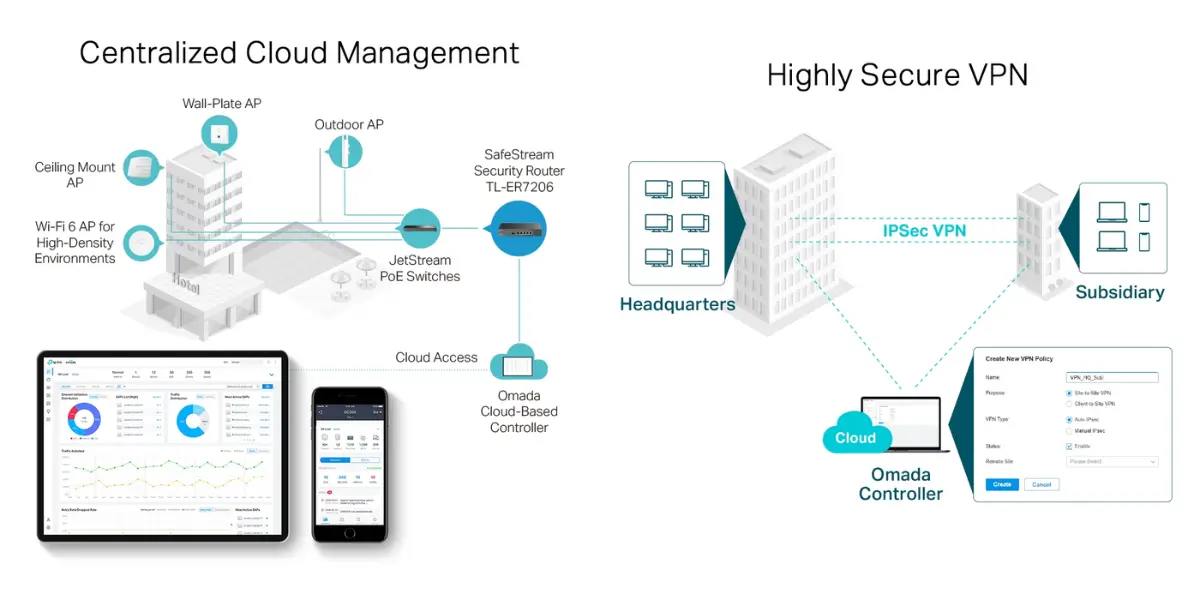
- IPSec, OpenVPN, L2TP and PPTP VPN: It supports up to 100 LAN-to-LAN IPSec, 50 OpenVPN, 50 L2TP and 50 PPTP VPN connections. Branch offices and remote staff can connect to company resources securely.
- One-click auto IPSec VPN: VPN setup becomes much simpler. Site-to-site links are faster to deploy and need less technical work.
- IP/MAC/URL filtering and Access Control List (ACL): You can set internet access rights for employees and manage online behavior. This helps protect productivity and network resources.
- Captive portal authentication: User access is recorded, authenticated and categorized. Guests and staff can receive the right level of network access.
- Built-in attack defense: It includes TCP/UDP/ICMP flood defense, blocking of TCP scans (Stealth FIN, Xmas, Null) and blocking of ping from WAN. Your network is better protected from common threats.
- ARP inspection and IP-MAC binding: These tools help guard against ARP-based attacks and unauthorized devices on the LAN.
- Omada app management: Set up in minutes, change settings, monitor network status and manage clients from a smartphone or tablet.
- Multiple WAN connection types: Static/Dynamic IP, PPPoE, PPTP and L2TP are supported, so it works with many ISP setups.
Why Choose This Gigabit Multi-WAN VPN Router
Many offices outgrow a basic router once they add a second internet line, remote workers or branch sites. This Gigabit Multi-WAN VPN router handles all of these on one device, with load balancing, VPN support and access control working together. That means fewer separate devices to buy and manage.
It is also practical for daily use. The Omada app keeps setup and monitoring simple, and the one-click IPSec VPN saves time on site-to-site links. For businesses in Bangladesh that want a professional TP-Link router with a 2-year warranty, the TL-ER7206 is a dependable choice for secure, flexible networking.
Best Use Cases
- Small and medium offices: multiple internet lines with load balancing
- Branch offices: secure site-to-site connections with IPSec VPN
- Remote work: staff connect safely through OpenVPN, L2TP or PPTP
- Shops, cafes and guest networks: captive portal and access control
- ISP backup setups: extra WAN ports for redundancy and bandwidth sharing
Compatibility
- Works with Microsoft Windows (98SE, NT, 2000, XP, Vista, 7/8/8.1/10), MAC OS, NetWare, UNIX and Linux.
- Supports Static/Dynamic IP, PPPoE, PPTP and L2TP internet connection types.
- Supports VPN protocols including IPSec, OpenVPN, L2TP and PPTP.
- The SFP WAN port accepts compatible SFP connections, and the RJ45 ports use standard Gigabit Ethernet cables.
Warranty
7 days replacement warranty
Read the warranty policyReviews
Frequently asked questions
What is the TP-Link TL-ER7206 used for?
It is a Gigabit Multi-WAN VPN router for business networks. It manages several internet connections, supports secure VPN access and controls user internet access from one device.
How many WAN ports does the TL-ER7206 have?
It supports up to four WAN ports: one fixed SFP WAN, one fixed RJ45 WAN and two changeable WAN/LAN ports.
What VPN types does this VPN router support?
It supports IPSec, OpenVPN, L2TP and PPTP, with up to 100 LAN-to-LAN IPSec, 50 OpenVPN, 50 L2TP and 50 PPTP connections.
Does the TL-ER7206 support load balancing?
Yes. Multi-WAN load balancing shares data streams according to the bandwidth of each connected WAN port.
Can I manage it from my phone?
Yes. The free Omada app lets you set up the router, change settings, monitor network status and manage clients from a smartphone or tablet.
TP-Link Store
More in-stock picks from this brand
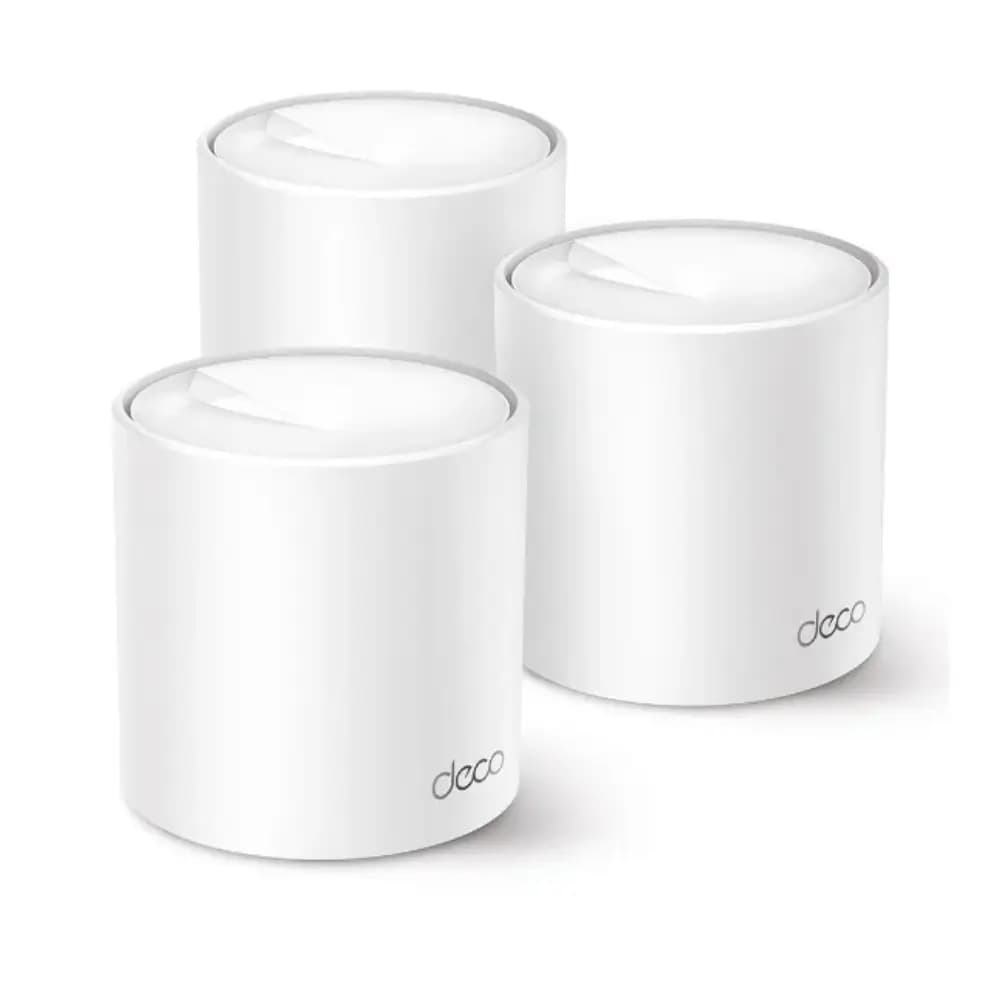
TP-Link Deco X50 AX3000 Mesh Wi-Fi 6 Router (3-Pack)
৳26,690
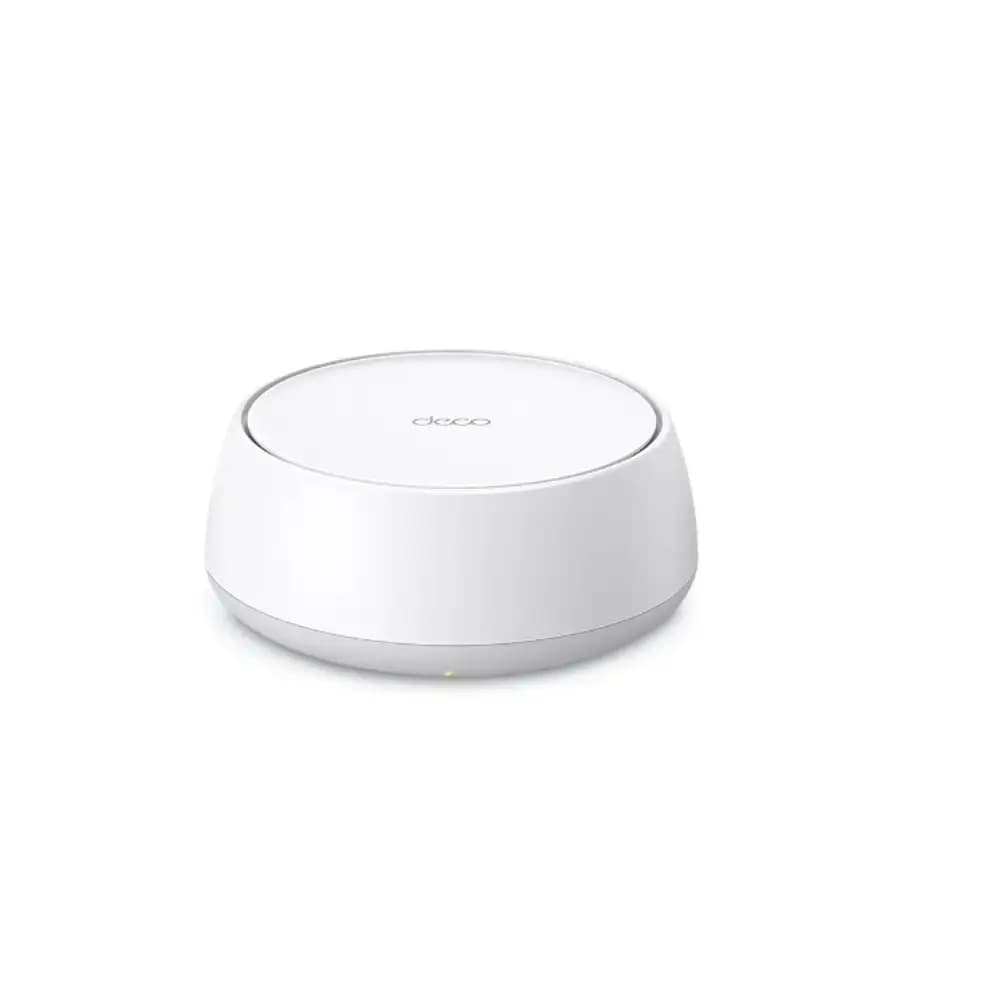
TP-Link Deco BE22 BE3600 WiFi 7 Mesh Router 2-Pack
৳22,490
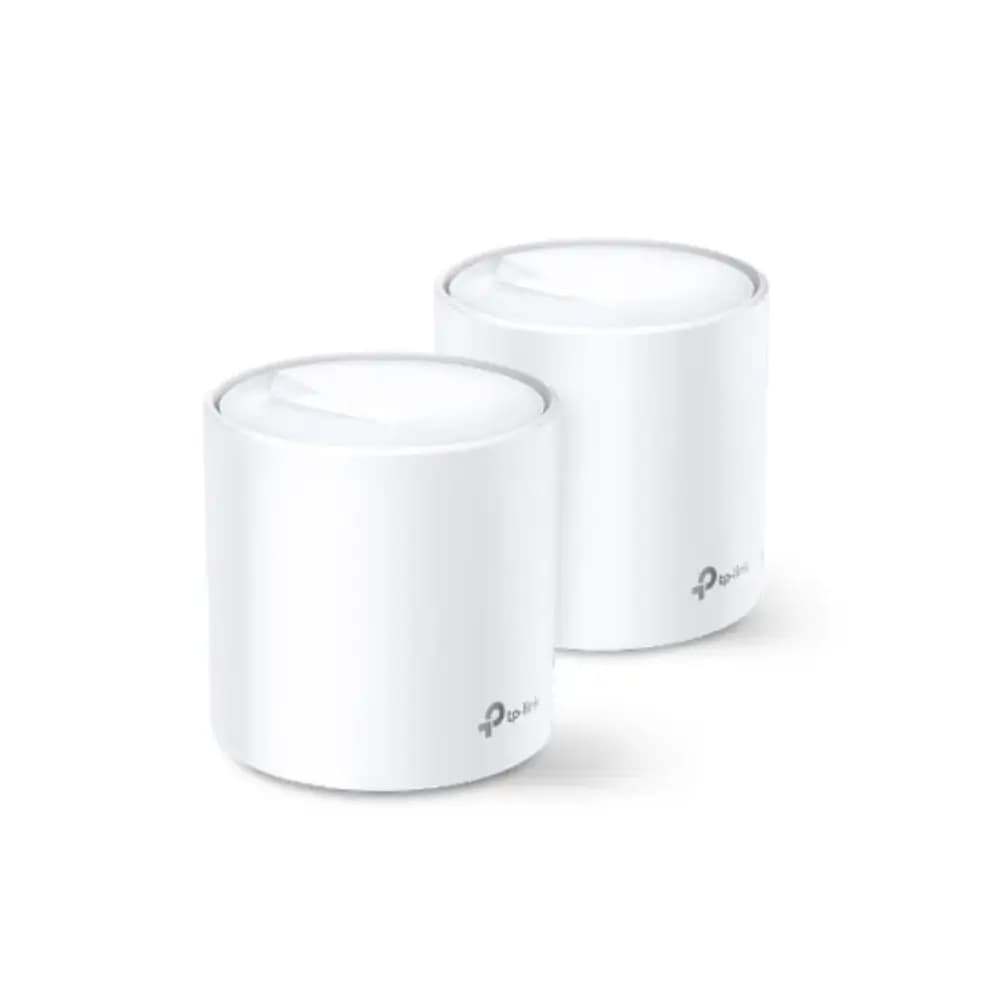
TP-Link Deco X60 AX5400 Dual-Band Mesh WiFi 6 Router 2-Pack
৳21,890
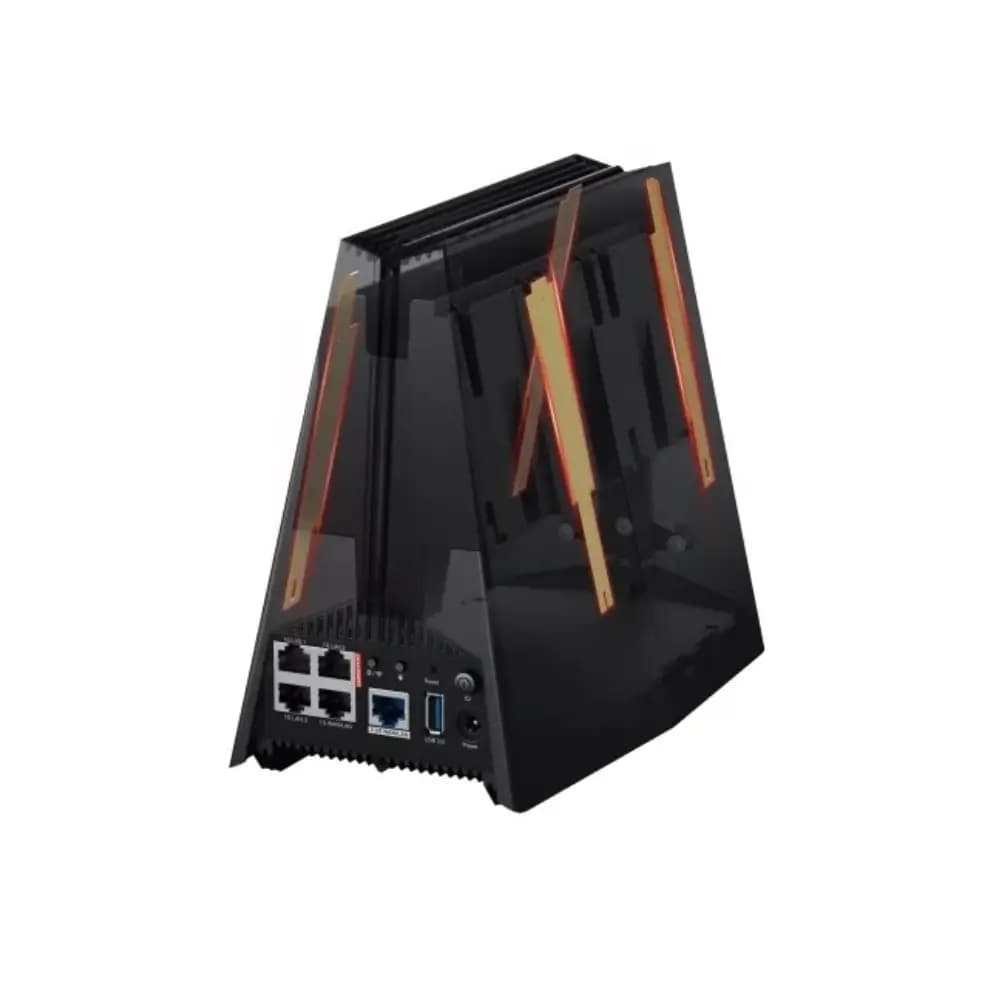
TP-Link Archer GXE75 AXE5400 Wi-Fi 6E Gaming Router
৳20,190
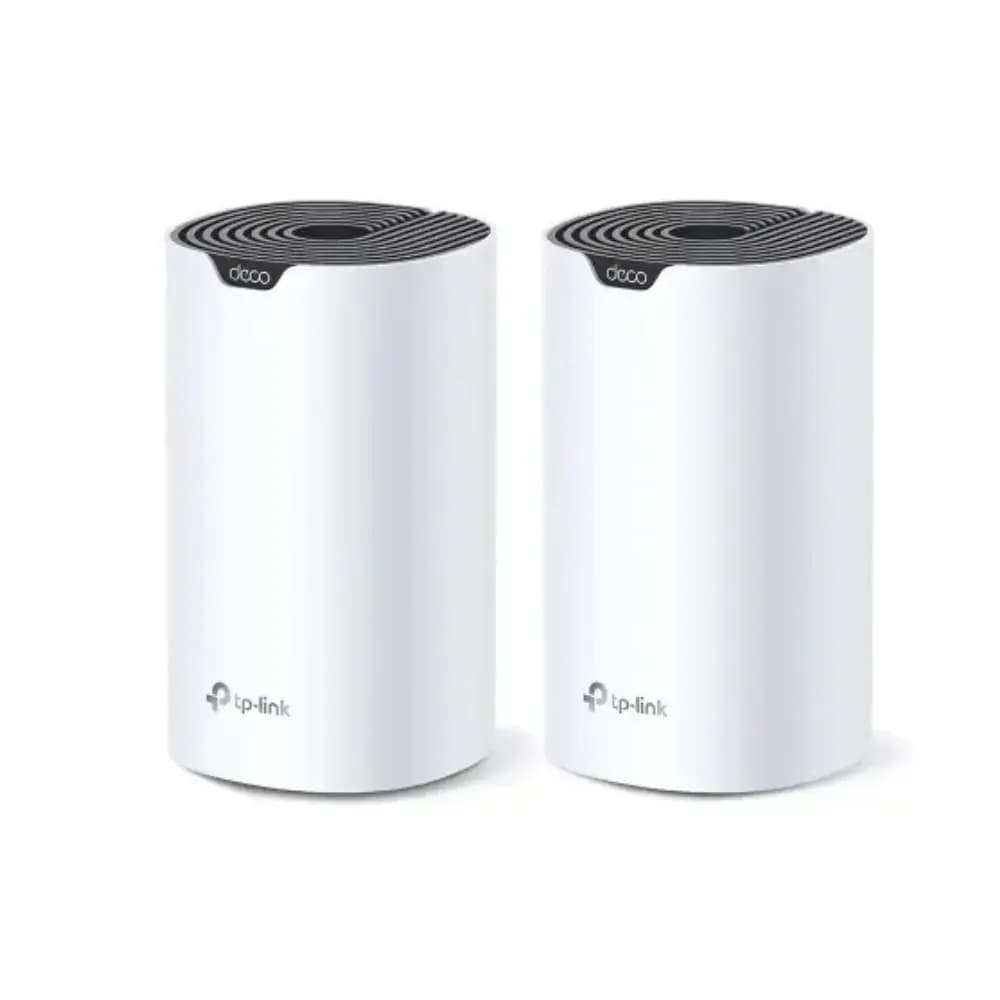
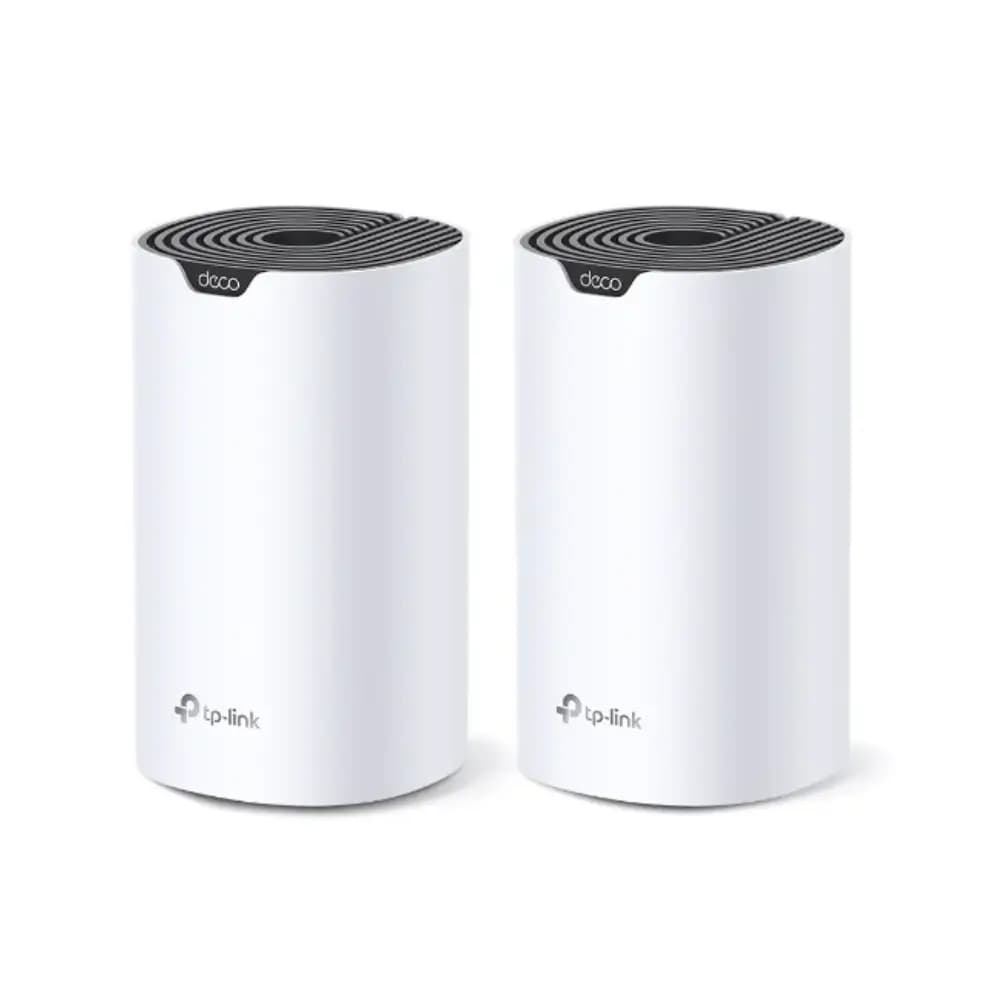
TP-Link Deco S7 AC1900 Dual Band Mesh WiFi Router 2-Pack
৳10,290
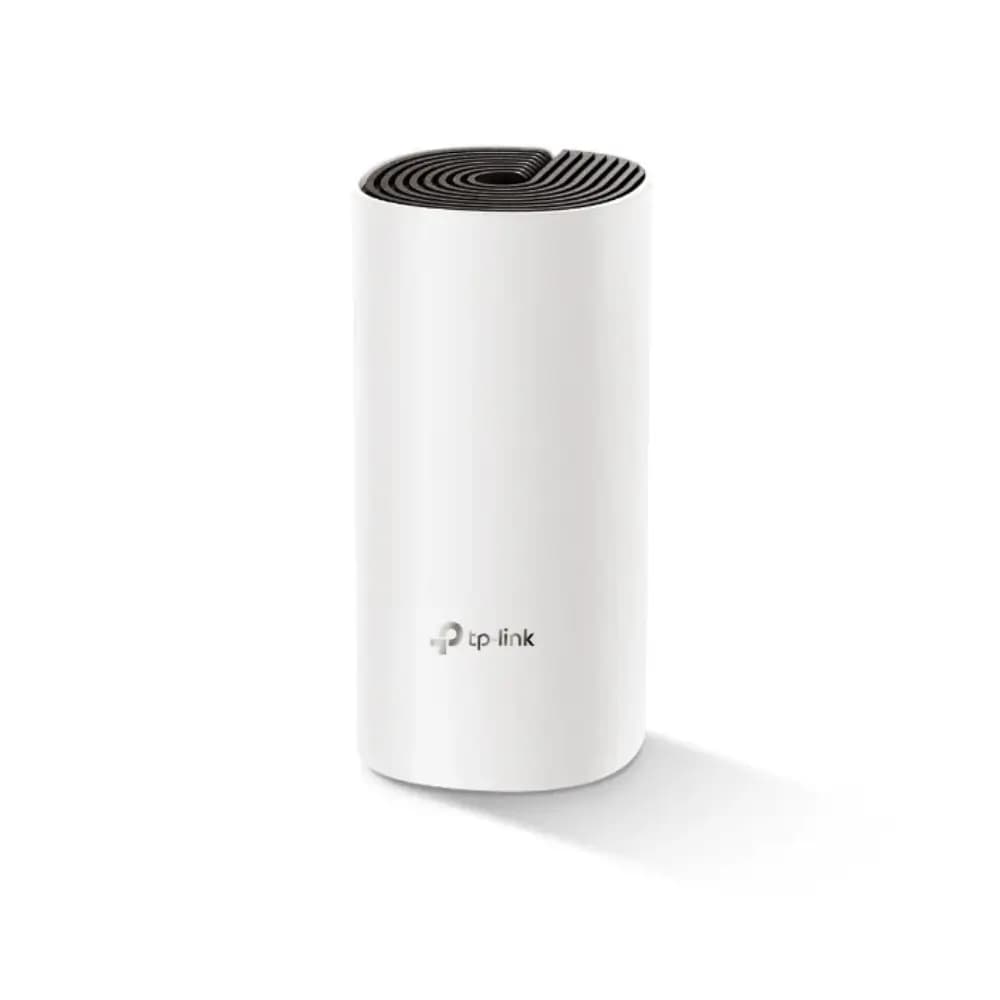
TP-Link Deco E4 AC1200 Whole Home Mesh Wi-Fi Router 3-Pack
৳10,100
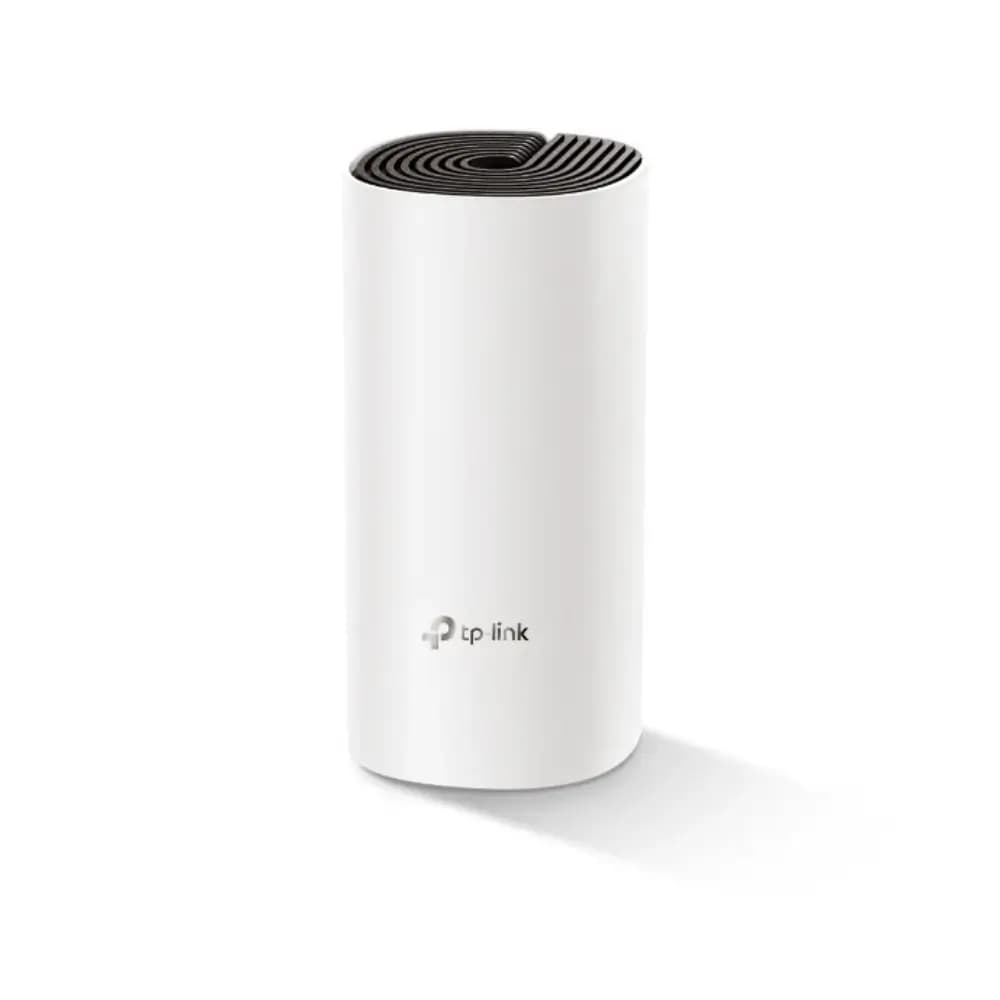
TP-Link Deco M4 AC1200 Mesh WiFi Router System
৳9,350
TP-Link Deco S7 AC1900 Dual Band Mesh WiFi Router 1-Pack
৳5,180