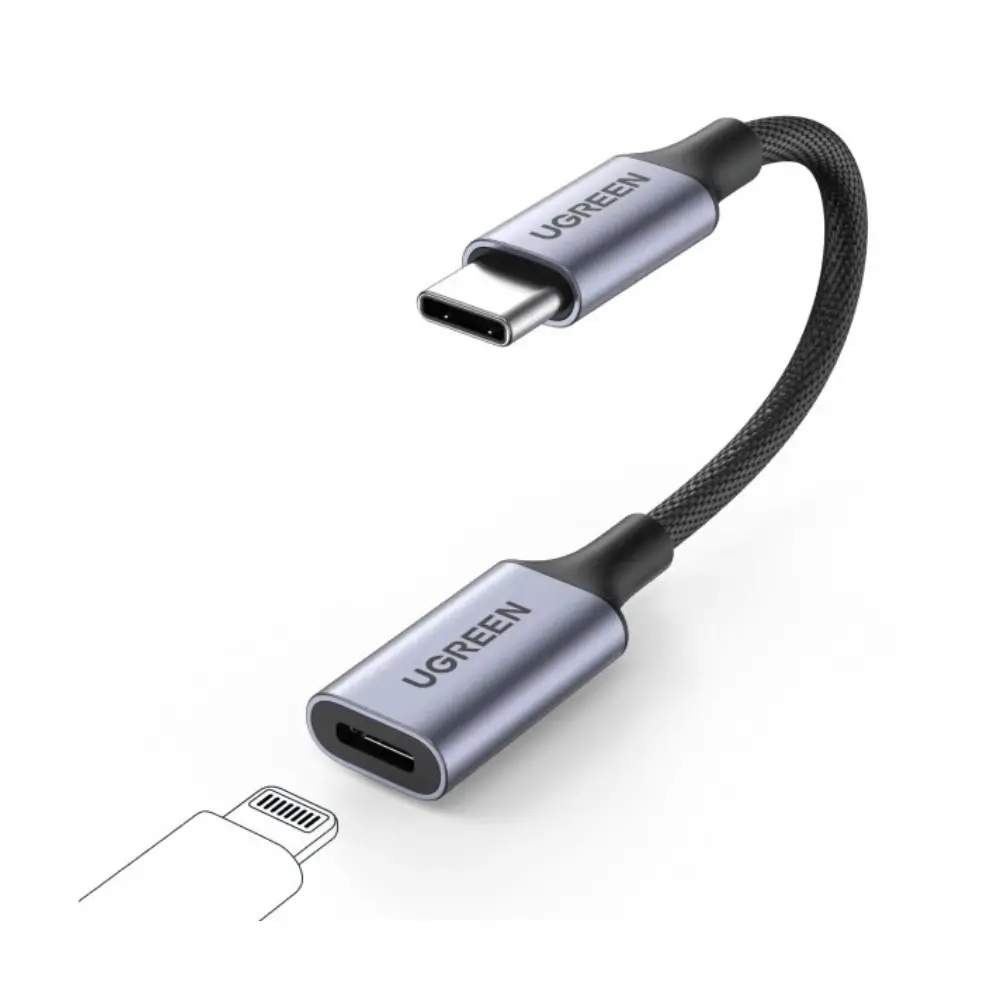

UGREEN 70953 USB C to Lightning Audio Adapter for Headphones
BDT 2,840
Quantity
The UGREEN 70953 USB C to Lightning Audio Adapter lets you plug Lightning headphones into a USB-C Mac, laptop or tablet. If you own MFi-certified Lightning earphones and your device only has a USB-C port, this adapter bridges the gap without replacing your headphones.
It has a USB Type-C connector on one end and a Lightning port on the other. On a Mac, you select the adapter for both sound output and input in System Preferences, so your headphones work for music, calls and recordings. This UGREEN adapter suits daily work, study and travel.
Key Features
- USB Type-C to Lightning connection: Connects a USB-C device to Lightning headphones, so you can keep using headphones you already own.
- Tailored for MFi-certified Lightning headphones: Designed for Lightning headphones that carry the MFi certification, so you can use them with confidence.
- Audio output and input support on Mac: Select "Lightning Audio Adapter Output" and "Lightning Audio Adapter Input" in Sound settings for playback and microphone use.
- Works with laptops and tablets: Suited to USB-C laptops and tablets, so one adapter covers several devices.
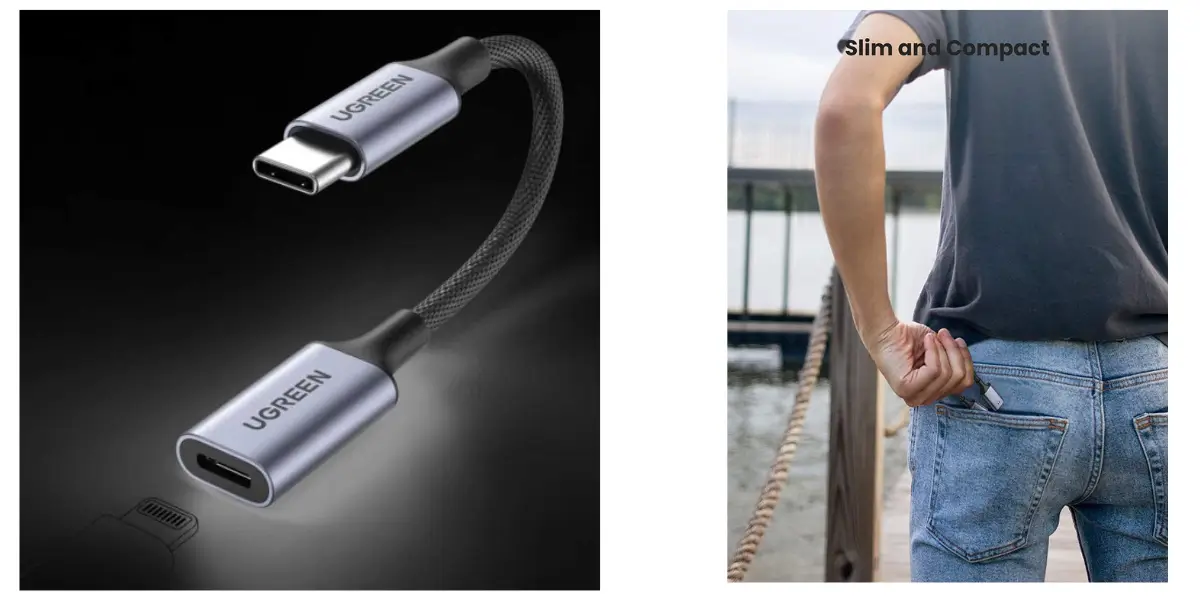
- Compact and lightweight build: At 5.75 x 2.44 x 0.71 inches and about 0.704 oz, it is easy to keep in a laptop bag or pocket.
- Simple setup: Connect the adapter to your device, plug in your headphones, and choose the adapter in Sound settings.
Why Choose the UGREEN 70953 USB C to Lightning Audio Adapter
If your headphones use Lightning but your laptop or tablet uses USB-C, this adapter saves you from buying new headphones. You keep the earphones you like and connect them to the devices you use every day.
It is also a practical ugreen adapter choice for anyone who works across several devices. The Mac setup takes only a few steps, and the compact size makes it easy to carry. UGREEN is a familiar accessory brand, so this is a dependable add-on for your audio setup.
Best Use Cases
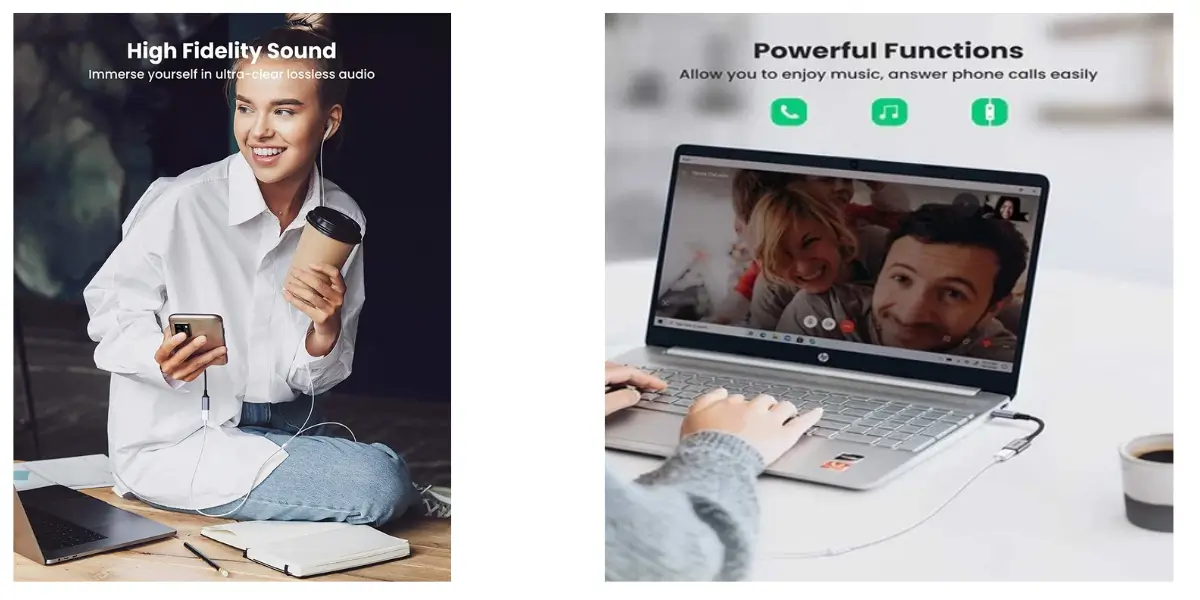
- Office and remote work: Take calls and join meetings using Lightning headphones on a USB-C laptop.
- Students: Listen to lectures and recordings on a USB-C tablet or laptop.
- Travel: Carry one small adapter instead of a second pair of headphones.
- Music and entertainment: Enjoy music and videos through your existing Lightning earphones.
Technical Specifications
| Feature | Details |
|---|---|
| Brand | UGREEN |
| Model | 70953 |
| Product Type | USB C to Lightning Audio Adapter |
| Connector Type | USB Type-C, Lightning |
| Number of Ports | 2 |
| Compatible Devices | Laptop, Tablet |
| Headphone Support | MFi-certified Lightning headphones |
| Dimensions (W x D x H) | 5.75 x 2.44 x 0.71 inches |
| Weight | 0.704 ounces |
COMPATIBILITY
Supported devices: USB-C Mac computers, laptops and tablets.
Mac setup: Connect the adapter to your Mac and plug your Lightning headphones into the adapter. Go to Apple menu > System Preferences > Sound. In the Output tab, select “Lightning Audio Adapter Output.” In the Input tab, select “Lightning Audio Adapter Input.”
Supported accessories: MFi-certified Lightning headphones, including:
- EarPods with Lightning connector
- Beats UrBeats3 with Lightning connector
- Sennheiser Ambeo Smart Headset
- Audeze Sine DX, EL-8 Titanium and iSine10
- Pioneer Rayz, Rayz Plus and Rally
- Radius HP-NEL21, HP-NEL31, HC-M100L and HP-NHL21
- Libratone Q-Adapt in-ear Lightning headphones
- RHA MA650i with Lightning
- Moshi Avanti LT and Mythro LT
Frequently asked questions
What is the UGREEN 70953 USB C to Lightning Audio Adapter?
It is an adapter with a USB Type-C connector and a Lightning port. It lets you use Lightning headphones with USB-C devices such as laptops and tablets.
Which headphones work with this UGREEN adapter?
It is tailored for MFi-certified Lightning headphones, such as EarPods with Lightning connector, Beats UrBeats3, Sennheiser Ambeo Smart Headset and Audeze Sine DX.
How do I set it up on a Mac?
Connect the adapter to your Mac, plug in your Lightning headphones, then open System Preferences > Sound. Select “Lightning Audio Adapter Output” under Output and “Lightning Audio Adapter Input” under Input.
Can I use it with a laptop or tablet?
Yes. Laptops and tablets are the listed compatible devices for this adapter.
UGREEN Store
More in-stock picks from this brand

UGREEN 60718 USB C Hub with Gigabit Ethernet Adapter
৳2,640

UGREEN 20103 USB C to Micro-B 3.0 Cable 5Gbps Data Transfer
৳640

UGREEN CM204 USB C to RJ45 Console Cable with FTDI Chipset
৳1,740

UGREEN 30701 USB-C to USB 3.0 OTG Adapter with 15cm Cable
৳640

UGREEN 50738 USB C to HDMI VGA Converter in Space Gray
৳1,940

UGREEN CM565 USB-C to HDMI 2.1 Cable 1.5m 8K@60Hz
৳2,840

UGREEN MM130 USB-C to DisplayPort Adapter with 4K 60Hz
৳1,150

UGREEN CM440 USB-C Docking Station with M.2 SSD Slot
৳5,780


