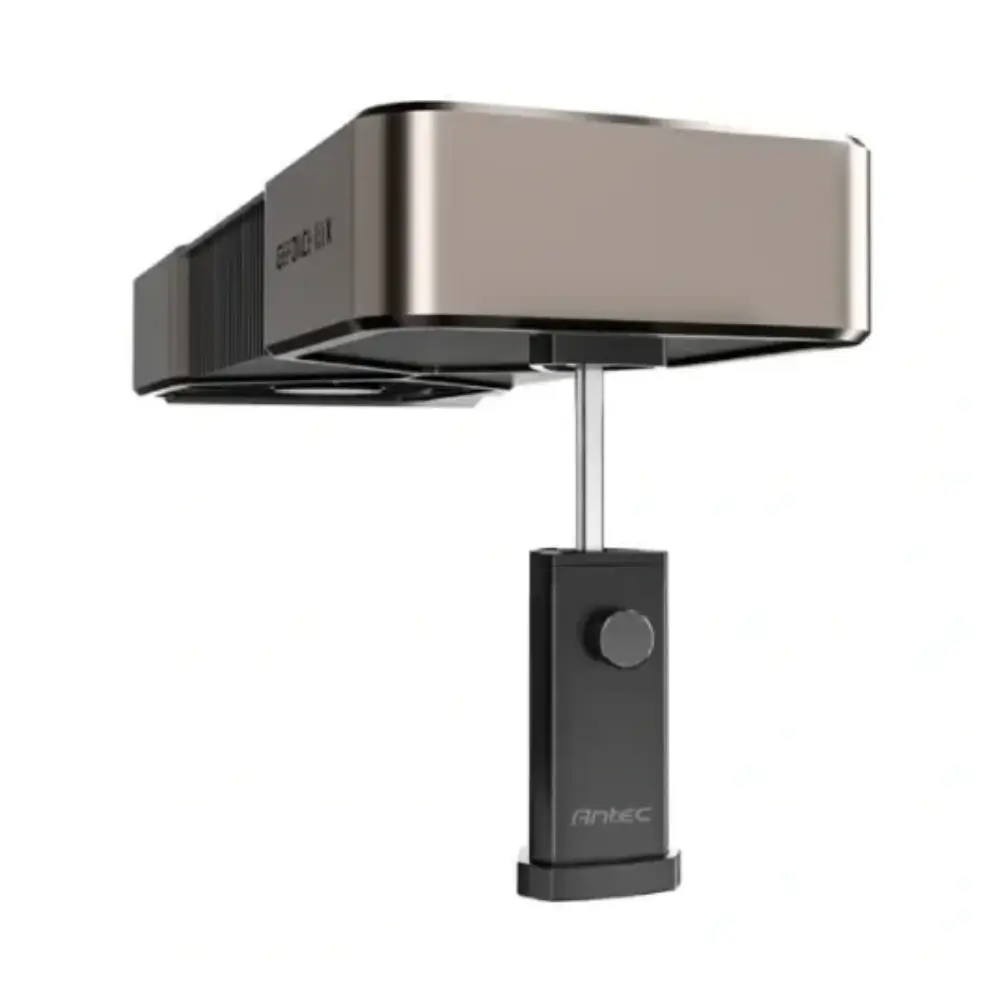
Antec AT-IGPUH-BK I-Shape GPU Holder with Magnetic Base
BDT 690
Quantity
Modern high-end graphics cards come with massive heatsinks and heavy triple-fan coolers that put enormous strain on your motherboard's PCIe slot. Over months of use, this weight leads to noticeable GPU sag, which can flex the graphics card PCB, loosen connector pins, and potentially cause permanent hardware damage. The Antec AT-IGPUH-BK provides a simple, mechanical solution to reinforce heavy cards and keep them perfectly level.
Built from rigid aluminum alloy with a clean matte black finish, this minimalist I-shape support pillar mounts cleanly inside your chassis without blocking airflow or interfering with lower intake fans. Its compact vertical footprint makes it easy to position even in tight multi-slot builds where bulky bracket-style supports cannot fit.
Key Features of Antec AT-IGPUH-BK GPU Holder
Adjustable Height Mechanism: Slide and lock the support bracket along the vertical column to match your specific GPU clearance.
Strong Magnetic Base: Keeps the stand firmly planted on steel power supply shrouds or chassis floors without shifting during transport.
Cushioned Anti-Scratch Pad: Soft padding on the support contact point prevents vibration noise and shields your GPU shroud from surface scratches.
Sturdy Aluminum Alloy: Solid metal pillar provides rigid vertical load-bearing capacity without bending under heavy triple-fan graphics cards.
Toolless Height Setup: Knurled thumbscrew lets you set your desired height quickly by hand without searching for a screwdriver.
Minimalist Black Profile: Blends into dark chassis interiors without drawing attention away from your components and custom lighting.
Why Choose This GPU Support Pillar
Horizontal bracket holders often rely on adjacent PCIe expansion slots, which can conflict with secondary add-in cards, thick radiators, or bottom-mounted fans. The vertical stand design of the AT-IGPUH-BK rests directly on the PSU shroud or bottom panel, transferring the weight straight down to the base of your PC case where support is strongest.
However, keep your case material in mind before choosing this model. The magnetic base adheres firmly to standard steel enclosures, but if your chassis has an aluminum bottom chamber or relies on plastic fan shrouds below the graphics card, the magnet will not grip automatically. In those setups, the holder relies entirely on gravity and downward pressure from the GPU to stay stable.
Best Use Cases
Triple-fan cards such as RTX 4070, 4080, 4090, or RX 7800/7900 series builds.
Chassis configurations with a flat steel power supply shroud beneath the graphics card.
Compact mid-tower setups where horizontal bracket arms collide with front AIO radiators.
PC systems regularly moved around for LAN gaming, cleaning, or desk rearrangements.
Technical Specifications for Antec AT-IGPUH-BK
Brand | Antec |
|---|---|
Model | AT-IGPUH-BK |
Product Type | Graphics Card Support / GPU Holder |
Design Shape | I-Shape Column |
Material | Aluminum Alloy |
Base Type | Magnetic Base |
Color | Black |
Adjustment Mechanism | Sliding Support Arm with Thumbscrew Lock |
Chassis Compatibility
Compatible with standard mid-tower and full-tower PC cases featuring a flat bottom panel or steel PSU shroud. The magnetic base requires a ferromagnetic (steel) surface to snap into place. Not suited for cases without flat clearance directly below the front edge of the GPU.
Installation Guide
Place the magnetic base on your PSU shroud directly beneath the drooping corner of your graphics card. Loosen the adjustment thumbscrew, slide the padded bracket upward until it gently supports the GPU, and tighten firmly by hand.
Frequently asked questions
Will this GPU holder fit inside my case?
It fits inside any case that has open vertical clearance between the bottom edge of your graphics card and the PSU shroud or floor panel.
Can the magnet in the base damage my PC components?
No. The magnet is contained in the base and placed against the case steel, far away from sensitive storage drives or motherboard chips.
Do I need any tools to install the Antec AT-IGPUH-BK?
No tools are required. The holder secures onto steel via its magnetic base and the support arm locks in place with a manual thumbscrew.
Will this scratch the plastic or metal shroud on my GPU?
No, the contact bracket is lined with a soft protective rubber pad that prevents scratches and absorbs minor fan vibrations.
Antec Store
More in-stock picks from this brand

Antec RTX50 Vertical GPU Bracket with PCIe 5.0 Riser Cable
৳7,180

Antec DAGGER AT-HGPUH-ARGB Graphics Card Support Bracket
৳2,390

Antec AT-GPUH-ARGB-TG-BK ARGB Tempered Glass GPU Support
৳2,490

Antec I-Shape Prism ARGB GPU Support Bracket
৳890
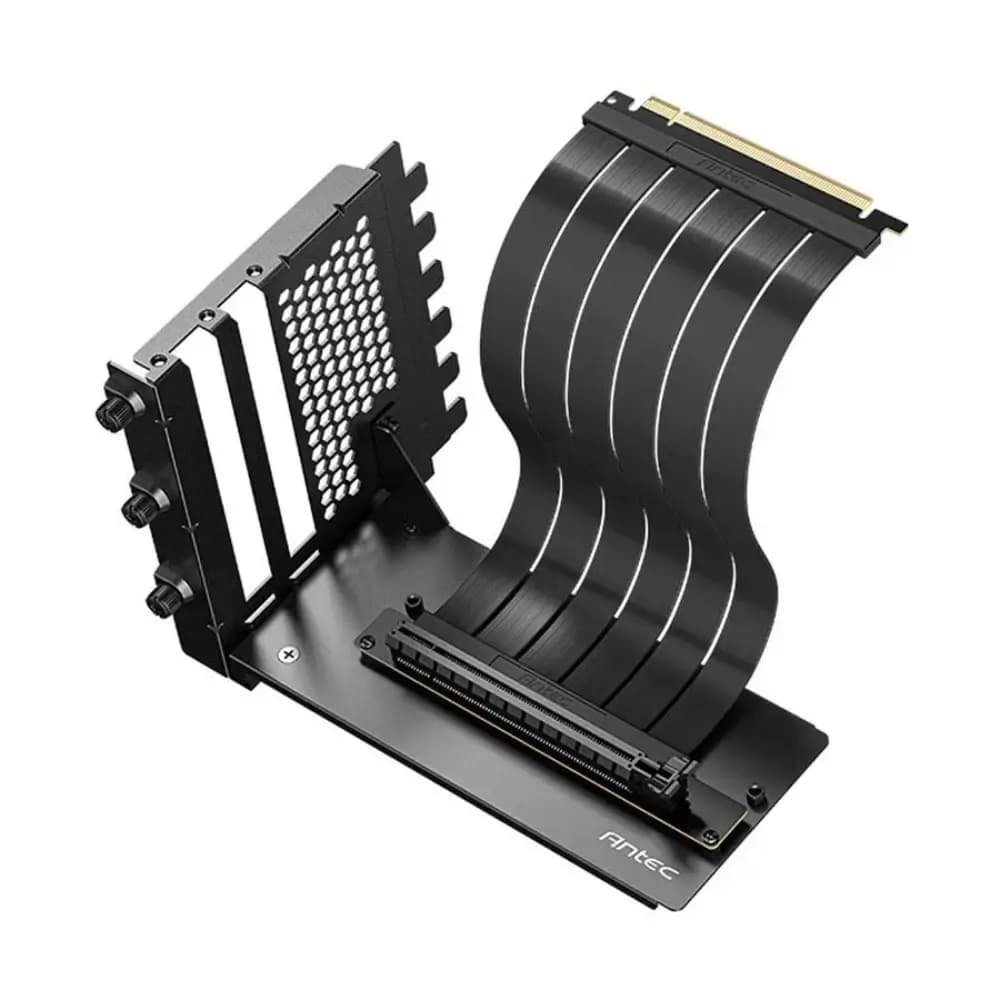
Antec PCIe Gen 4 200mm Black Riser Cable with Bracket
৳3,480
Antec ST6M ARGB Micro-ATX Casing with 3 ARGB Front Fans
৳2,440
Antec ST10M-TG Micro-ATX Casing with Tempered Glass Panel
৳1,690


