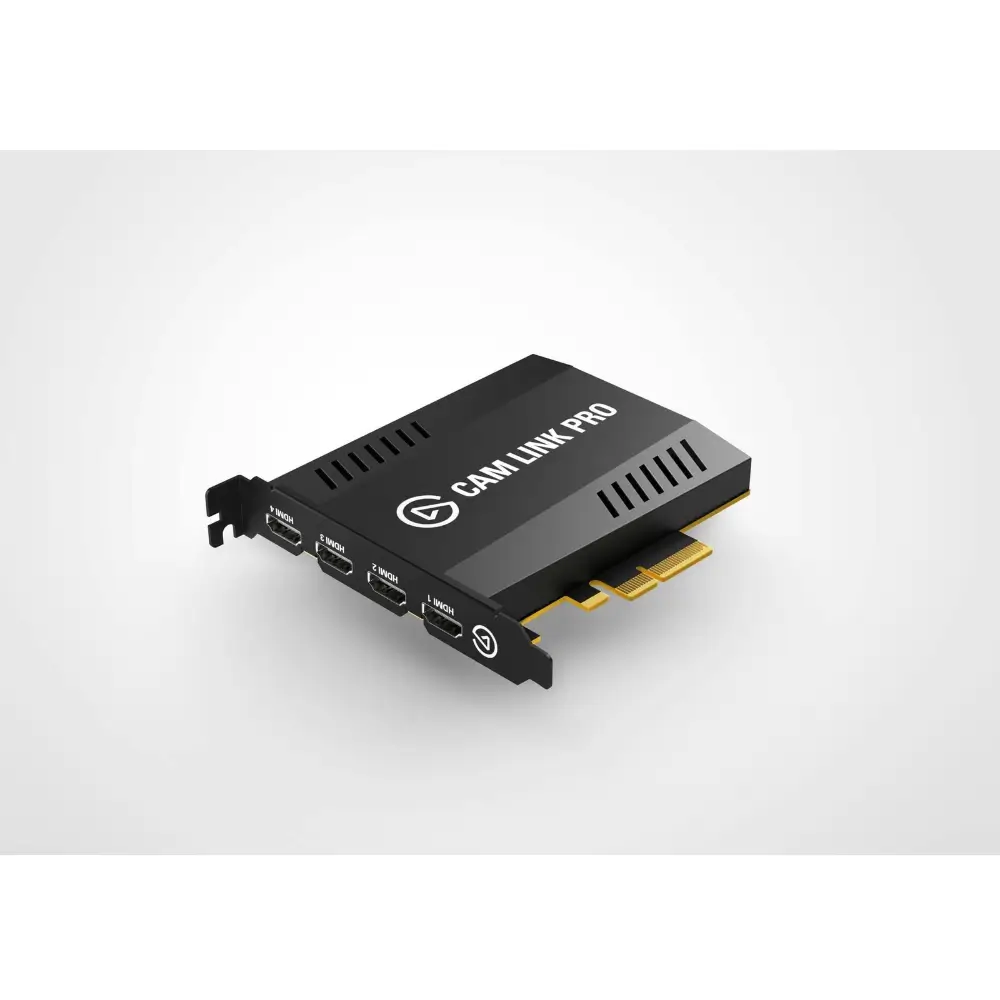
Elgato Cam Link Pro 4-Channel HDMI Capture Card
BDT 35,100
Quantity
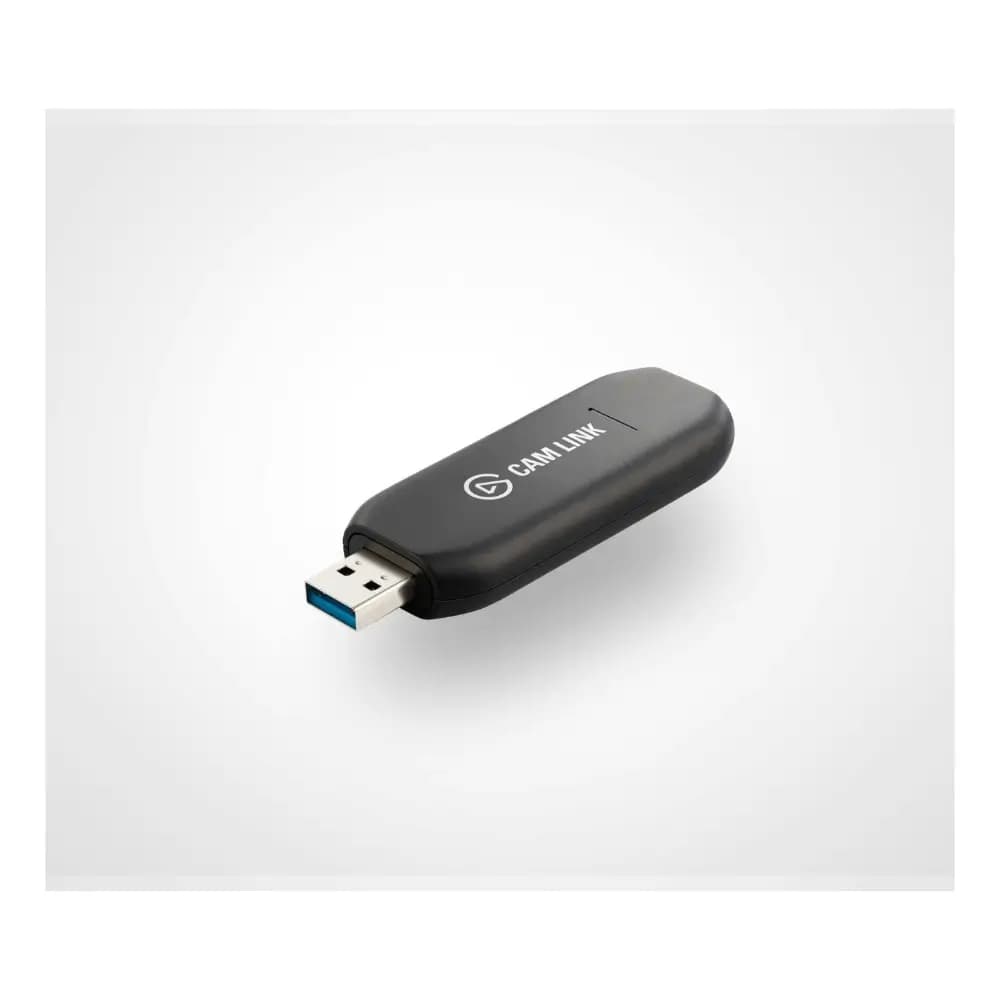
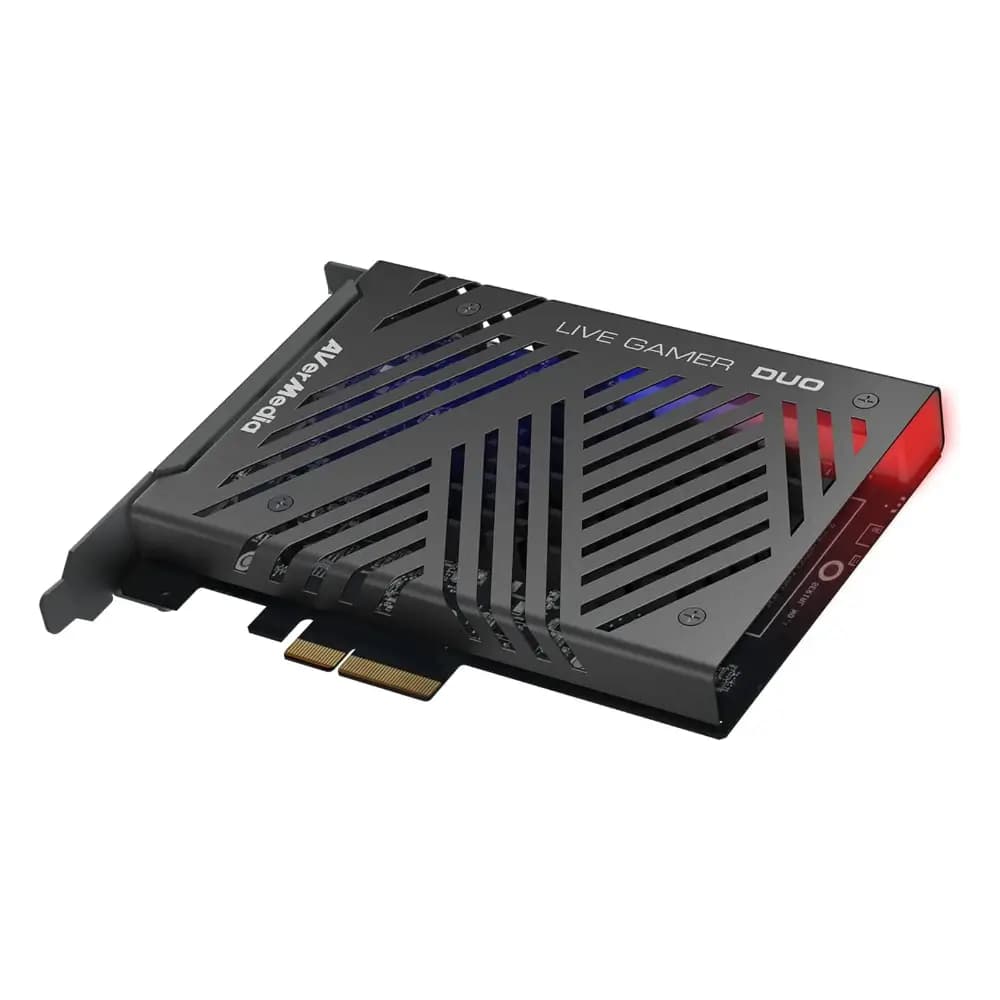
The Elgato Cam Link Pro is a professional-grade HDMI capture card built for creators, streamers, and broadcasters who need to manage multiple video sources at once. Instead of juggling separate capture devices, this single PCIe card lets you bring in four independent HDMI feeds and route them into your streaming or recording software with minimal setup and virtually no lag.
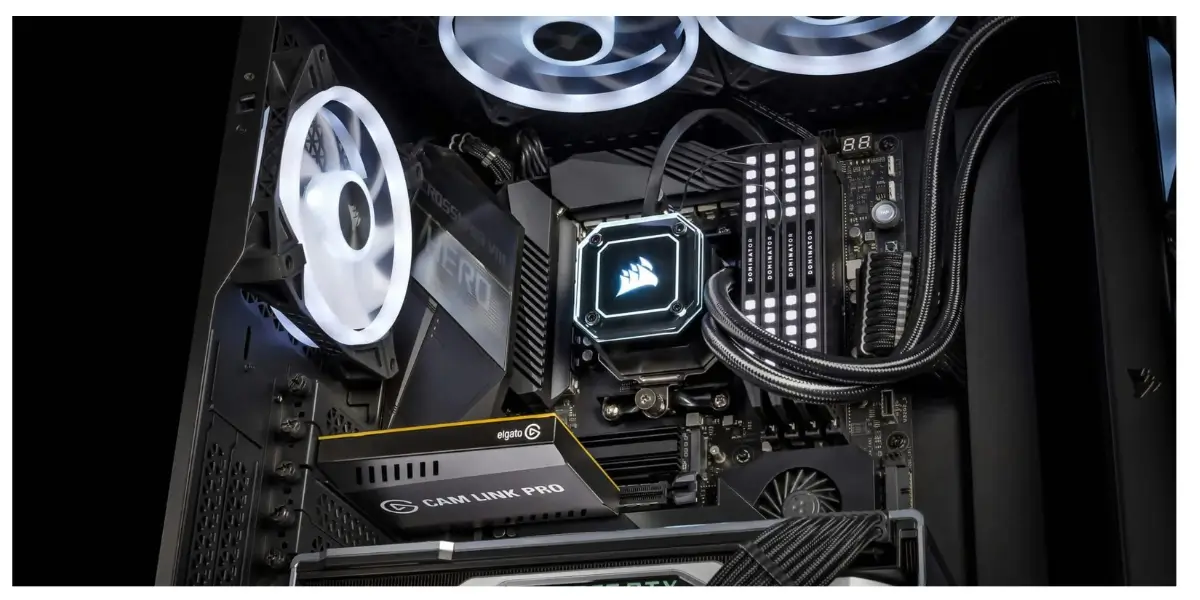
Whether you're running a multicam gaming stream, producing a live event, or recording a podcast with several camera angles, this elgato capture card gives you the flexibility to switch between sources instantly. It installs directly into your desktop's PCIe slot, so once it's in place, it becomes a permanent, reliable part of your production setup rather than another external box on your desk.
Key Features
Four Independent HDMI Inputs – Connect up to four unencrypted HDMI sources simultaneously, so you can mix cameras, consoles, or presentation feeds without swapping cables mid-stream.
Broad Resolution Support – Captures everything from 480p up to 2160p30, plus 1080p60, giving you the flexibility to match input quality to your production needs.
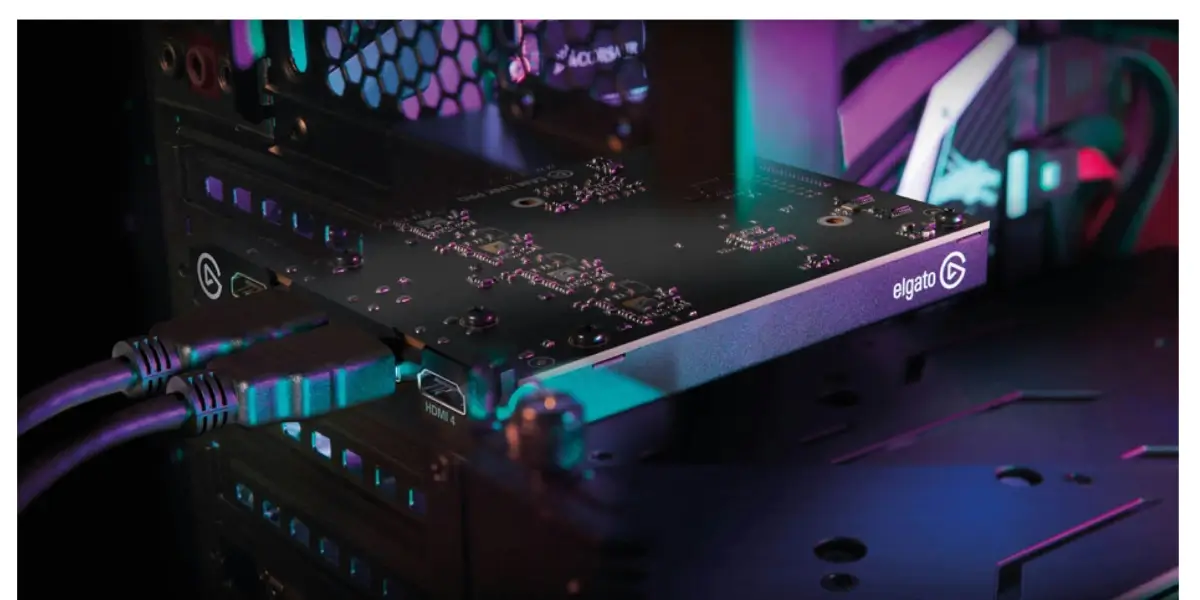
Internal PCIe 2.0 x4 Connection – Sits inside your PC rather than plugging into a USB port, freeing up your external ports and delivering a more stable, dedicated data pathway.
Compact Internal Footprint – At 148 x 51 x 192 mm, it fits neatly inside most desktop cases without crowding your other components.
Bundled Capture Software – Comes with access to the 4K Capture Utility, a free tool for managing sources, layouts, and recording settings without needing third-party software.
Why Choose the Elgato Cam Link Pro
If your workflow depends on more than one video source, this card removes the biggest bottleneck in multicam setups: signal handling. Rather than relying on multiple USB capture devices competing for bandwidth, the Cam Link Pro consolidates four HDMI inputs onto a single dedicated PCIe connection, which means smoother capture and fewer dropped frames during long recording or streaming sessions.
It's built specifically for desktop production rigs — podcasters running multi-camera setups, streamers mixing console and webcam feeds, and small studios producing live content will all find it easier to scale their setup without adding clutter. Because it installs internally, your desk stays clear of extra capture boxes and cables.
Best Use Cases
Multicam live streaming
Podcast and interview recording with multiple cameras
Live event production
Gaming content creation with multiple consoles
Small studio and broadcast setups
Technical Specifications
Specification | Details |
|---|---|
Video Inputs | 4x HDMI (unencrypted) |
Capture Resolutions | 2160p30, 1080p60, 1080p30, 1080i, 720p60, 576p, 480p |
Host Interface | PCIe 2.0 x4 |
Product Dimensions (W x D x H) | 148 x 51 x 192 mm / 5.83 x 2.01 x 7.56 in |
Slot Requirement | PCIe 2.0 x4 / x8 / x16 slot |
Operating System Support | Windows 10 (64-bit) or newer, Windows only |
Minimum Processor | Intel Core i7 6th Gen (i7-6xxx) or AMD Ryzen 7 equivalent |
Minimum Graphics Card | NVIDIA GeForce GTX 10-series or better |
Included Software | 4K Capture Utility (free download) |
Compatibility
Supported Systems: Desktop PCs only — requires an internal PCIe 2.0 x4/x8/x16 slot; not compatible with laptops
Supported OS: Windows 10 (64-bit) or newer
Recommended Hardware: 6th-gen Intel Core i7 or AMD Ryzen 7 (or better), with an NVIDIA GTX 10-series GPU or higher
Package Includes
Elgato Cam Link Pro capture card
Frequently asked questions
Does the Elgato Cam Link Pro work with laptops?
No. It's a PCIe card that must be installed inside a desktop PC — it isn't compatible with laptop systems.
How many video sources can I capture at once?
It supports four independent, unencrypted HDMI inputs at the same time, making it well suited for multicam production.
What's the maximum resolution it supports?
It captures up to 2160p30, along with several other resolutions including 1080p60 for smoother motion capture at Full HD.
Do I need special software to use it?
It comes bundled with the free 4K Capture Utility, which handles source switching, layout, and recording settings.
Elgato Store
More in-stock picks from this brand