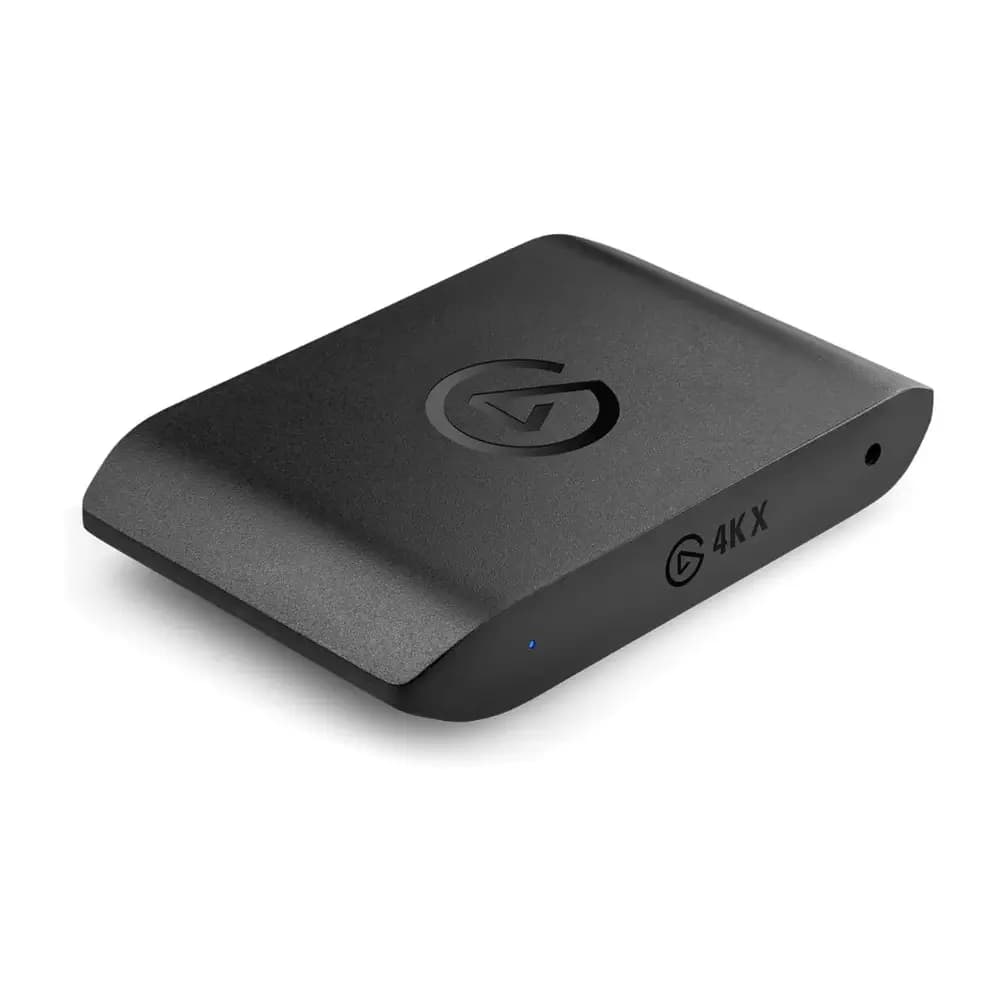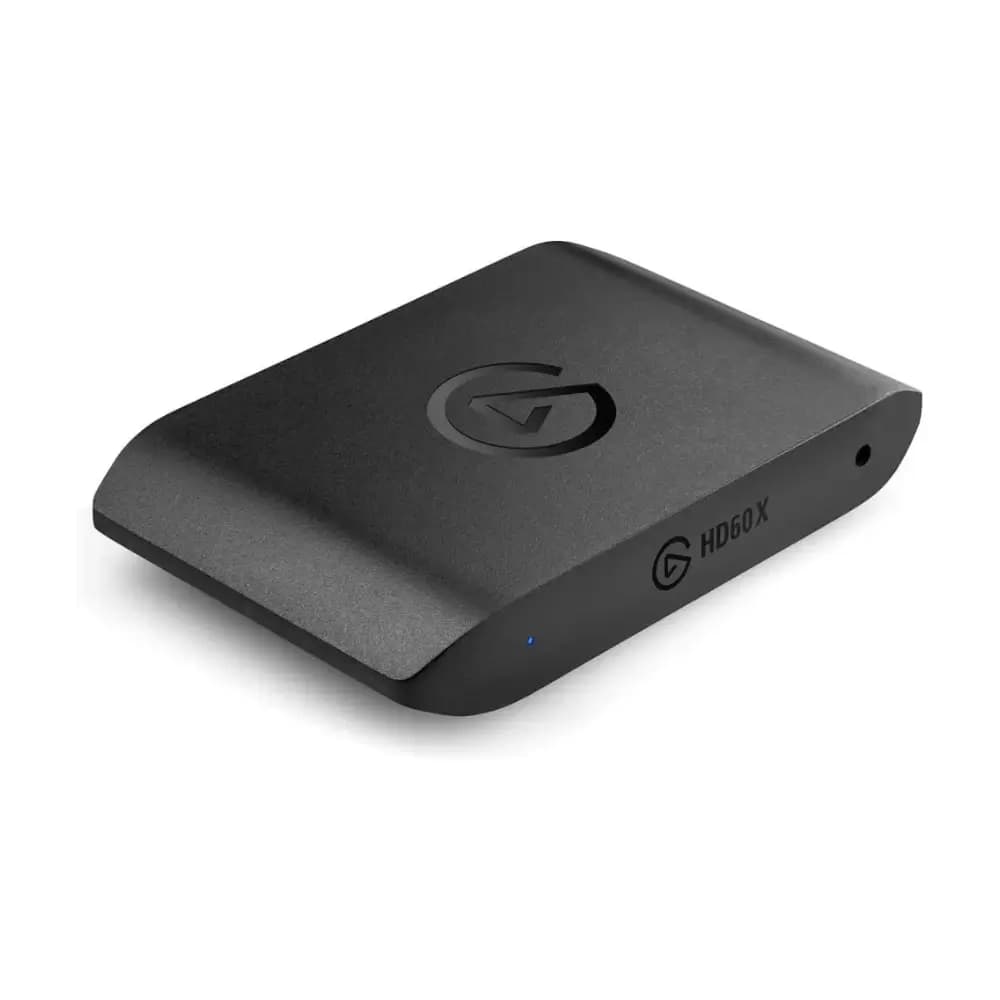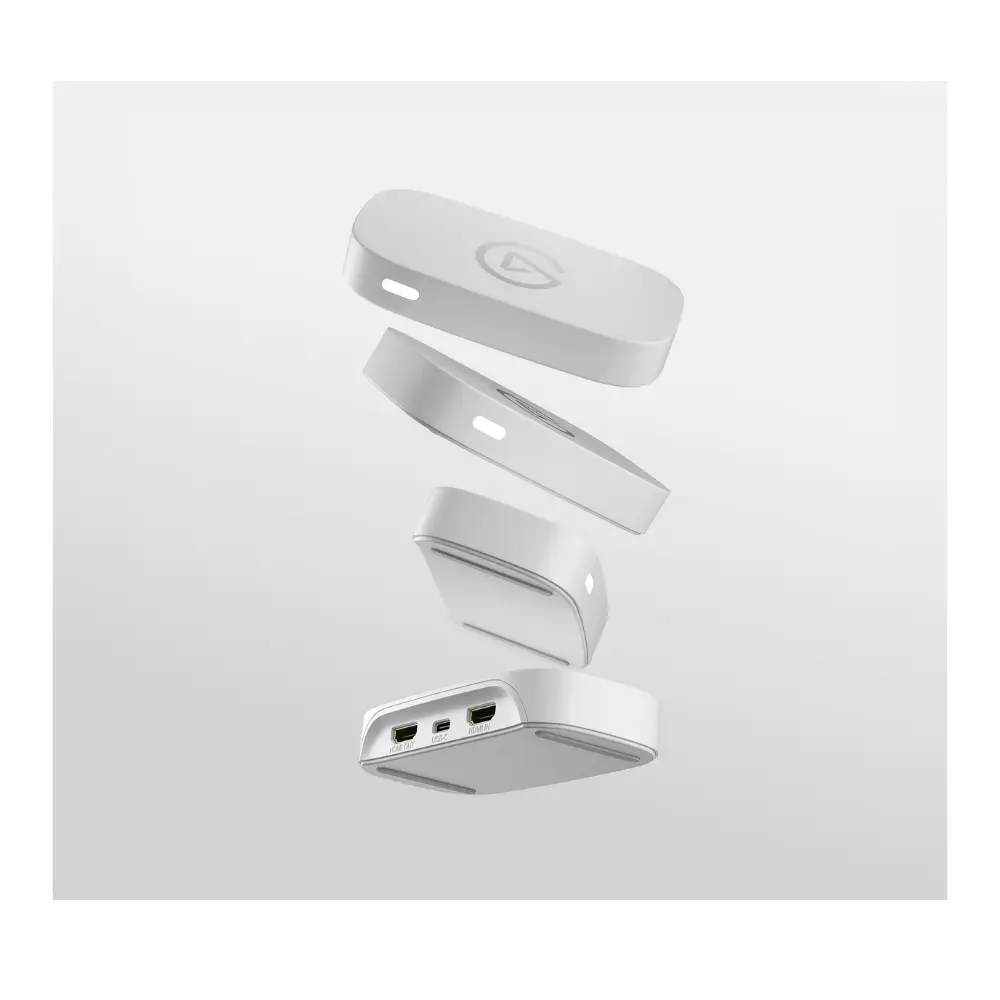
Elgato Game Capture Neo 4K HDR Game Capture Card White
BDT 12,180
Quantity
If you're ready to start recording or streaming your gameplay without the usual hassle, the Elgato Game Capture Neo is built to make that jump simple. This compact 4K HDR game capture card sits between your console (or PC) and your display, passing through video at up to 4K60 HDR while feeding a clean, lag-free feed to your laptop or iPad for recording and streaming.
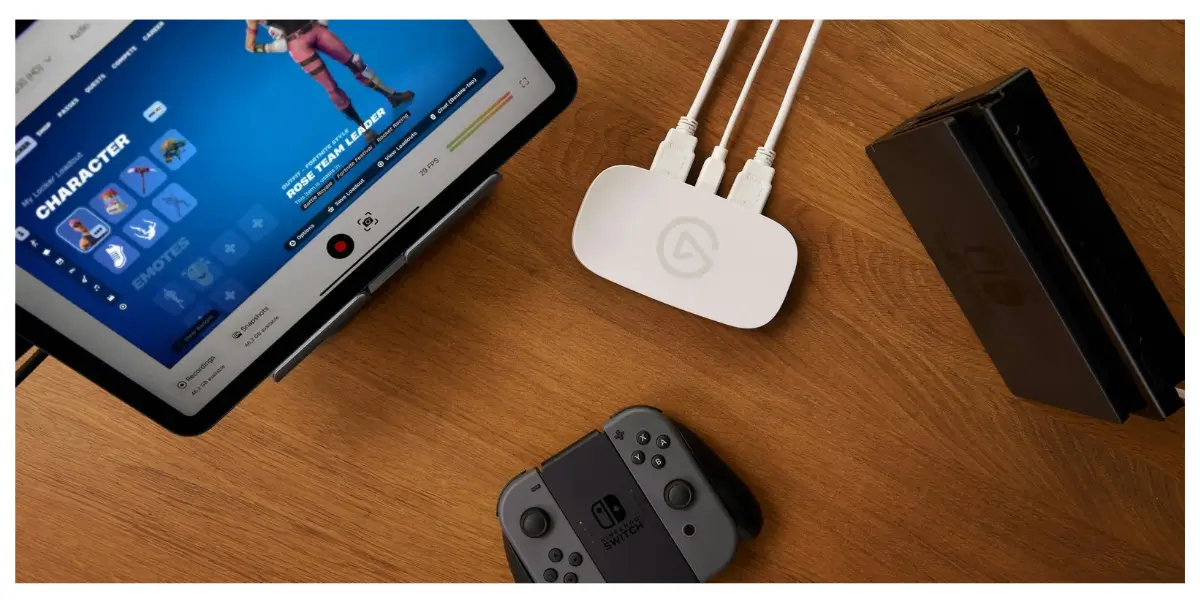
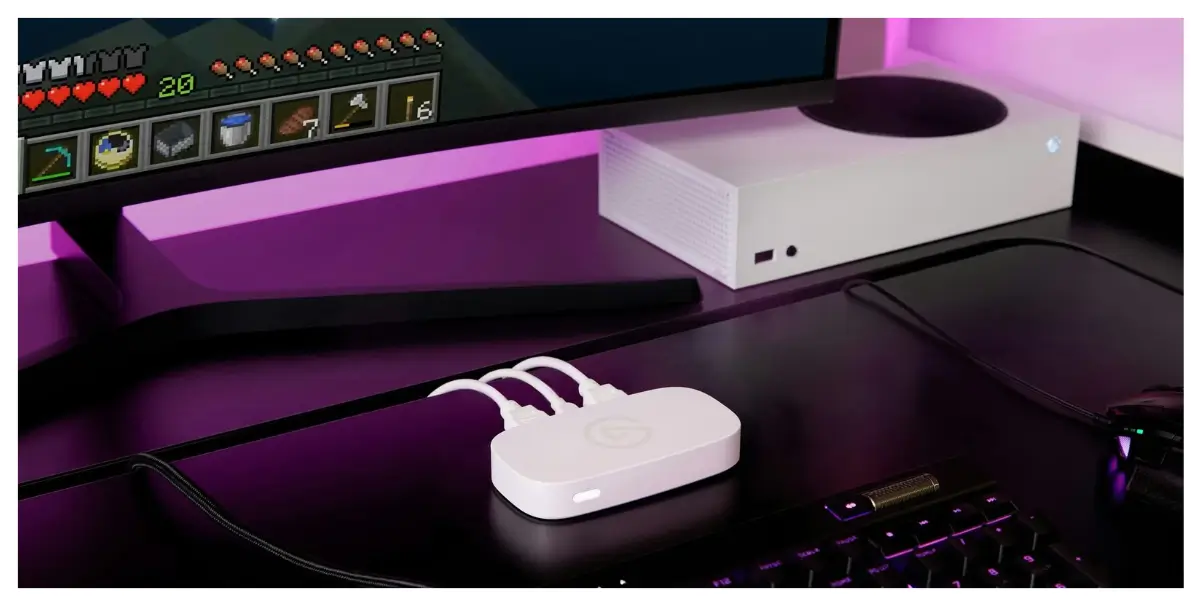
What makes this Elgato capture card stand out is how little setup it demands — plug it in over USB 3.0, open Elgato Studio or any capture app of your choice, and you're live. Whether you're recording a walkthrough on your PS5 or Xbox, or streaming to friends from your laptop, the Game Capture Neo handles the heavy lifting so you can focus on the content.
At just 90 g and small enough to slip into a backpack, it's a practical pick for creators who record at home and on the go alike.
Key Features
Up to 4K60 HDR Passthrough – Your gameplay stays smooth and vibrant on the big screen, even while you're capturing footage on the side, so there's zero compromise on your actual gaming experience.
Lag-Free HDMI Output – The passthrough signal reaches your display with no noticeable delay, which matters for fast-paced or competitive titles where timing is everything.
Up to 1080p60 Recording – Clean, smooth footage that's ready to edit and upload without needing extra compression or clean-up work.
USB 3.0 Connectivity – A fast, stable connection to your Mac or PC that keeps footage flowing without dropped frames.
Elgato Studio Software – Free capture software with everything needed to start recording, so you're not stuck buying extra tools.
Compact, Portable Build – At 123 x 65 x 20 mm and 90 g, it's small enough to travel with, whether that's a friend's house or a local gaming meetup.
Works with Any Capture App – Not locked into one ecosystem — use Elgato Studio or your preferred streaming/recording software.
Why Choose the Elgato Game Capture Neo
For anyone starting out in content creation, the Game Capture Neo removes the usual barriers — no confusing settings, no dedicated capture PC required, just a console, this card, and a laptop or iPad. It's a genuinely accessible entry point into recording and streaming, and one of the more straightforward capture cards on the market right now.
Because it supports both Mac and Windows systems, it fits into almost any existing setup, and its lag-free passthrough means your on-screen gameplay never suffers just because you're also capturing it. For everyday creators who want reliable 4K HDR game capture without a steep learning curve, this is a dependable, low-fuss choice.
Best Use Cases
Gaming – Record console or PC gameplay in crisp quality for YouTube or personal archives.
Streaming – Feed a lag-free signal to your laptop while streaming live to platforms like Twitch or YouTube.
Content Creation – Perfect for creators building a channel who need dependable capture without a dedicated rig.
Students & Hobbyists – An affordable way to get started in video creation without a big upfront investment in equipment.
Technical Specifications
Specification | Details |
|---|---|
Model | Game Capture Neo |
Color | White |
Type | External HDMI Game Capture Card |
Dimensions | 123 x 65 x 20 mm (4.8 x 2.6 x 0.8 in) |
Weight | 90 g (3.2 oz) |
Video Input | HDMI (unencrypted) |
Passthrough | Up to 4K60 HDR |
Video Output | HDMI, lag-free passthrough |
Recording Resolution | Up to 1080p60 |
Connectivity | USB 3.0 |
Software | Elgato Studio (free) |
Compatibility
Mac requirements: macOS 12 or iPadOS 17 or newer, Apple M1 chip or Intel Core i5-4xxx quad-core or better, Apple M1/AMD/NVIDIA GPU, 8 GB RAM or more, USB 3.0 port.
Frequently asked questions
Does the Game Capture Neo record in 4K?
It passes through video at up to 4K60 HDR to your display, but recording is captured at up to 1080p60 — ideal for smooth, upload-ready footage.
Will using this capture card add lag to my gameplay?
No. The HDMI passthrough is lag-free, so what you see on your main display is exactly what you'd see without the capture card connected.
What do I need to start capturing?
Just a console or PC, an HDMI cable, a Mac or Windows laptop (or a compatible iPad) with a USB 3.0 port, and Elgato Studio or any capture software of your choice.
Can I use this with an iPad?
Yes, it supports iPadOS 17 or newer for capture and recording.
Elgato Store
More in-stock picks from this brand