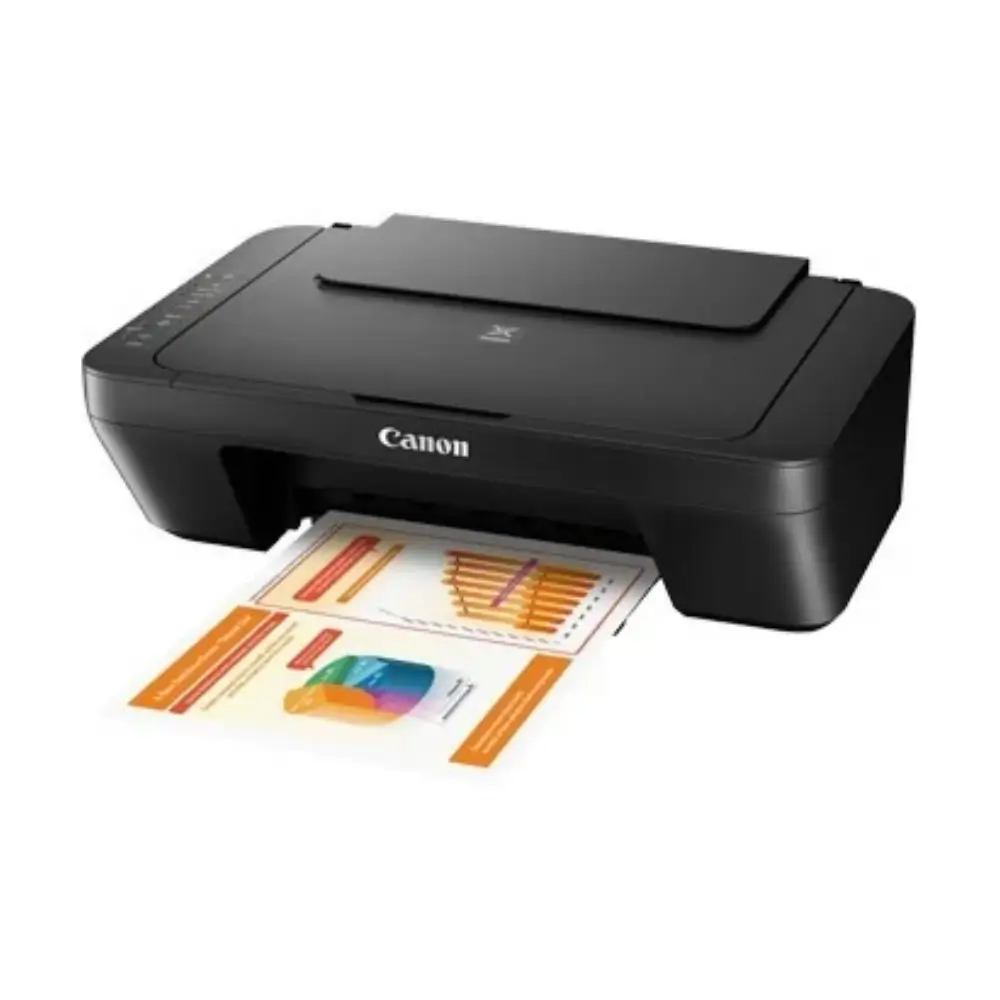
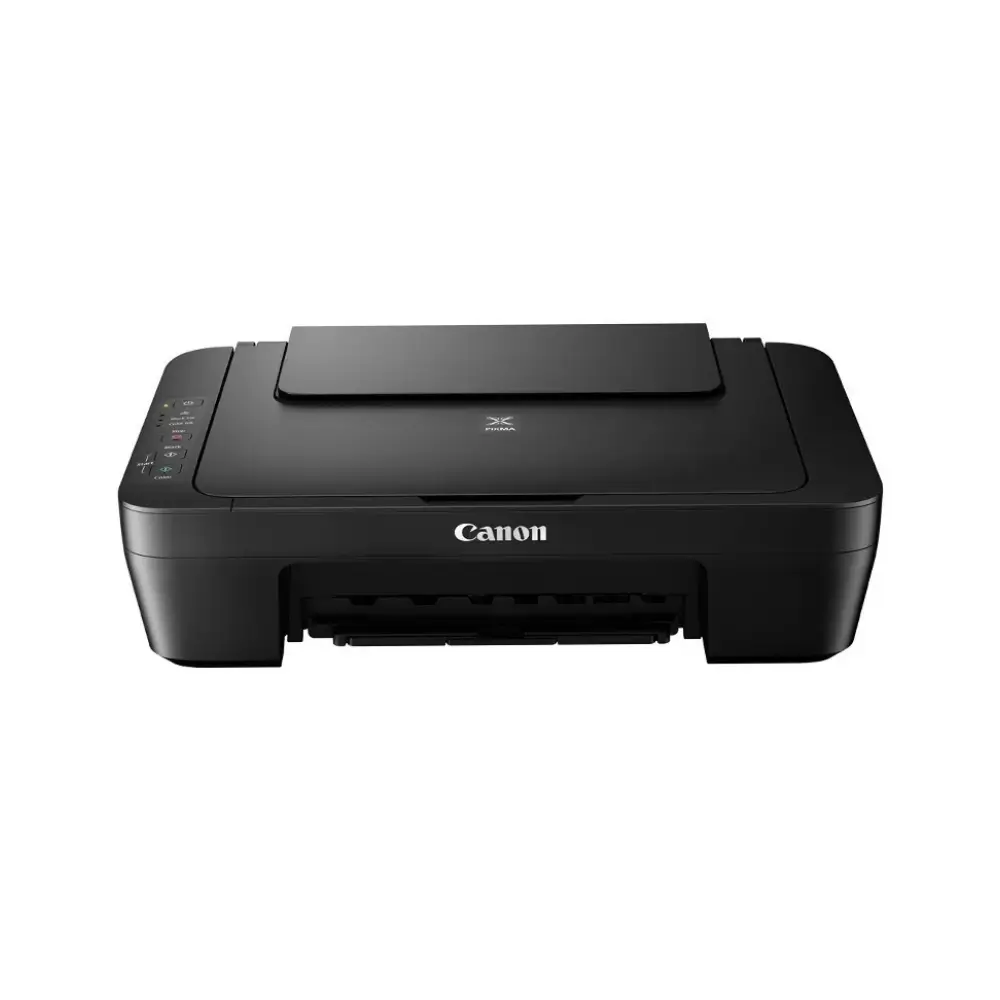
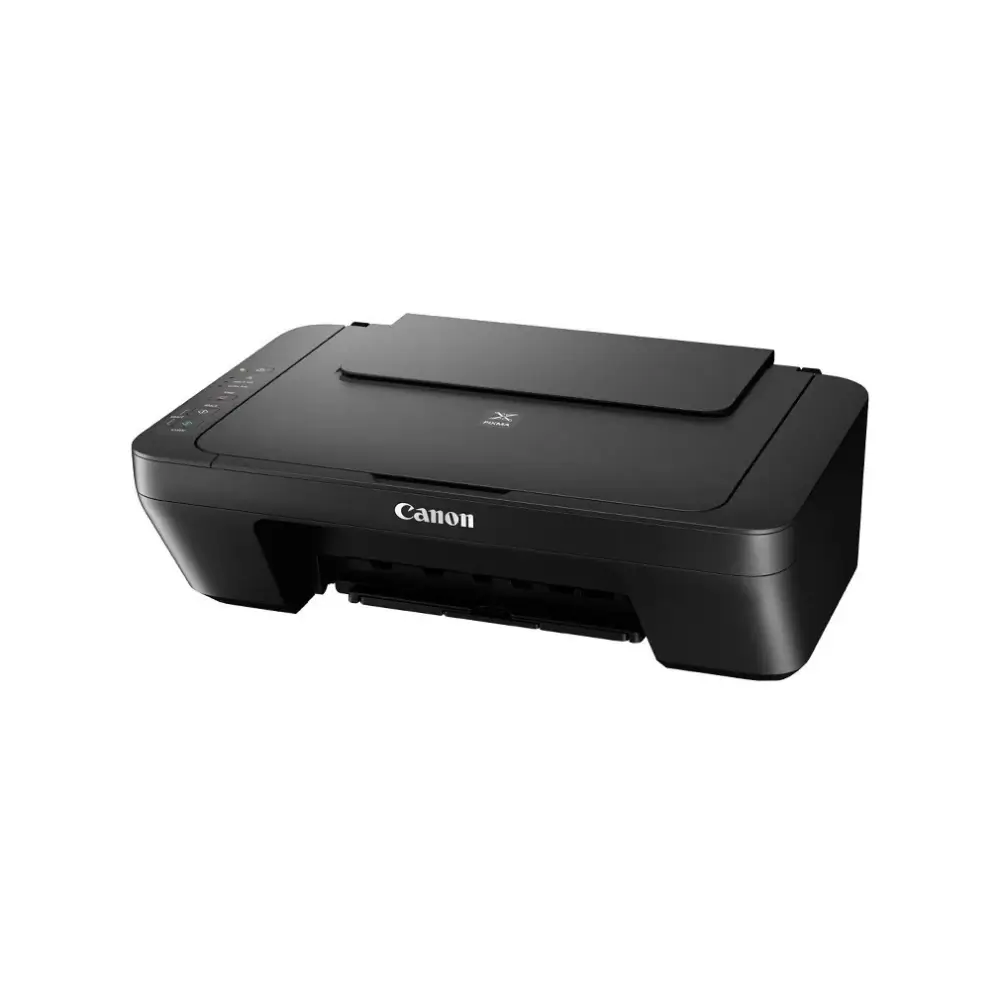
Canon Pixma MG2570S All-in-One Color Inkjet Printer
BDT 5,980
Quantity
The Canon Pixma MG2570S all-in-one printer brings printing, scanning and copying into one compact machine, so you don’t need three separate devices for everyday paperwork. It prints at up to 4,800 x 600 dpi, which gives sharp text and clear colour documents.
It is a practical choice for students, home users and small offices. You can print assignments, scan certificates and NID copies, or make quick A4 copies without leaving your desk. If you have been looking for a dependable Canon printer at a fair price in Bangladesh, this model is a sensible place to start.
Setup is simple. It connects by USB 2.0 and works with Windows and macOS computers.
Key Features
3-in-1 functionality (print, scan, copy): Handle documents, forms and homework from one device, which saves desk space and cost.
Up to 4,800 x 600 dpi print resolution: Text looks crisp and colours look clear in everyday documents and photo prints.
Print speed of about 8 ipm (mono) and 4 ipm (colour): Suitable for regular home and study printing without long waits.
Flatbed scanner with CIS technology: Scan A4 documents, IDs and photos at up to 600 x 1,200 dpi optical resolution. Optical resolution scanning requires the TWAIN driver.
48-bit colour scanning: Captures more colour detail for photos and coloured documents.
Copy up to 21 pages in one run: Convenient for quick multi-copy jobs such as forms and notes.
Rear paper tray (up to 60 sheets of plain paper): Load A4, A5, B5, Letter, Legal, envelopes, and 4 x 6" or 5 x 7" photo paper.
PG-745S and CL-746S ink cartridges: The black pigment ink gives sharp text, and the dye-based colour ink handles graphics and photos. Optional PG-745/CL-746 and XL cartridges are also supported.
Low power use: It draws about 9 W in operation and 1 W on standby, and it works on AC 100-240 V, 50/60 Hz.
Why Choose the Canon Pixma MG2570S All-in-One Printer
The Canon Pixma MG2570S all-in-one printer covers the three tasks most people actually need: printing, scanning and copying. A single compact unit replaces separate machines, so it fits easily on a home study table or a small office counter.
Canon is a well-known name, and the MG2570S shows why people look for a Canon printer for regular use. It suits users who want straightforward USB connection, familiar ink cartridges and steady everyday output. The 1,280-nozzle print head supports the detailed text and colour quality the printer is rated for.
If you want a simple, reliable printer for daily work, this is a good fit.
Best Use Cases
Students: Print assignments, scan notes and copy study material.
Home use: Print forms, bills, recipes and 4 x 6" or 5 x 7" photos.
Small office: Scan and copy A4 documents, print envelopes and daily paperwork.
Technical Specifications
Specification | Details |
|---|---|
Model | Canon Pixma MG2570S |
Type | Inkjet Multifunction Printer (Print, Scan, Copy) |
Number of Nozzles | Total 1,280 nozzles |
Ink Cartridges | PG-745S (Pigment Black), CL-746S (Dye-based Colour) |
Optional Cartridges | PG-745, CL-746 / PG-745XL, CL-746XL |
Max Print Resolution | 4,800 (H) x 600 (V) dpi |
Print Speed (Document, ESAT/Simplex) | 8 ipm (Mono) / 4 ipm (Colour) |
Print Width | Up to 203.2 mm (8") |
Scanner Type | Flatbed (Platen), Contact Image Sensor (CIS) |
Optical Scan Resolution | 600 x 1,200 dpi |
Scanning Bit Depth (Input/Output) | Greyscale: 16 bit / 8 bit; Colour: 48 bit / 24 bit |
Max Scan Size | A4, Letter (216 x 297 mm) |
Copy Speed (Colour) | sFCOT 31 sec / sESAT 1.6 ipm |
Maximum Copies | 21 pages |
Paper Sizes | A4, A5, B5, Letter, Legal, Envelope (COM10, DL), 4 x 6", 5 x 7" |
Custom Paper Size | Width 101.6-215.9 mm, Length 152.4-676 mm |
Paper Tray Capacity | Plain paper 60 sheets; Photo Paper Plus Glossy II 20 sheets; Envelope 5 |
Paper Weight | Plain paper 64-105 g/m²; Canon photo paper up to approx. 275 g/m² |
Interface | USB 2.0 |
OS Compatibility | Windows 8 / 7 / Vista / XP; macOS X 10.7.5 or later |
Power Requirements | AC 100-240 V, 50/60 Hz |
Power Consumption | Off: 0.4 W; Standby: 1 W; Operation: 9 W |
Operating Temperature / Humidity | 5-35°C / 10-90% RH (no condensation) |
Compatibility
Operating systems: Windows 8, Windows 7, Windows Vista, Windows XP, and macOS X 10.7.5 or later.
Connection: USB 2.0 cable connection to a computer.
Drivers: Check the Canon support website for the latest driver updates for your operating system.
Frequently asked questions
What can the Canon Pixma MG2570S do?
It is a 3-in-1 inkjet printer that prints, scans and copies A4 documents.
Does the Canon Pixma MG2570S support Wi-Fi?
No. According to the listed specifications, it connects via USB 2.0.
Which ink cartridges does this Canon printer use?
It uses the PG-745S (black) and CL-746S (colour) cartridges. Optional PG-745/CL-746 and XL versions are also listed.
What paper sizes can I print on?
A4, A5, B5, Letter, Legal, envelopes (COM10, DL), and 4 x 6" and 5 x 7" photo paper. Custom sizes are also supported.
Canon Store
More in-stock picks from this brand

Canon Pixma TS207 Single Function Color Inkjet Printer with Manual Duplex
৳7,280

Canon Pixma G1737 Single Function Color Ink Tank Printer
৳12,480

Canon imageCLASS LBP6030B Mono Laser Printer, 19 PPM
৳14,800

Canon imagePROGRAF PRO-521 24-Inch Large Format Printer
৳470,000

Canon imagePROGRAF TM-5350 36-Inch Large Format Printer
৳310,000

Canon imagePROGRAF TM-5250 24-Inch Large Format Printer
৳190,000

Canon imagePROGRAF TC-20M 24-Inch Large Format Printer
৳130,000

Canon imagePROGRAF TC-21 24-Inch Large Format Printer
৳110,000


