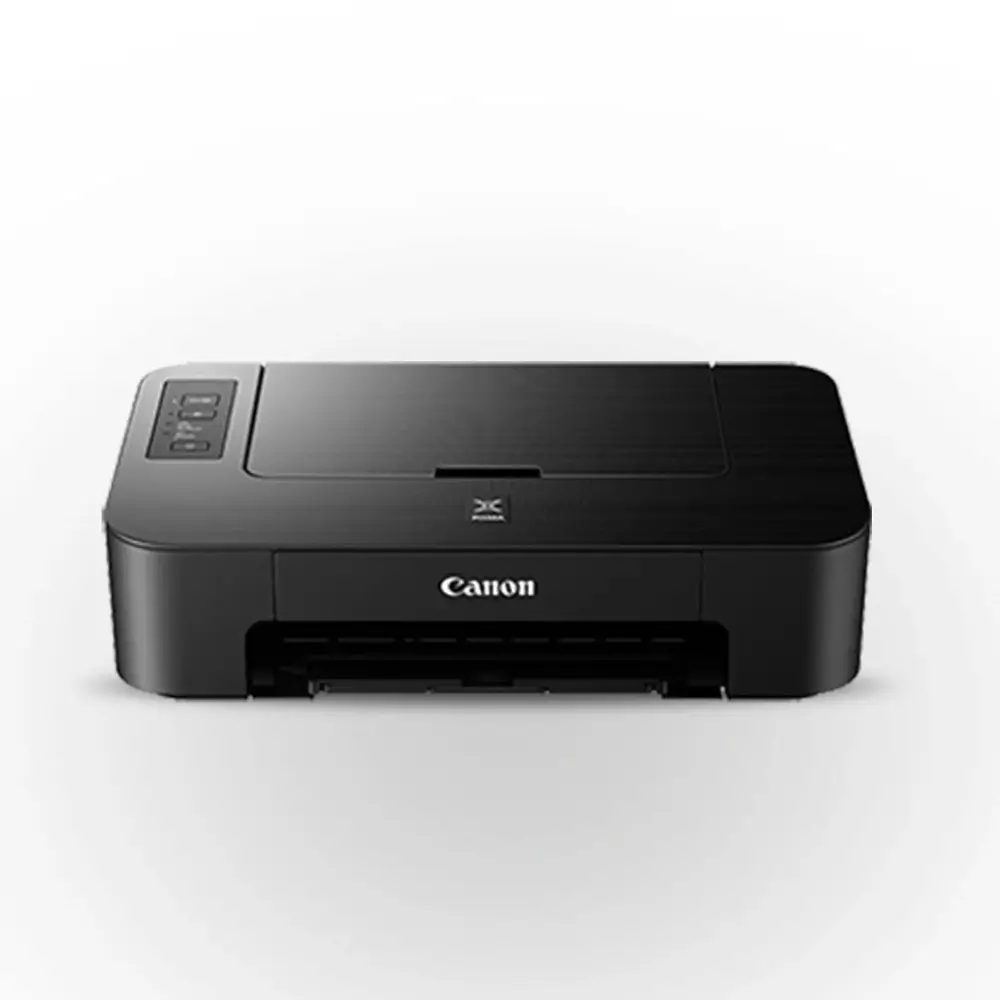
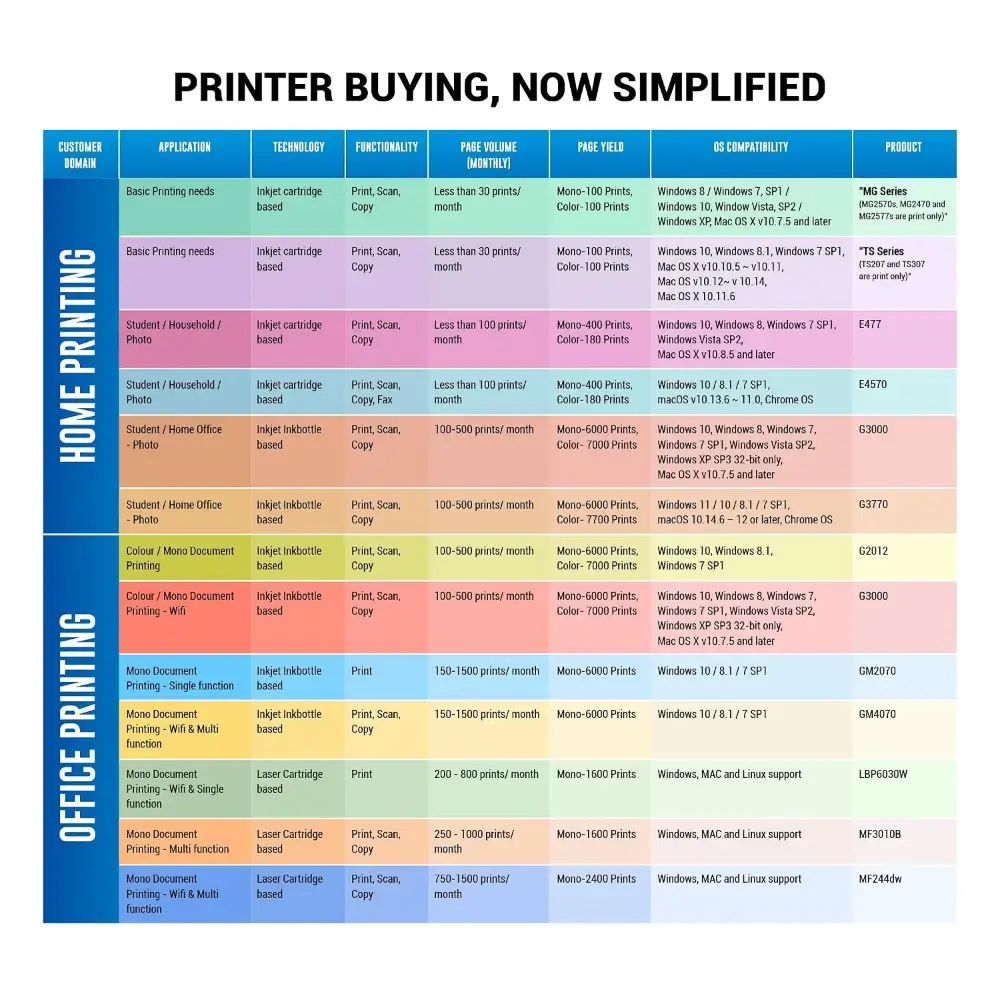
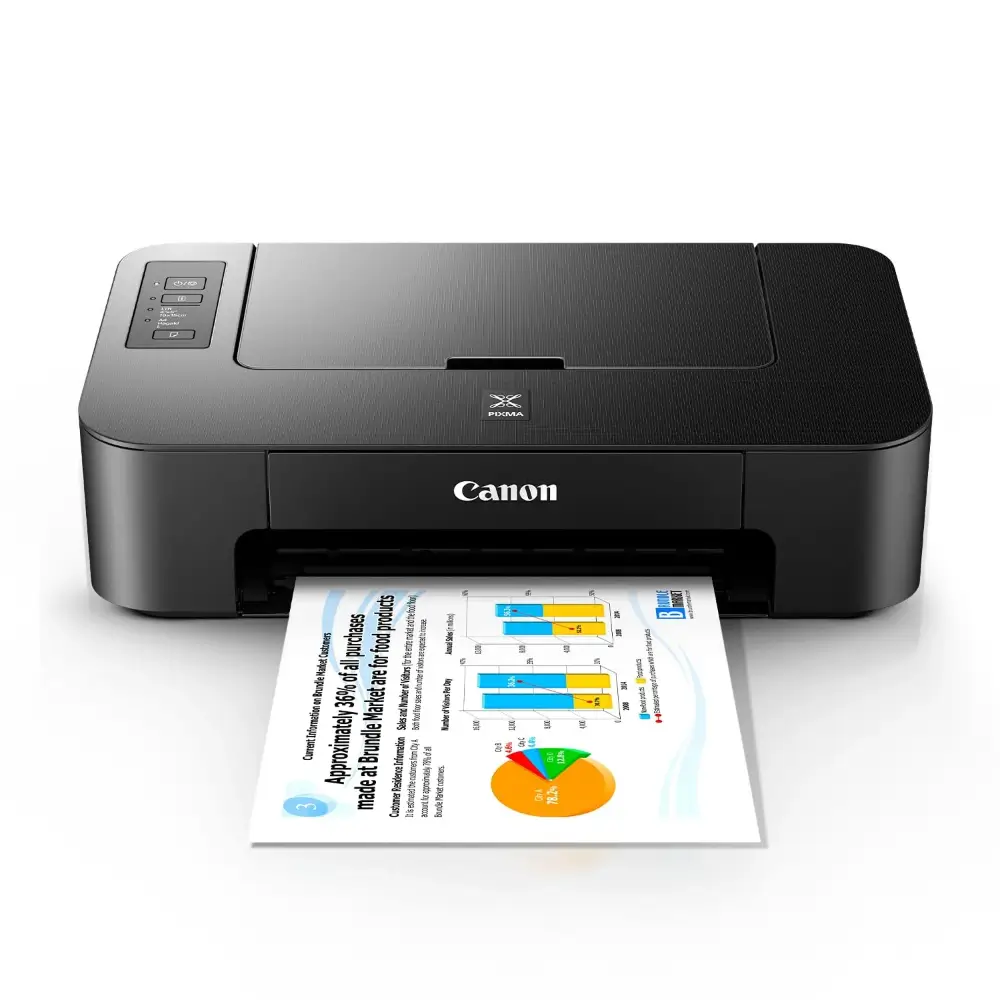
Canon Pixma TS207 Single Function Color Inkjet Printer with Manual Duplex
BDT 7,280
Quantity
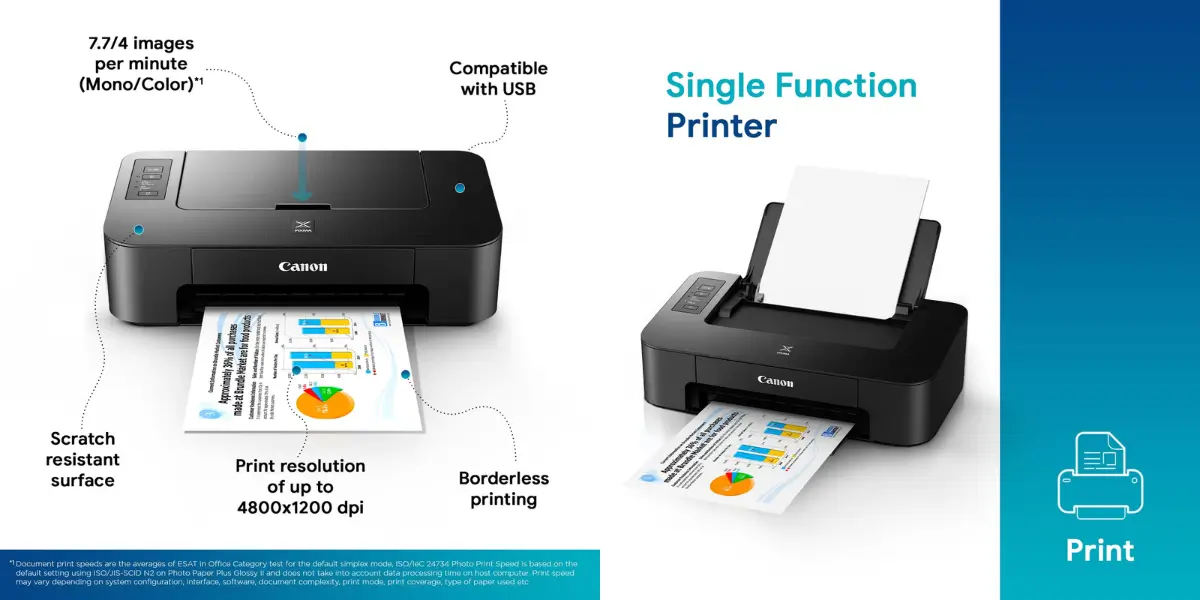
The Canon Pixma TS207 is a single function color inkjet printer built for simple, dependable everyday printing. It prints documents, school assignments and 4 x 6" photos at up to 4,800 x 1,200 dpi, so text looks crisp and colors look vivid.
Setup is easy because it connects to your computer over USB 2.0. At home, in a small office or in a student's study corner, this compact Canon printer fits on a desk without taking over the space.
If you are looking for a reliable Canon printer for regular print jobs, the Pixma TS207 gives you color and black and white printing with no unnecessary extras.
Key Features
Print-only design: It focuses on printing alone, which keeps it easy to use and a good fit for people who do not need scanning or copying.
4,800 x 1,200 dpi print resolution: Documents come out sharp, and colors in photos and graphics stay detailed.
Print speed of up to 7.7 ipm (mono) and 4.0 ipm (color): Everyday black and white pages print at a steady pace, and color pages stay manageable for light use.
Manual duplex printing: You can print on both sides of the paper and save on paper for reports and study notes.
USB 2.0 interface: A direct wired connection to your PC or Mac makes setup straightforward.
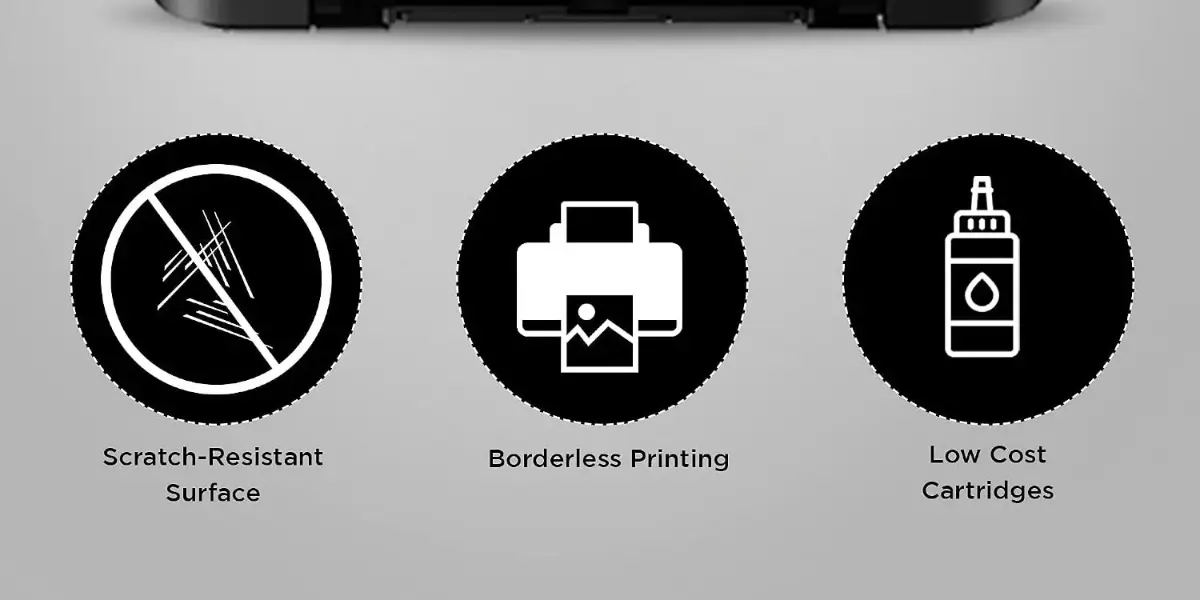
Photo printing support: It prints 4 x 6" borderless photos, with a first print out time of about 65 seconds, for small keepsakes and projects.
Compact 426 x 255 x 131 mm body, 2.5 kg: It is easy to place on a desk or shelf and easy to move when needed.
Why Choose This Single Function Color Inkjet Printer
The Pixma TS207 suits people who want a simple printer from a trusted brand without paying for features they will not use. It handles daily document printing and occasional color or photo prints in one compact unit.
Simple to use: Plug in the USB cable, install the software and start printing.
Flexible paper support: It works with plain paper from 64 to 105 g/m² and with Canon Photo Paper Plus Glossy II up to about 275 g/m².
Practical for home use: Homework, forms, certificates and photos are all easy to print.
Backed by a known brand: Canon CL-745S black and CL-746S color cartridges are the supported ink, and you also get a 1-year limited warranty.
Many shoppers searching for a Canon printer choose this model for its straightforward design and dependable print quality.
Technical Specifications Table
Specification | Details |
|---|---|
Model | Canon Pixma TS207 |
Type | Single Function Color Inkjet Printer |
Functions | Print only |
Output Color | Color and black & white |
Print Technology | Inkjet |
Print Speed (Mono) | Up to 7.7 ipm |
Print Speed (Color) | Up to 4.0 ipm |
Print Resolution | 4,800 x 1,200 dpi (black and color) |
First Print Out Time | Photo (4 x 6", PP-201, borderless): 65 sec |
Duplex | Manual |
Paper Capacity | Plain paper (64 g/m², A4/LTR): 60 sheets; Photo Paper Plus Glossy II (PP-201, PP-208, 4 x 6"): 20 sheets; Photo Sticker (PS-208): 1 sheet |
Paper Weight | 64 - 105 g/m² (plain paper); up to approx. 275 g/m² (Canon Photo Paper Plus Glossy II, PP-201) |
Connectivity | USB 2.0 |
Cartridges | Canon CL-746S Color, Canon CL-745S Black |
Color | Black |
Dimensions | 426 x 255 x 131 mm |
Weight | 2.5 kg |
Warranty | 1-year limited warranty (adapter not covered) |
Best Use Cases
Students: Print assignments, notes and projects.
Home: Print forms, recipes, photos and everyday documents.
Small office: Print invoices, letters and light daily paperwork.
Compatibility
Windows: Windows 10, Windows 8.1 and Windows 7 SP1
macOS: macOS 10.12 or later
Cartridges: Canon CL-745S Black and CL-746S Color
Frequently asked questions
Is the Canon Pixma TS207 a scanner or copier too?
No. The Canon Pixma TS207 is a print-only single function color inkjet printer. It does not scan or copy.
How do I connect the Canon Pixma TS207 to my computer?
It connects through a USB 2.0 cable to a Windows PC or a Mac.
Which operating systems does it support?
It supports Windows 10, Windows 8.1, Windows 7 SP1 and macOS 10.12 or later.
How fast does the Pixma TS207 print?
It prints at up to 7.7 ipm in black and white and up to 4.0 ipm in color.
Does it support double-sided printing?
Yes, it supports manual duplex printing. You flip the pages yourself to print on both sides.
Canon Store
More in-stock picks from this brand

Canon Pixma G1737 Single Function Color Ink Tank Printer
৳12,480

Canon imageCLASS LBP6030B Mono Laser Printer, 19 PPM
৳14,800

Canon imagePROGRAF PRO-521 24-Inch Large Format Printer
৳470,000

Canon imagePROGRAF TM-5350 36-Inch Large Format Printer
৳310,000

Canon imagePROGRAF TM-5250 24-Inch Large Format Printer
৳190,000

Canon imagePROGRAF TC-20M 24-Inch Large Format Printer
৳130,000

Canon imagePROGRAF TC-21 24-Inch Large Format Printer
৳110,000


